-
-
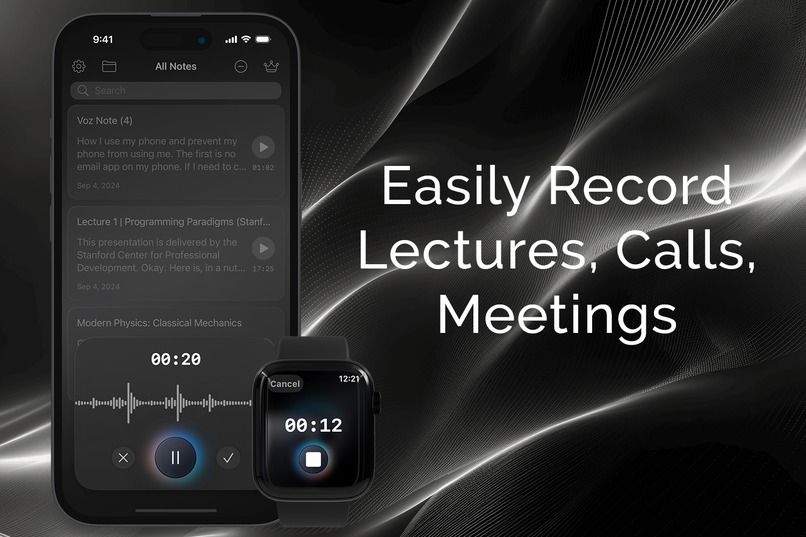
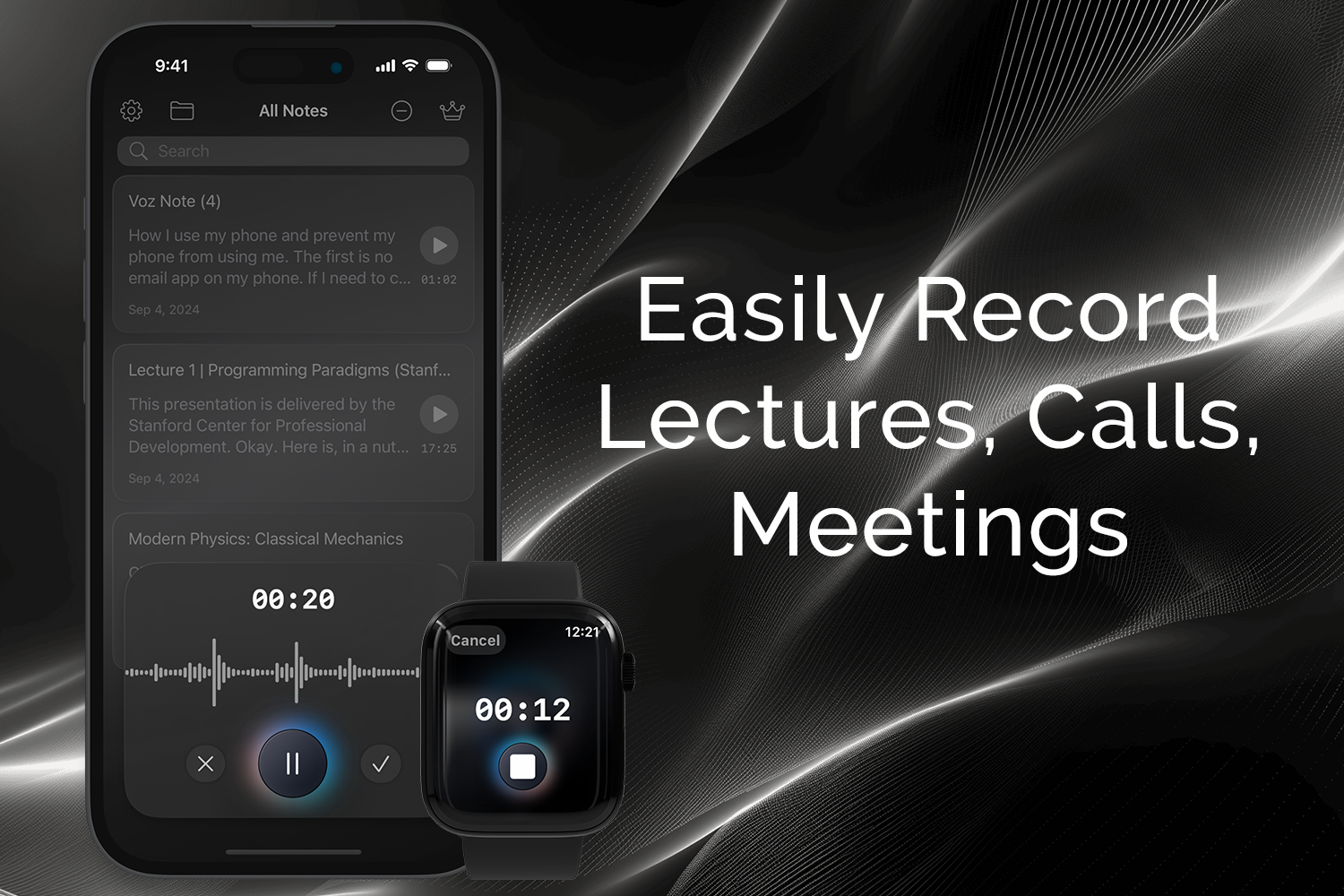
Easily record high-quality audio: lectures, calls, meetings, and more.
-
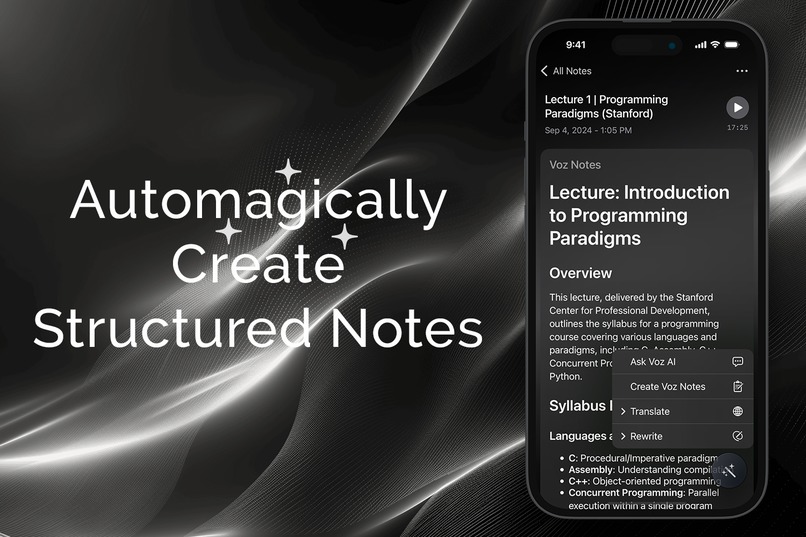
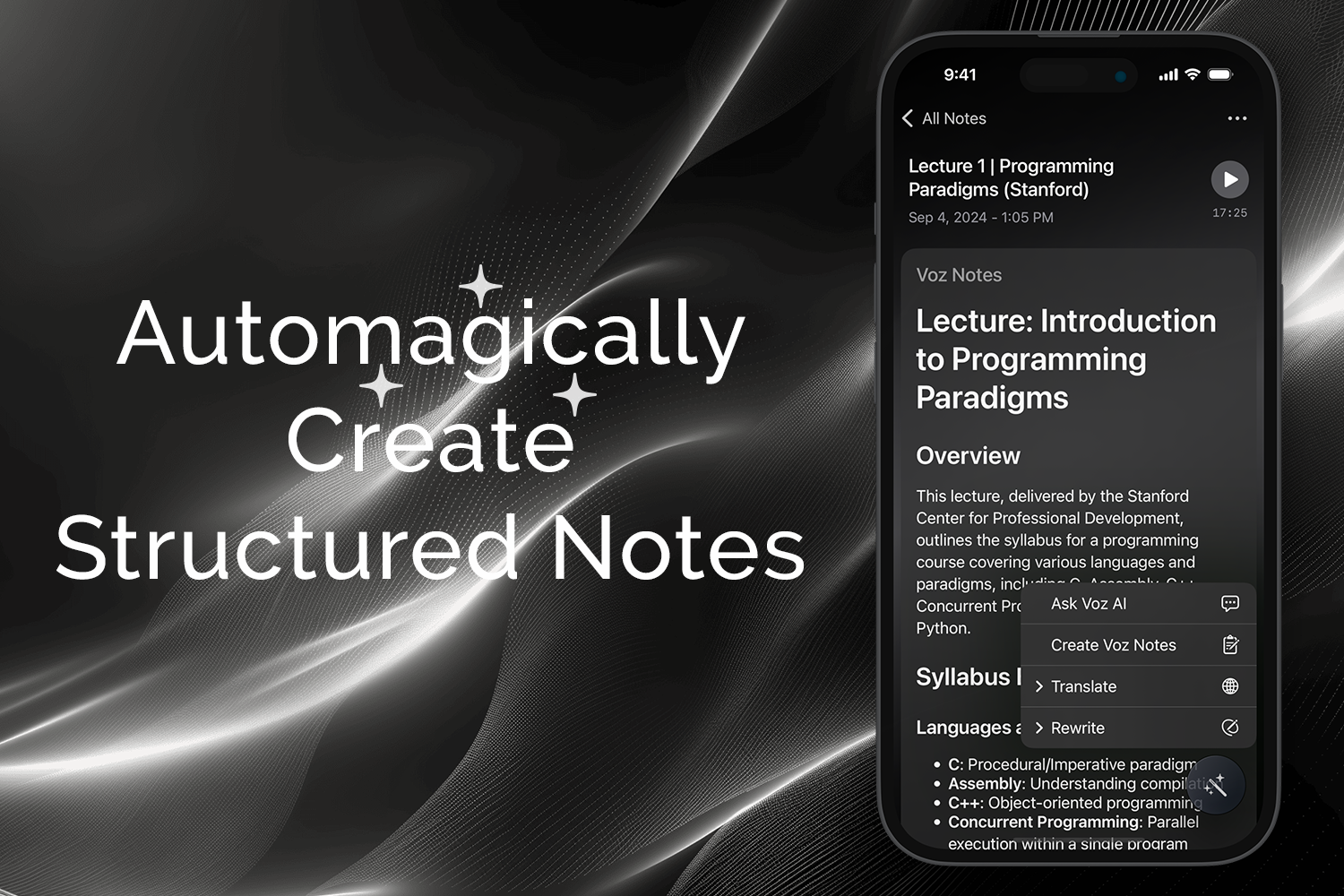
Automagically generate helpful structured notes.
-
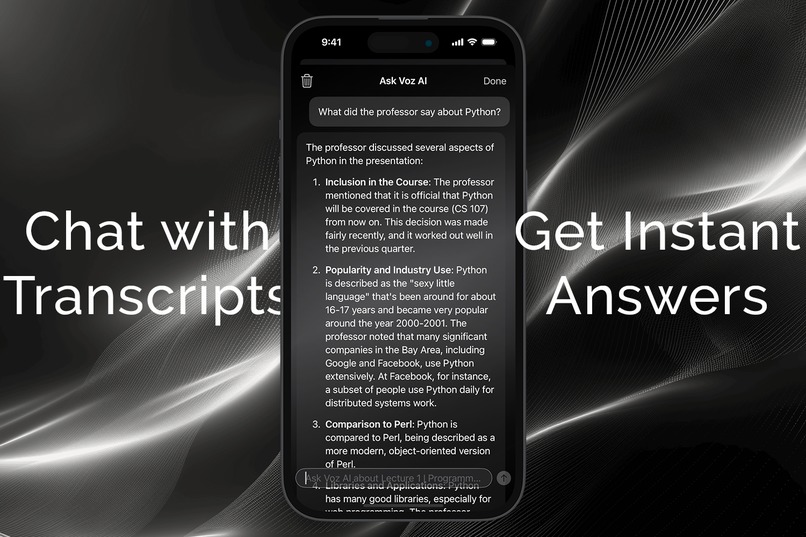
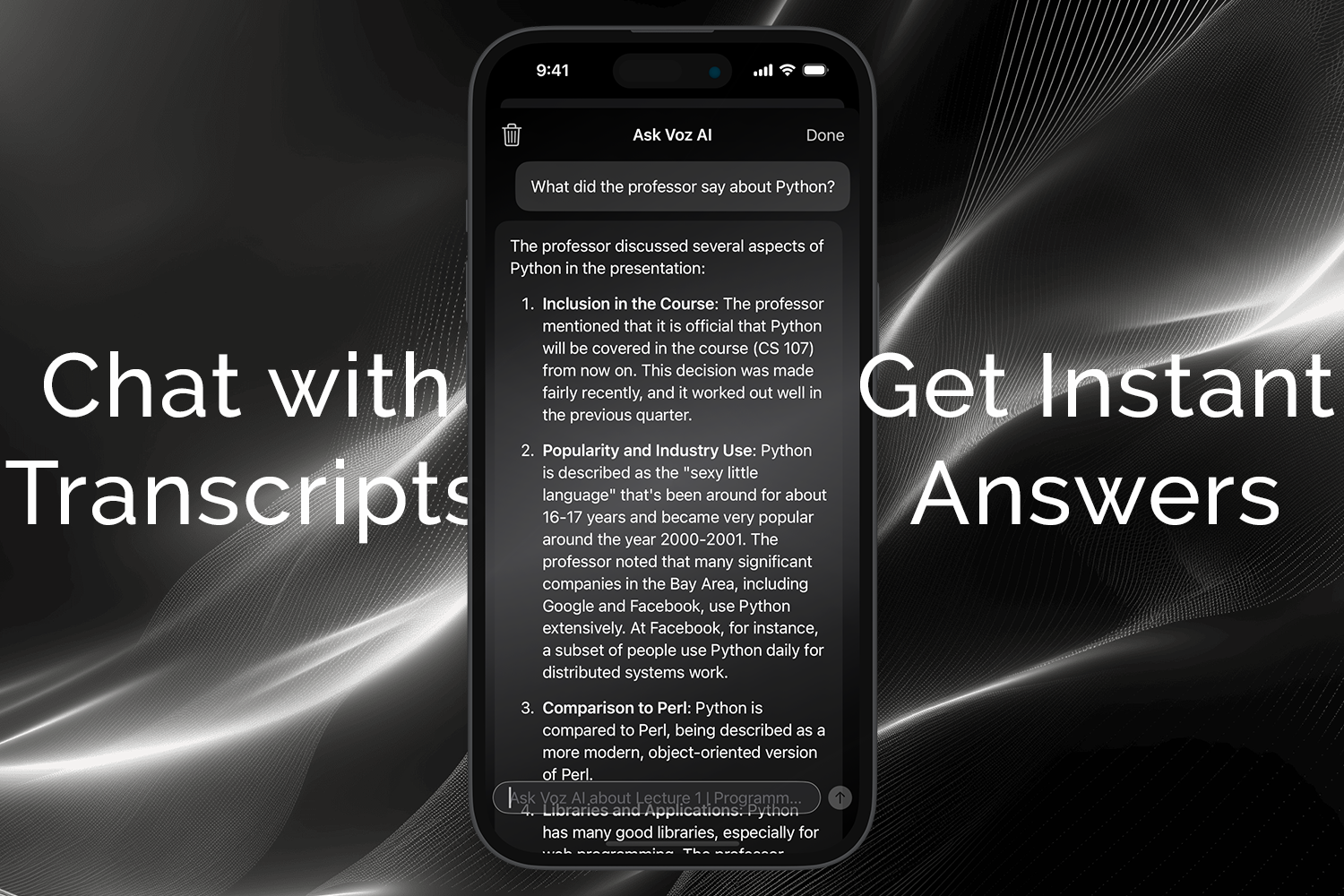
Chat with transcripts: Ask any questions — get instant answers.
-
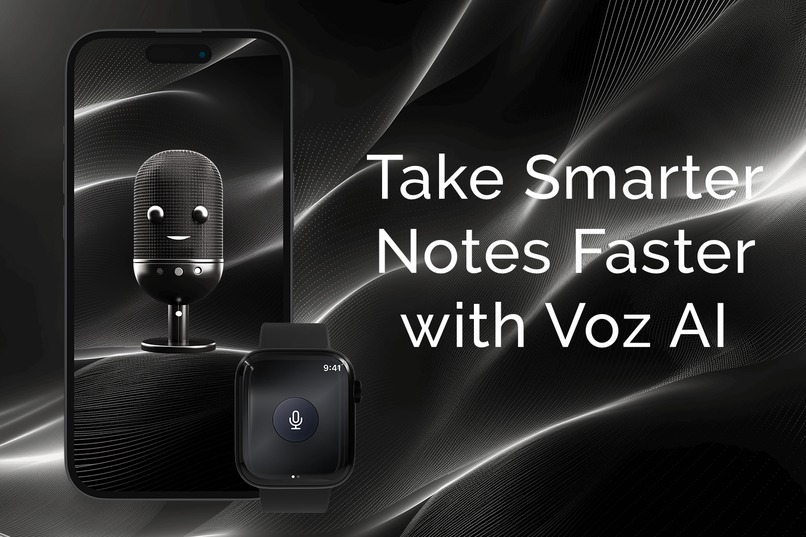
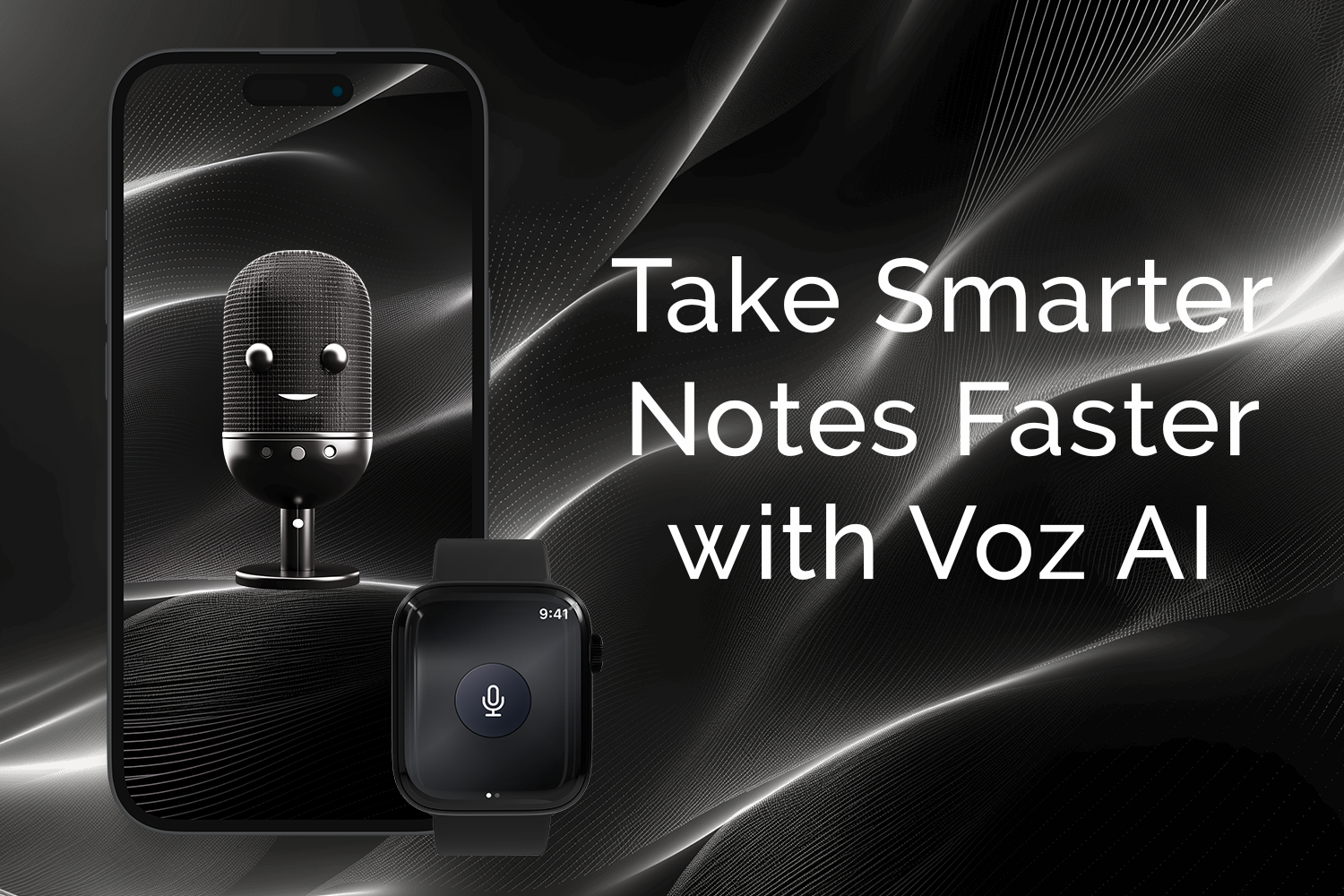
Take Smarter Notes Faster with Voz AI: Record, transcribe, summarize lectures, calls, or even YouTube videos in seconds.
The Story Behind Voz AI Note Taker
Inspiration
As an app developer, I've always been fascinated by the potential of voice processing applications. I noticed that truly effective voice processing apps are both rare and challenging to create. This realization, combined with my desire to simplify the process of extracting valuable information from various audio sources, led to the conception of Voz AI Note Taker.
I wanted to create an app that could transcribe, summarize, and translate YouTube videos with just two taps. Additionally, I saw an opportunity to leverage AI to allow users to interact with their transcripts through a chat interface, making the information even more accessible and useful.
What I Learned
Throughout the development of Voz AI Note Taker, I gained valuable insights and skills:
- Integrating multiple AI services (GPT-4, Whisper, Claude 3.5) for a seamless user experience
- Optimizing performance across iOS and watchOS platforms
- Balancing complex backend operations with a user-friendly frontend
- Implementing secure and efficient cloud services for data management
The Building Process
Planning
The project began with a clear vision: to create a powerful yet user-friendly voice processing app. I mapped out the core features - recording, transcription, summarization, and AI-powered chat - and planned how to integrate them across both iOS and watchOS platforms.
Development
Frontend
- Developed the iOS app using Swift, focusing on creating an intuitive user interface
- Created a companion watchOS app to extend functionality to Apple Watch users
- Implemented seamless integration with various APIs and services
Backend
- Built a robust backend using JavaScript and C# to handle complex processing tasks
- Integrated multiple AI services:
- GPT-4 and Claude 3.5 for advanced language processing and chat functionality
- Whisper for accurate speech-to-text transcription
Cloud Services and APIs
- Utilized Firebase for real-time database and authentication
- Implemented Azure and CloudFlare for scalable cloud computing and content delivery
- Integrated CloudKit for seamless iCloud sync across Apple devices
- Used RevenueCat for subscription management
- Incorporated YouTube Data API for video processing capabilities
Testing and Refinement
Rigorous testing was conducted across various devices and scenarios to ensure reliability and performance. User feedback was actively sought and incorporated, leading to several iterations and refinements of both the UI and backend processes.
Challenges and Solutions
Complex AI Integration: Integrating multiple AI services (GPT-4, Whisper, Claude 3.5) was challenging. I overcame this by creating a modular architecture that allowed for seamless communication between different AI services.
Cross-Platform Consistency: Ensuring a consistent experience across iOS and watchOS required careful planning. I solved this by developing a shared core logic and adapting the UI for each platform's unique characteristics.
Performance Optimization: Handling large audio files and complex AI processing while maintaining app responsiveness was tricky. I addressed this by implementing efficient data streaming and leveraging cloud computing for resource-intensive tasks.
Conclusion
Voz AI Note Taker represents a significant step forward in voice processing applications. By combining advanced AI capabilities with a user-friendly interface, we've created a tool that truly saves time and enhances productivity. Looking ahead, I'm excited to continue refining the app based on user feedback and exploring new AI advancements to further improve its capabilities.


Log in or sign up for Devpost to join the conversation.