vi-describe
built by Ian Ng, Ting Lin, Manh Dao, Cole Lee, Sean Mori
Inspiration
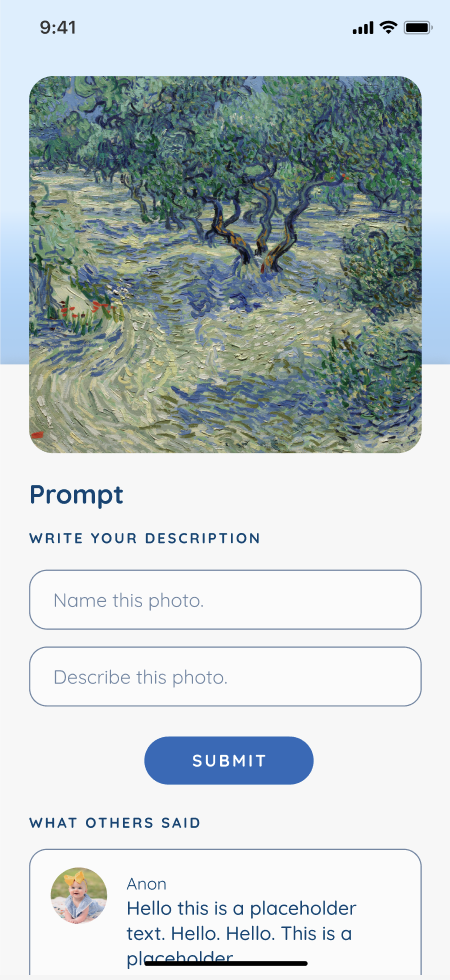
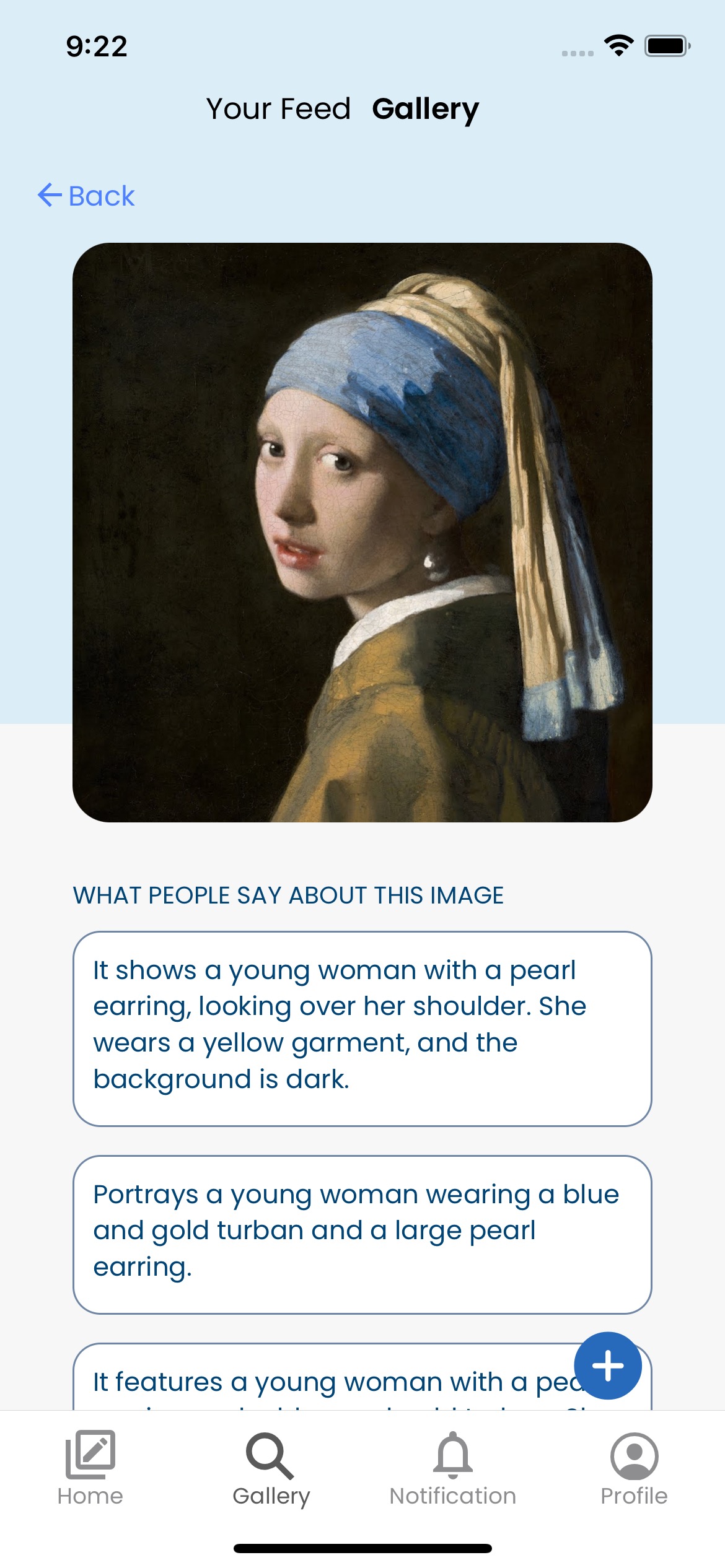
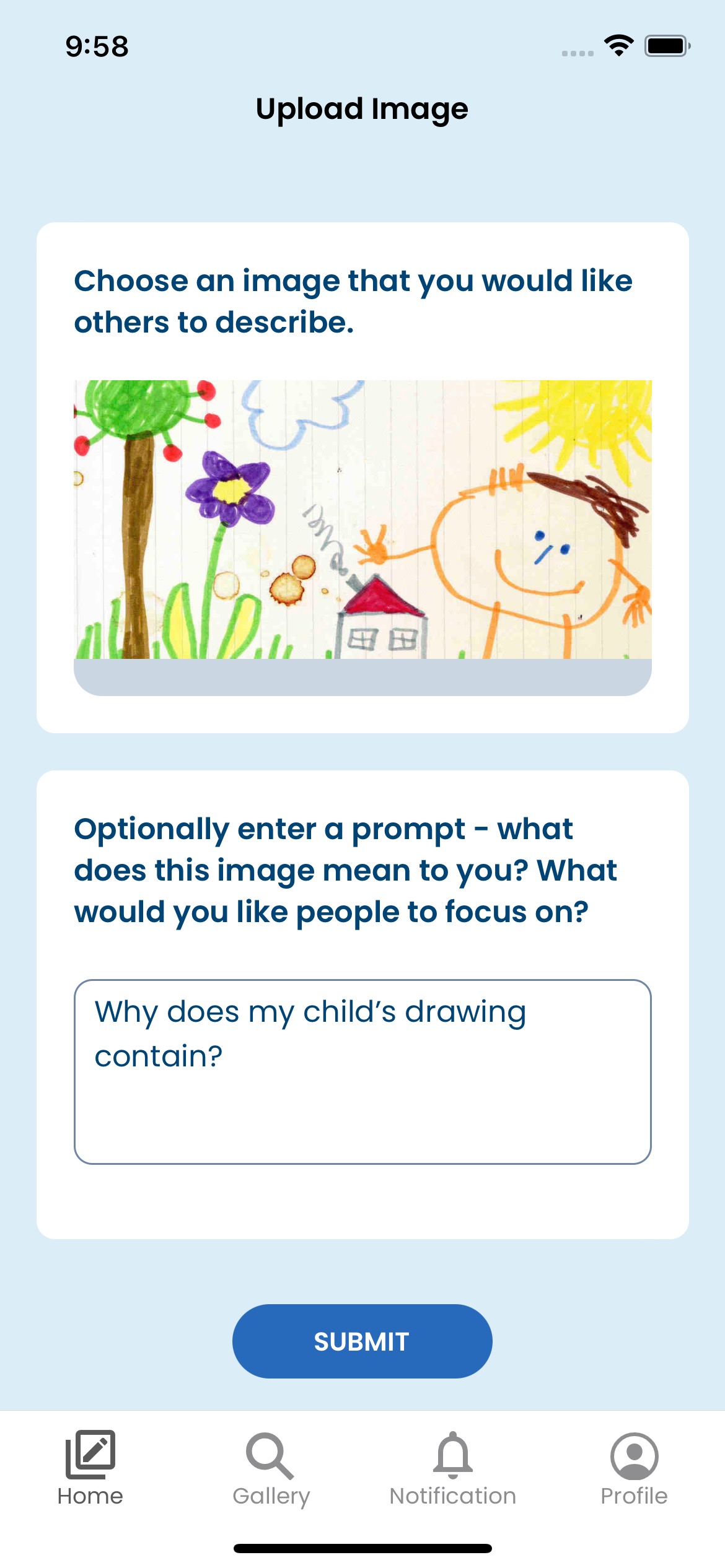
Our idea for our first hackathon originates from a disability in art class one of us took, where a classmate polled her friends for their description of an artwork. The responses that she received contained a diverse set of viewpoints and interpretations, which doesn't exist in audio or text form for most artworks. This is the crux of what we're solving; alt text generators and audio descriptors for images are great for describing the literal components for art, but lack the ability to describe human responses to artworks. Our application aims to be a solution to that: to provide the human responses to artworks.
To do this, we drew inspiration from the app Be My Eyes, an app that pairs blind users with volunteers to help them with everyday situations. However, instead of a one-to-one pairing system like Be My Eyes uses, our app publishes requests publicly, which any volunteer can respond to with their thoughts on the artwork, giving the user a wide range of different opinions and responses.
How We Built it:
Front End: Initial designs were created in Figma, and were coded in react-native.
Back End: Our app is written in Javascript, and API calls were made to Supabase, which stores our data and images.
Ethics/Accessibility:
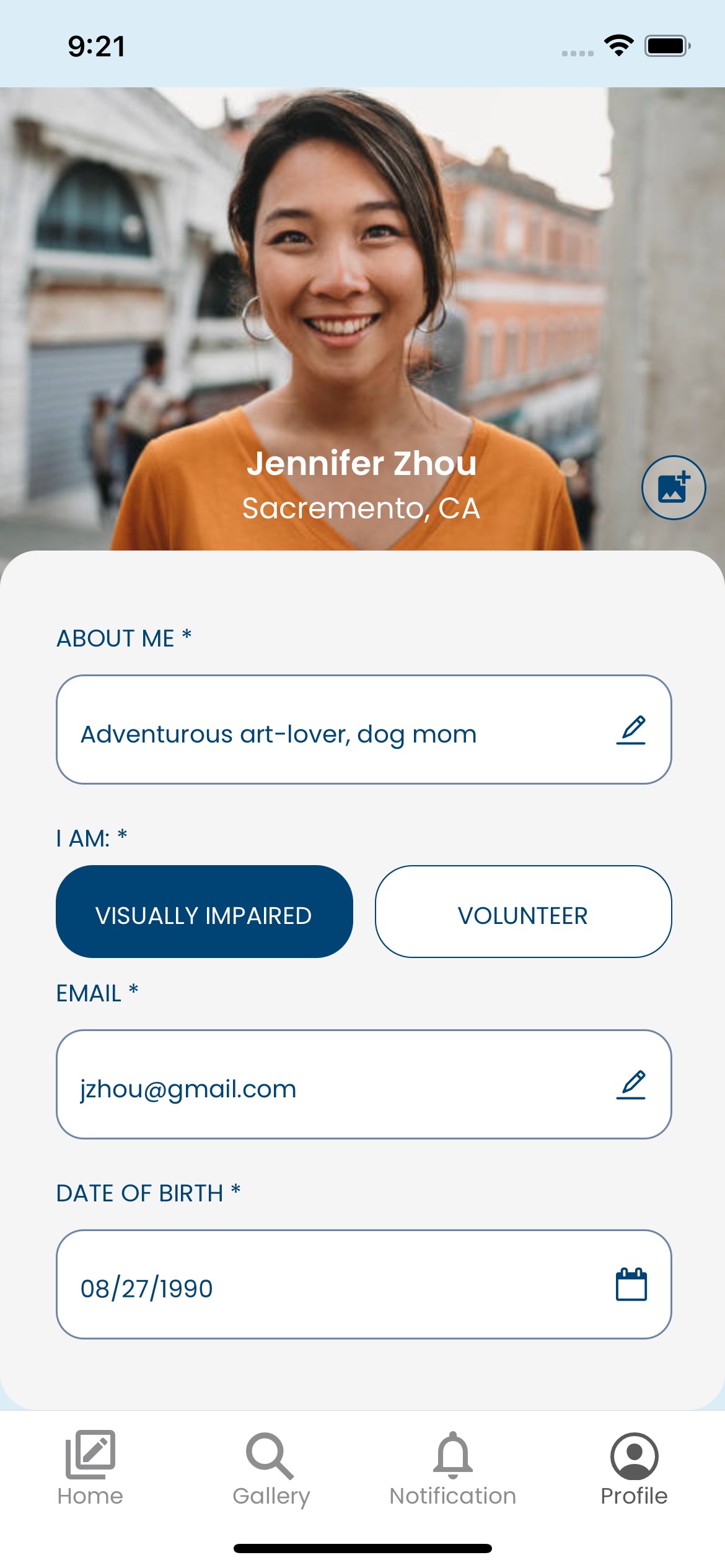
Designing with accessibility isn't about just making information accessible to those with disabilities, but rather making information available to everyone, regardless of their capabilities or situation. Designing an app with accessibility in mind means prioritizing simplicity and comprehensibility to all forms of disabilities. As such, our app design is guided by app accessibility principles outlined by Web Content Accessibility Guidelines (WCAG) 2.0 and how it pertains to mobile apps.
Some of the guidelines our app satisfies:
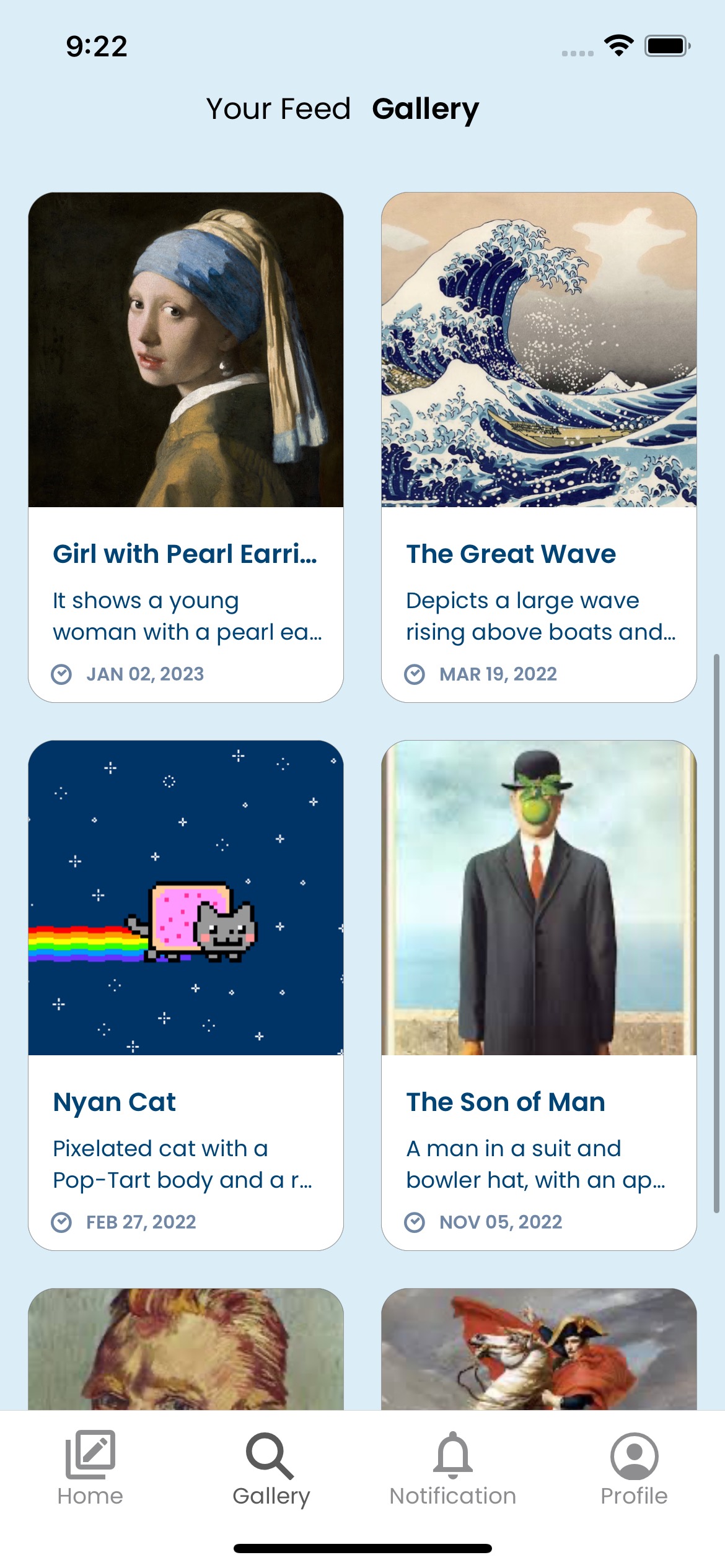
- Consistent layout. Components that exist across different pages maintain buttons and text entry boxes in the same location, providing physical consistency for location of buttons such as "back" or "submit". (W3 Web Guidelines for accessibility: 3.2.3 Consistent Navigation)
- All images have a text description. All images that are eventually displayed within the gallery portion of the app will be accompanied with a text description crowdsourced from the community. The intention is that eventually, every photo submitted by visually impaired users will be accompanied with its own text description.
- Touch Spacing. All buttons and text entry boxes maintain at least 9mm distance from each other and are surrounded with inactive space, creating a large physical distance which enables users to safely target them by touch.
- Simple Gestures. Complex gestures such as dragging, operations with multiple fingers, or prolonged touches are hard to carry out for those with motor or dexterity impairments or people who rely on head pointers or a stylus where multi-touch gestures may be difficult or impossible to perform. Vi-describe avoids these gestures completely, only making use of simple clicks.
- Contrasting colors. Contrasting colors between buttons and backgrounds help visibility for those with certain visual impairments.
Find our code here: our project
Built With
- caffeine
- figma
- in-n-out
- javascript
- react-native
- supabase

Log in or sign up for Devpost to join the conversation.