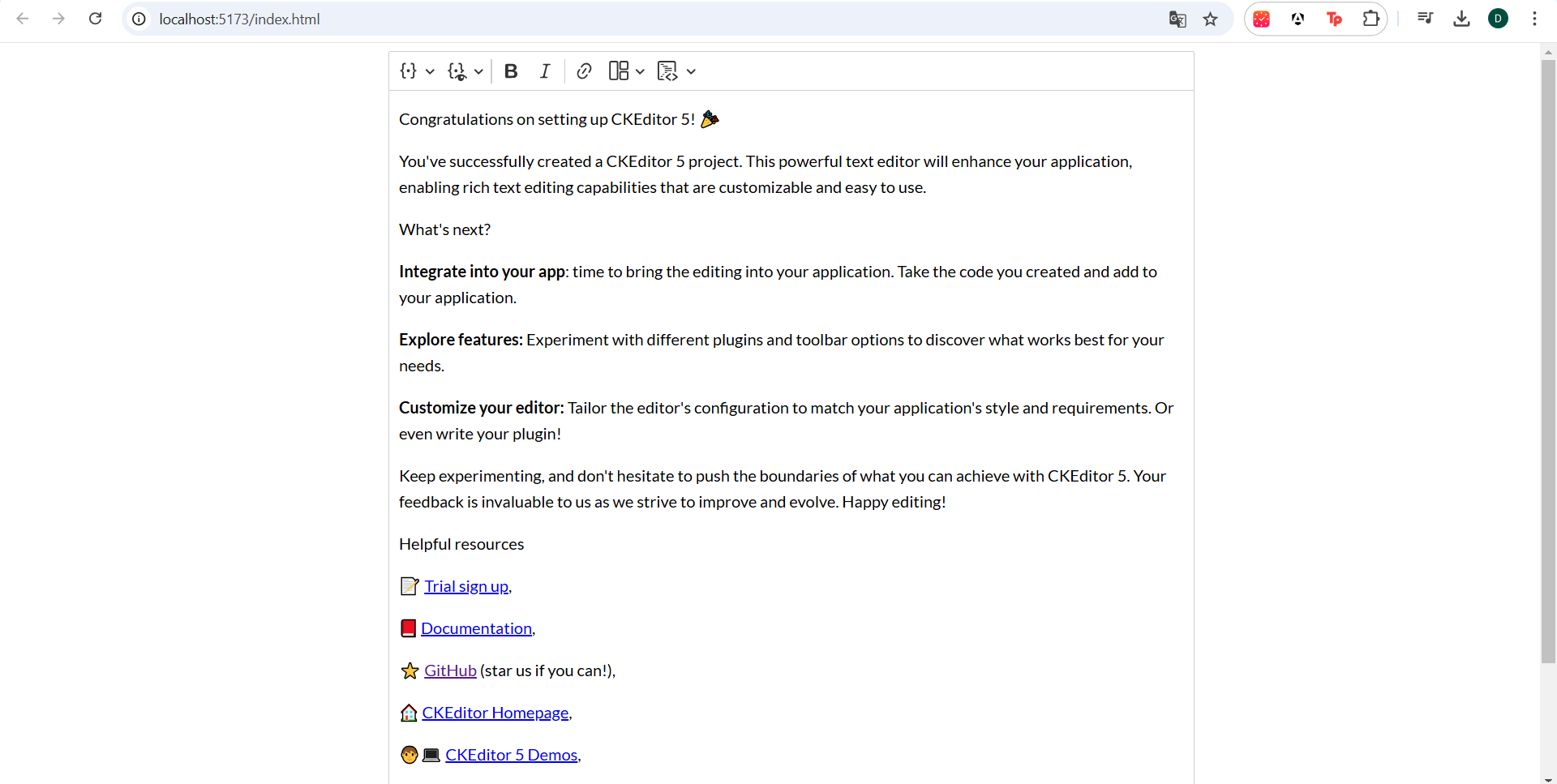
Challenge 2 Use Builder to create a starter project Objectives: Go to the Builder: Open the CKEditor Builder to start customizing your editor. Select a Preset: Choose the Classic Editor preset as the foundation for your project. Pick Features: The preset includes pre-selected features. Enable additional features manually from the list to meet your needs. Avoid including the following features because these are relevant for the following challenges: Code Block, Templates, and Merge Fields. Customize the Toolbar: Customize the toolbar for an optimal experience. Download the project: Follow the setup steps provided by CKEditor Builder to generate the starter project. Specify Vanilla JS as technology and self-hosted as an integration method Share your implementation with us on our submission form and bonus points if you add your project to our Devpost Page!
Built With
- ckeditor

Log in or sign up for Devpost to join the conversation.