-
-
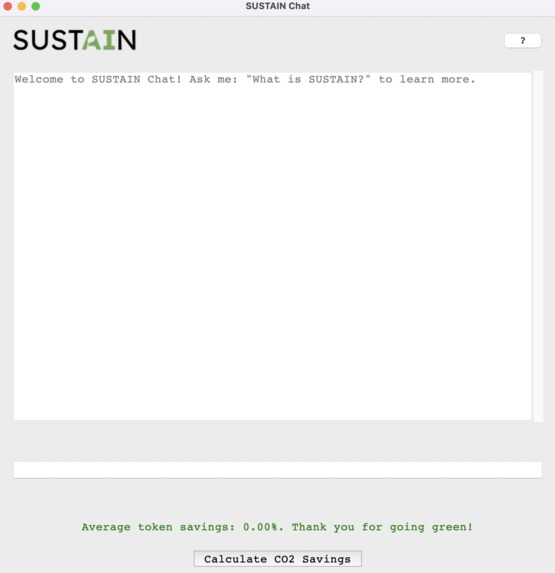
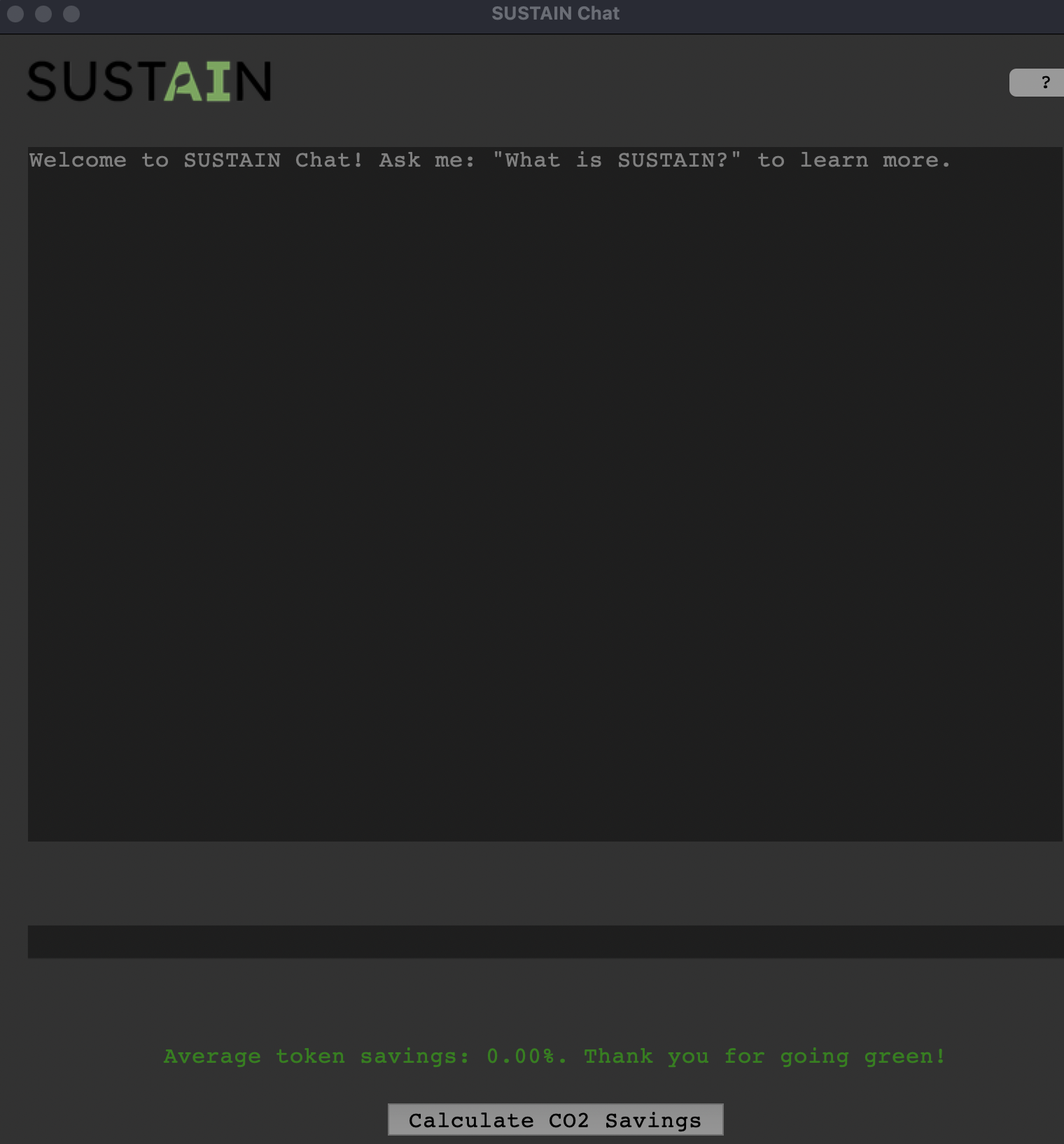
Light mode
-
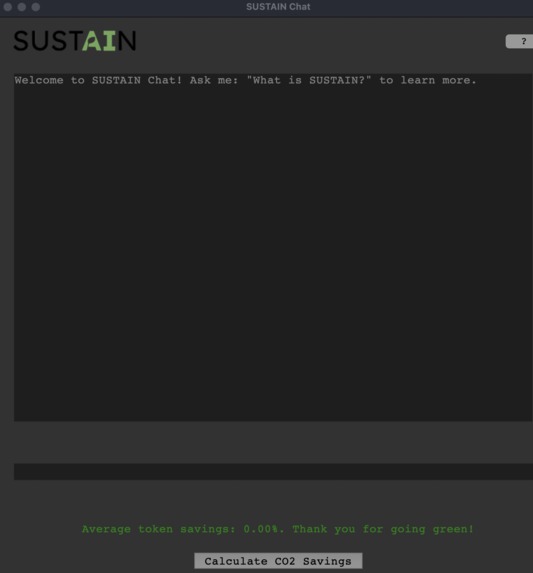
Dark mode
-
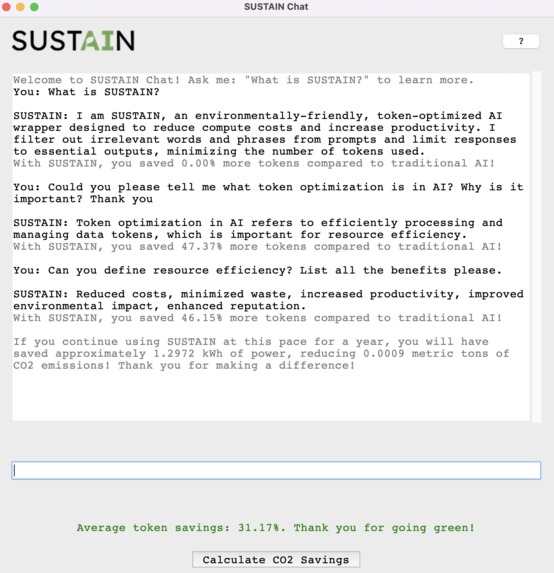
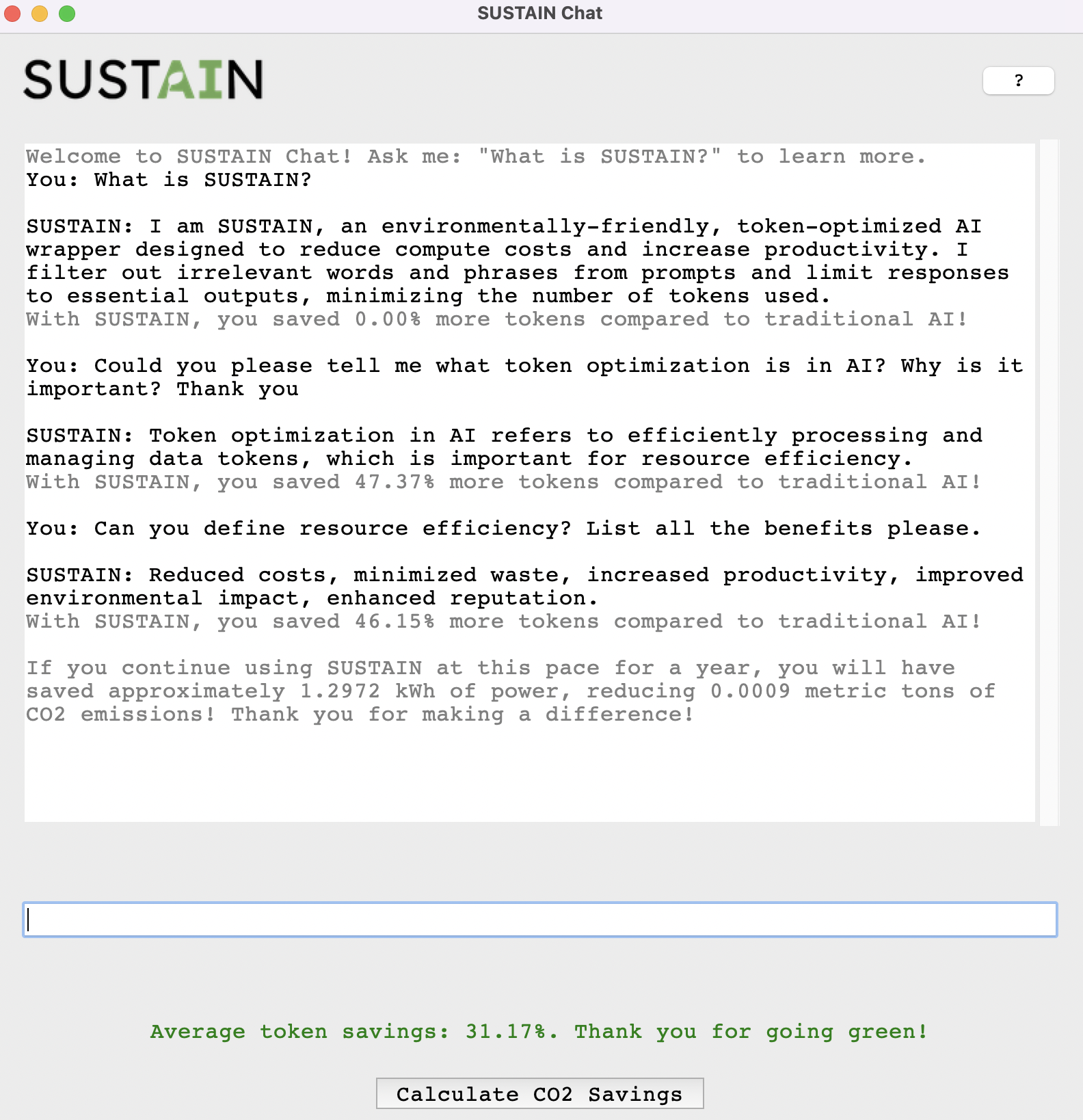
Chat example
🌱 SUSTAIN: The Environmentally-Friendly AI Wrapper 🌱
Overview
SUSTAIN is an environmentally-friendly, token-optimized AI wrapper designed to reduce compute costs and increase productivity. By filtering out irrelevant words and phrases from prompts, SUSTAIN minimizes the number of tokens sent to and received from the AI, saving energy and boosting performance.
Our mission is to deliver a sustainable, high-efficiency alternative to major large language models (LLMs) while maintaining powerful AI-driven results.🔋
Why SUSTAIN?
Environmental Sustainability
- Traditional AI systems expend significant energy processing large amounts of token data, much of which is redundant or irrelevant (e.g., greetings, fillers, politeness).
- SUSTAIN significantly reduces token usage, minimizing the carbon footprint of AI queries.
- By promoting shorter, optimized inputs and outputs, SUSTAIN contributes to a greener AI ecosystem.
Enhanced Productivity
- Get results faster with condensed, actionable responses.
- Eliminate unnecessary verbose outputs by default, with the option to expand details when needed.
- Your powerful, straight-to-the-point professional AI assistant.
Features
1. Token Optimization Pipeline
- Preprocesses user prompts to filter out unnecessary words (e.g., "Hello," "Thank you," etc.) and retain only the core intent.
- Example Conversion:
- User Input: "Hello, could you brainstorm a list of traits a leader might have? Thank you!"
- Optimized Input: "list traits - leader"
- User Input: "Hello, could you brainstorm a list of traits a leader might have? Thank you!"
2. Short-Form AI Responses
- Limits responses to concise, actionable outputs using optimized
max_tokenssettings. - Example Output:
- Input: "Can you list the traits of a leader?"
- Refined input: "list traits - leader"
- Output: "Integrity, vision, empathy, resilience, communication"
3. Environmentally-Aware Feedback
- Track token savings and display eco-friendly metrics to users, e.g., "This request saved 30% of token usage compared to traditional AI!"
Installation
Clone the Repository:
git clone https://github.com/your-username/SUSTAIN.git
cd sustain
Set Up Environment:
- Install dependencies using pip:
bash
pip install -r requirements.txt
- Install dependencies using pip:
Set Your API Key:
- Add your OpenAI API key to an
.envfile or directly to the config.OPENAI_API_KEY=your_openai_api_key
- Add your OpenAI API key to an
Run SUSTAIN:
python main.py
Running the Chat GUI
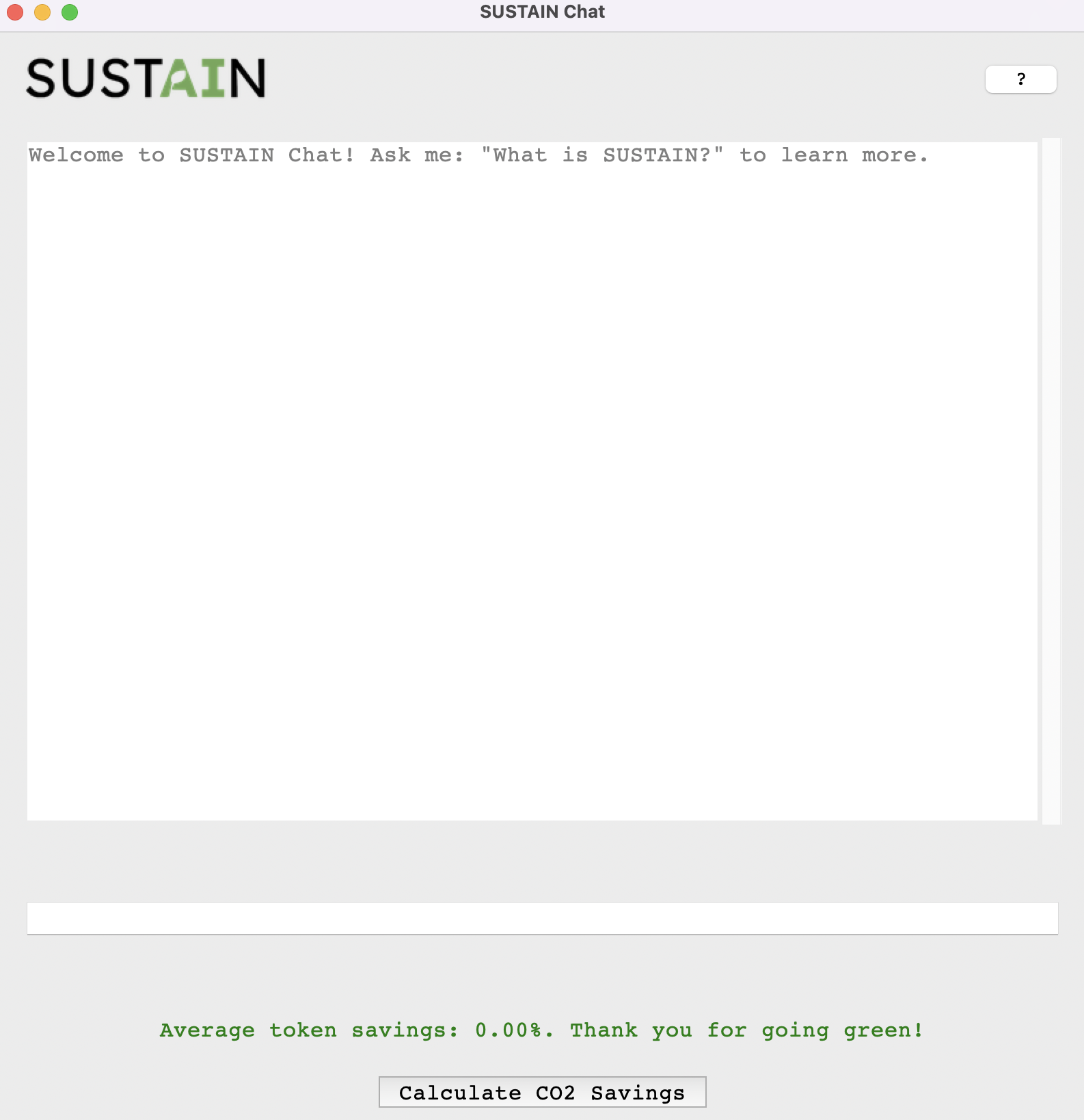
To launch the chat GUI where you can interact with SUSTAIN directly:
Ensure you have installed all dependencies:
pip install -r requirements.txtEnsure the SUSTAIN logo is in the right spot:
- Place the
sustain_logo.pngfile in the same directory aschat_gui.py.
- Place the
Run the main file:
python main.py
This will open a window where you can input your queries and receive responses from SUSTAIN.
Usage Example in Python
from sustain import SUSTAIN

# Initialize SUSTAIN
sustain = SUSTAIN(api_key="your_openai_api_key")

# Provide a verbose user input
response = sustain.get_response("Hello, could you please brainstorm some key traits a leader should have?")

# Output
print(response)  # Returns a token-efficient response: "Integrity, vision, empathy, resilience"
Configuration
SUSTAIN offers flexible configurations to suit different workflows:
- Max Tokens: Set the maximum response length.
- Summarization Level: Control how much context is trimmed from the user input.
Roadmap
- [x] Implement dynamic summarization based on context length
- [x] Provide additional eco-feedback on overall token savings
- [x] Enhance the GUI with more user-friendly features and customization options
- [x] Add save, clear chat features
- [x] Implement caching for frequently requested queries to reduce API calls
- [ ] Convert to web app and deploy on Azure
Contributing
To contribute:
- Fork the repository.
- Create a new branch for your feature or fix.
- Submit a pull request.
Contact
For questions or suggestions, feel free to reach out to us:
- Project Team:
- Klein Cafa kleinlester.cafa@ontariotechu.net
- Tomasz Puzio tomasz.puzio@ontariotechu.net
- DJ Leamen dj.leamen@ontariotechu.net
- Juliana Losada Prieto juliana.losadaprieto@ontariotechu.net
Let’s build a more sustainable AI future together!
Built With
- dotenv
- intellij-idea
- openai
- pillow
- python
- spacy
- tiktoken
- tkinter
- visual-studio


Log in or sign up for Devpost to join the conversation.