-
-
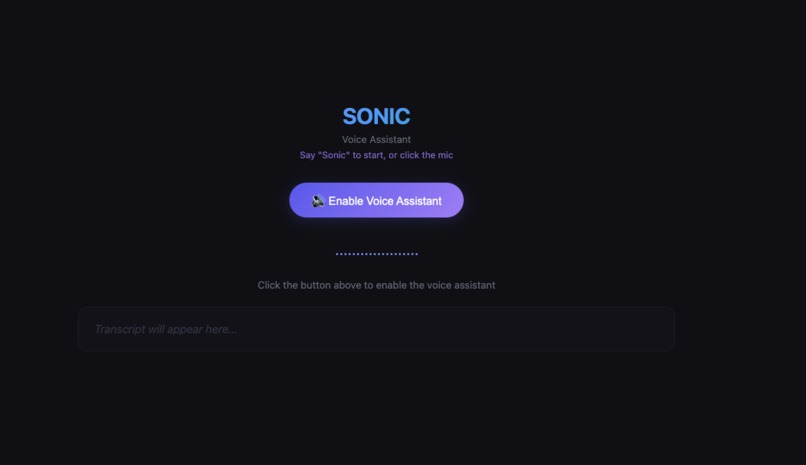
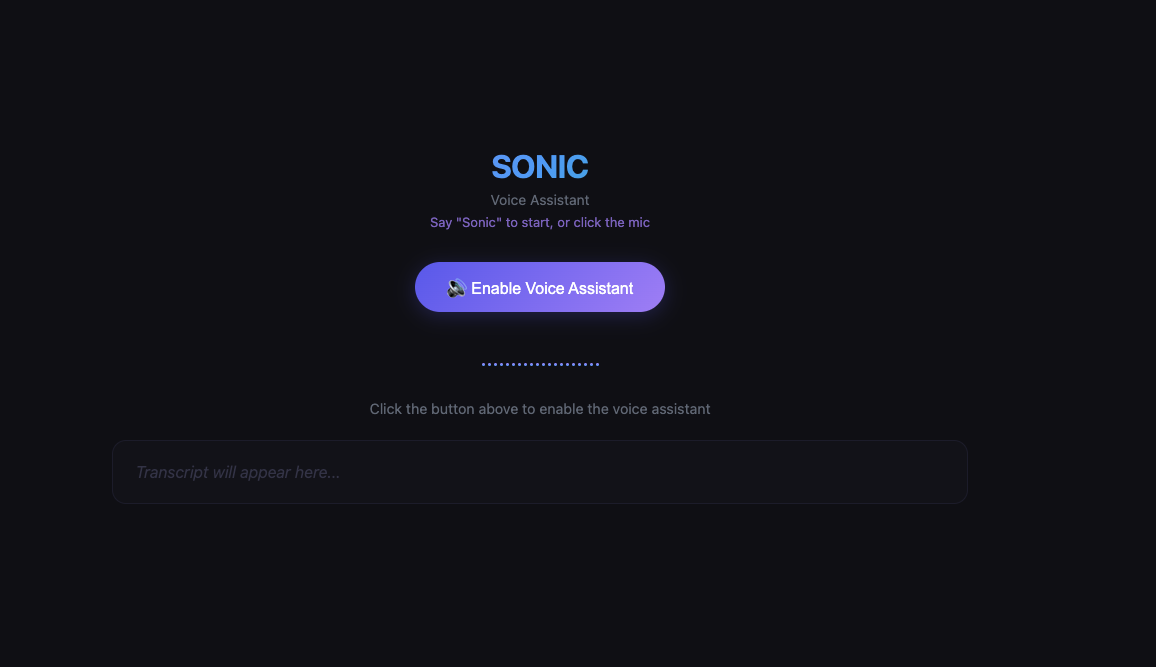
Main Page
-
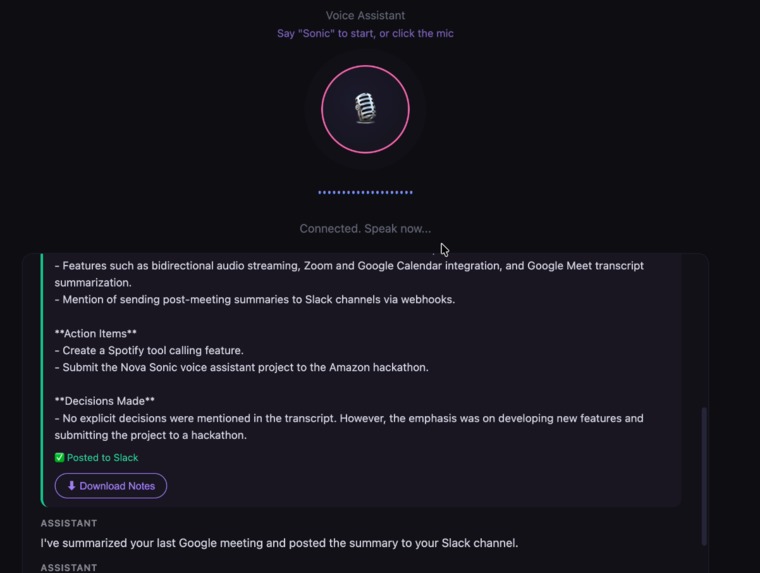
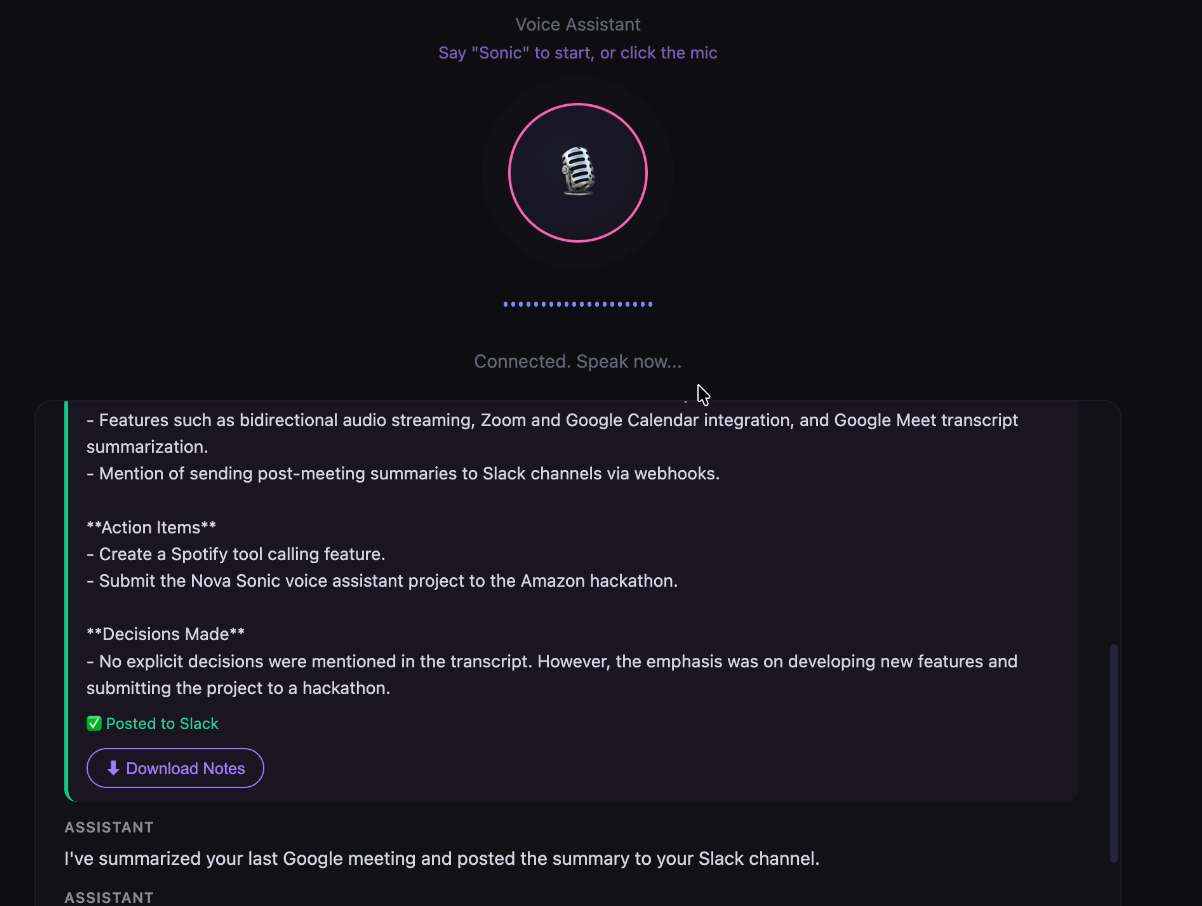
Meeting Summary + Slack Channel Upload + Google Tasks
-
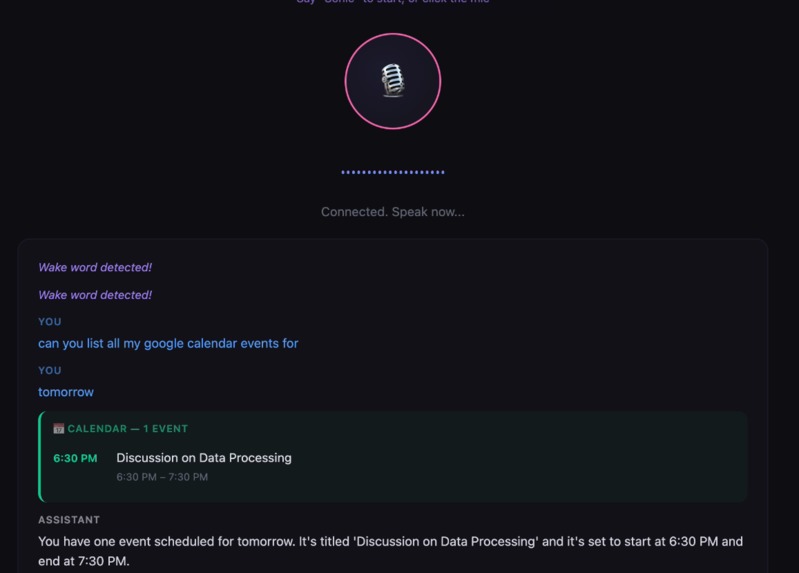
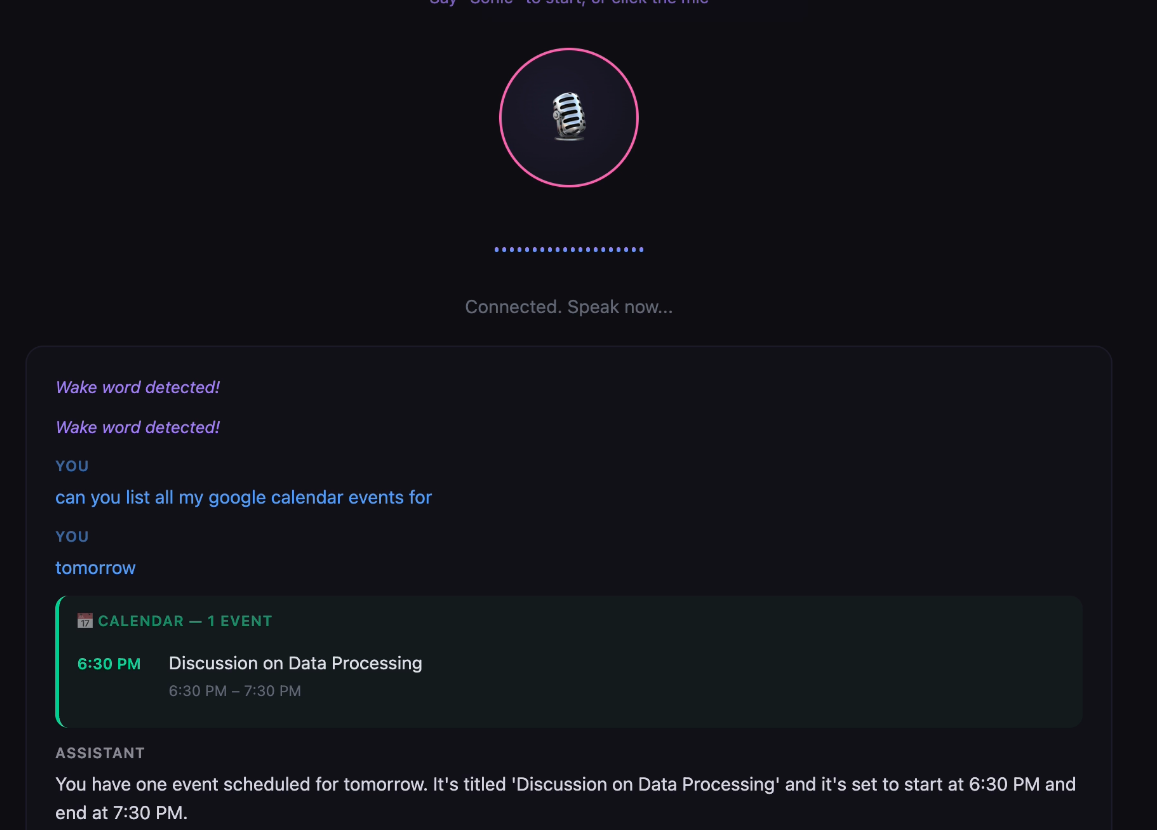
List Google Meetings
-
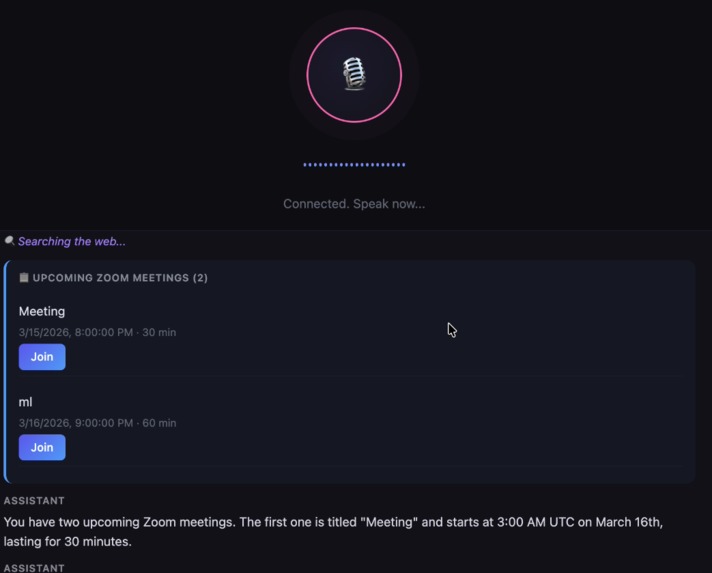
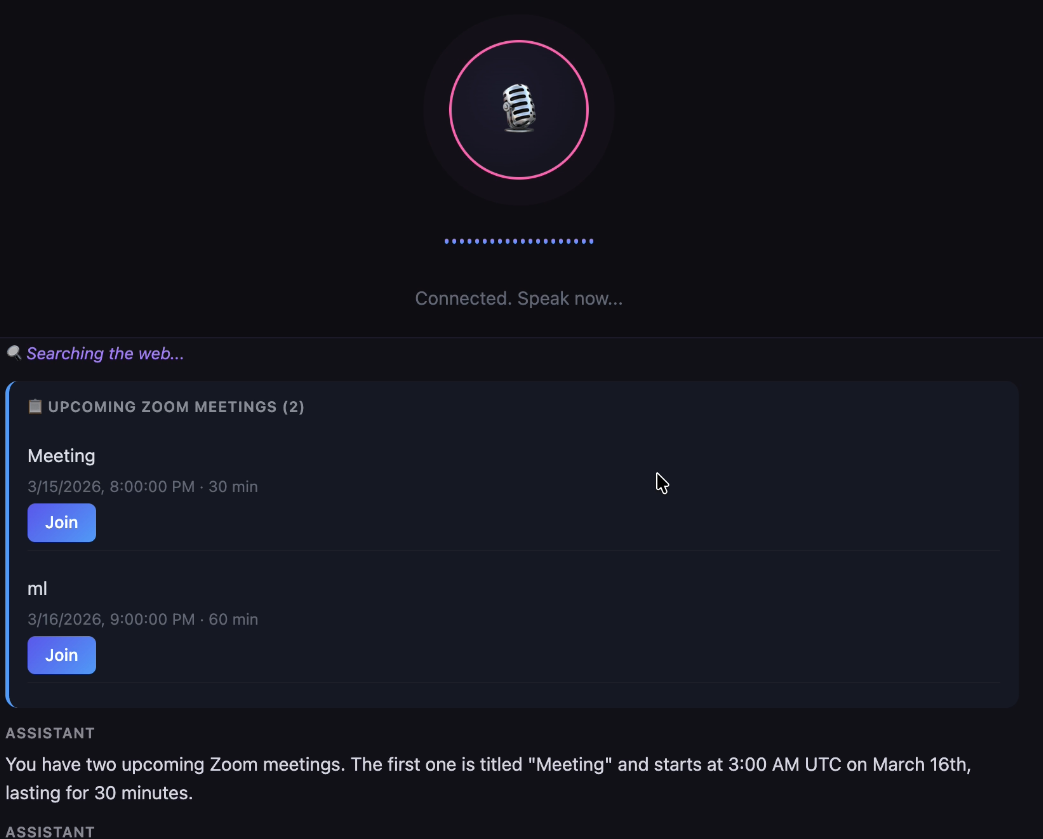
ZOOM MEETINGS
-
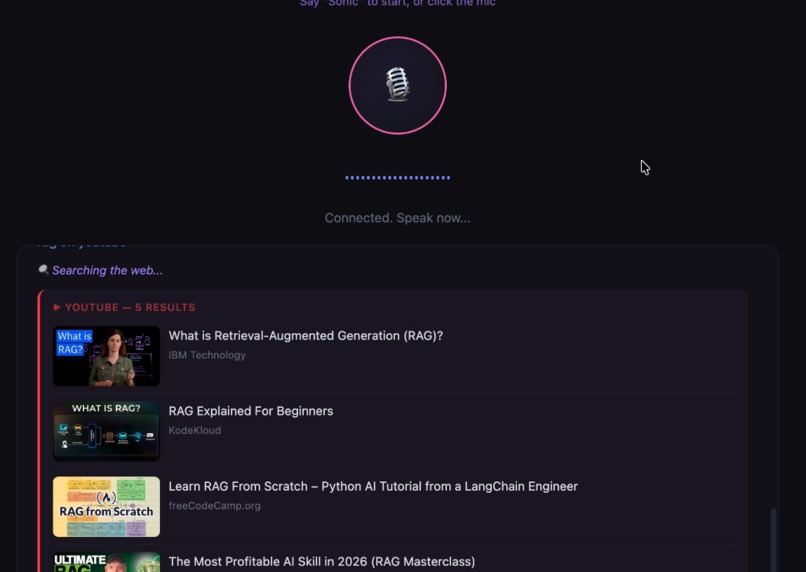
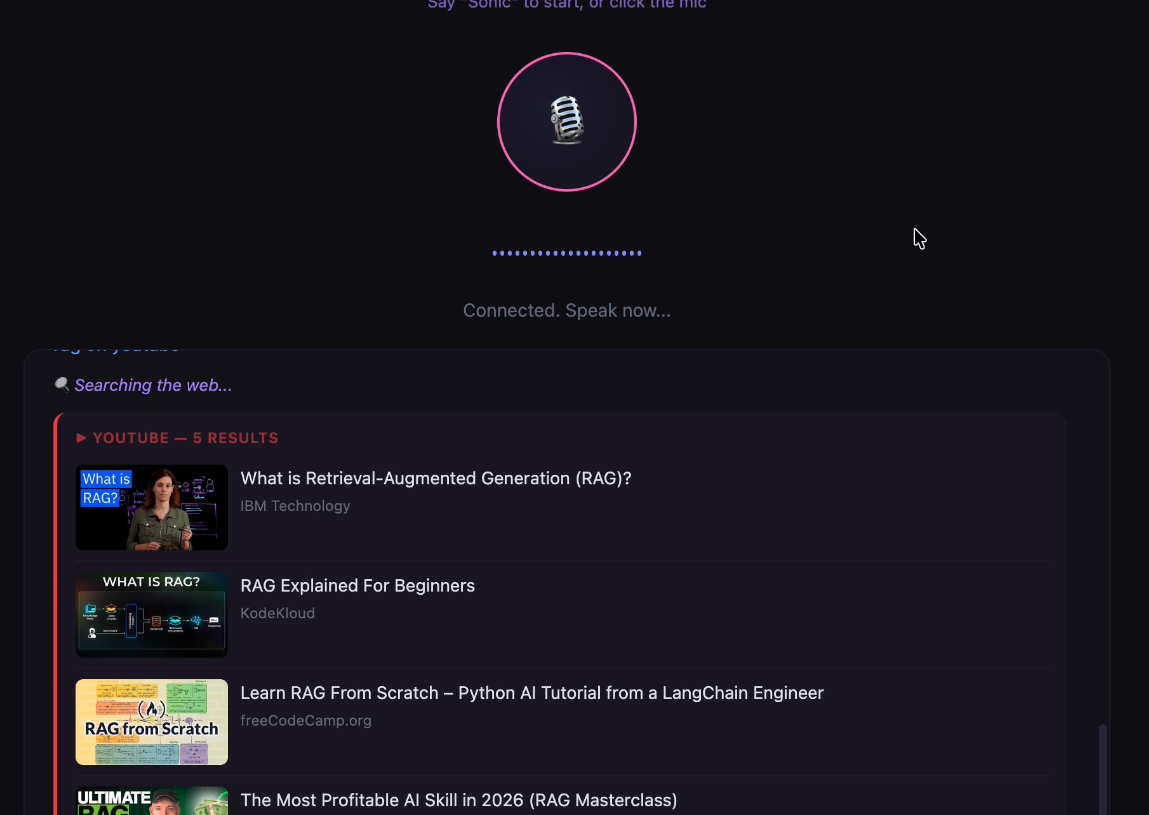
YOUTUBE
Inspiration
We spend too much time clicking through tabs , switching between Calendar, Zoom, Slack, Google Tasks, YouTube and search the web just to manage a workday. We wanted to build something where you just talk and things happen. No typing, no tab-switching, no friction. The idea was simple, what if your voice was the only interface you needed to run your entire day?
Amazon Nova 2 Sonic gave us real-time, bidirectional voice streaming with tool use that was the missing piece that made this possible.
What it does
Sonic is a voice-first productivity assistant. You say "Sonic" and it wakes up. From there you can:
- Search the web in real time with web grounding, cited results via Amazon Nova
- Schedule or instantly start Zoom meetings and Google Meet calls
- Check your Google Calendar, add events, and detect scheduling conflicts
- Create Google Tasks from voice or automatically from meeting action items
- Set reminders that fire as browser notifications
- Summarize Google Meet transcripts pulled from Drive, and post them to Slack Channels
- Search and summarize YouTube videos by voice
- Everything streams in real time, you hear the response as it's generated, and results appear in the UI as cards with join links, citations, and task lists.
How we built it
Backend: Node.js + Express + WebSocket server. Each client session opens a bidirectional stream to Amazon Nova Sonic via InvokeModelWithBidirectionalStreamCommand. Audio flows both directions as base64-encoded PCM.
Voice model: Amazon Nova 2 Sonic (amazon.nova-sonic-v2:0) handles speech-to-speech with tool use baked into the streaming protocol.
Web grounding: Amazon Nova Premier via the Converse API with nova_grounding system tool for real-time, cited web search results. Results are cached with a 5-minute TTL LRU cache.
Integrations: Zoom Server-to-Server OAuth for meetings, Google OAuth2 for Calendar, Drive, Tasks, and Meet. Slack via incoming webhooks. YouTube Data API + transcript fetching for video summarization.
Challenges we ran into
1.)Silence timeout vs. tool latency: Web grounding and API calls can take 5-15 seconds. Our 10-second silence timer would kill the session before results came back. We solved this with server-side keepalive pings (tool_working messages) every 3 seconds during tool execution. 2.)Nova Sonic reading URLs aloud: The model would try to speak full Zoom links and meeting IDs. We had to sanitize tool results, stripping URLs and passcodes before sending them back to the model while still showing them in the UI. 3.)Calendar conflict detection: Instant meetings shouldn't ask about conflicts, but scheduled ones should. We used a force flag pattern that is warn first, then let the user override.
Accomplishments that we're proud of
True real-time voice-to-voice with tool use , you hear the answer streaming as it's generated, not after a long pause. 12 tools working seamlessly through a single voice interface. Wake word activation and stop phrase detection running in parallel with the active session
What we learned
Tool design matters as much as tool implementation. Clear, specific tool descriptions with good examples make the model pick the right tool consistently. Vague descriptions cause misrouting. Voice UIs need different UX thinking , you can't show a loading spinner, so keepalives and status messages become critical for user trust. Caching web grounding results made a noticeable difference in response time for repeated or similar queries.
What's next for SONIC VOICE ASSISTANT
Multimodal input: Screen sharing and camera capture so you can ask "what's on my screen?" or hold up a document and have Sonic read it.
Image generation: Voice-triggered image creation via Amazon Nova Canvas
Email integration: "Read my latest emails" and "Reply to that email saying I'll be there"
Multi-user support: Persistent user profiles with personalized task lists and calendar accounts
Conversation memory: Context that persists across sessions so Sonic remembers your preferences and past requests
Built With
- amazon-bedrock-(nova-sonic
- amazon-web-services
- api
- express.js
- html/css/js
- javascript
- node.js
- oauth
- rest
- tool-calling
- webhooks

Log in or sign up for Devpost to join the conversation.