-
-
Rent a spot
-
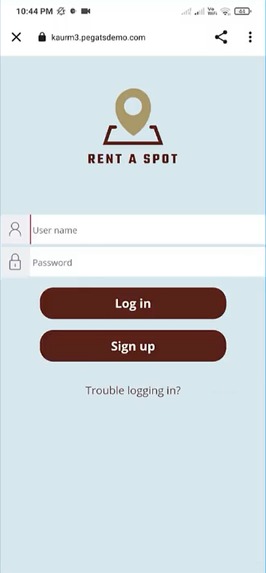
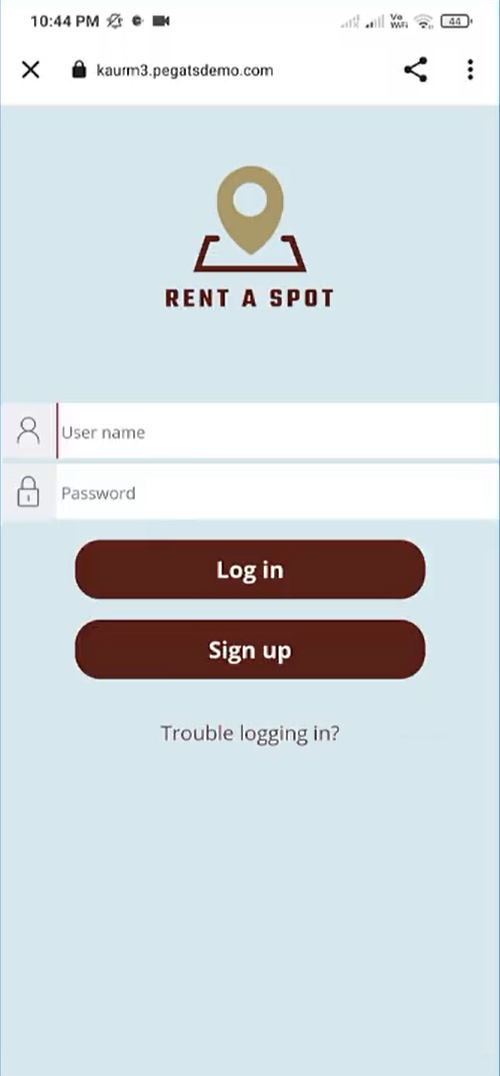
Login Screen
-
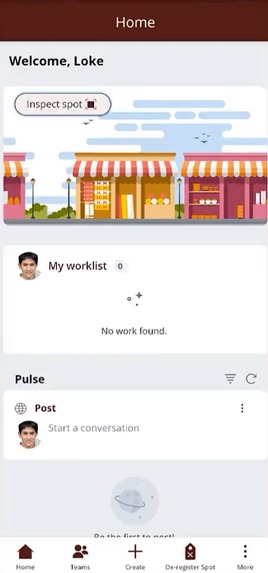
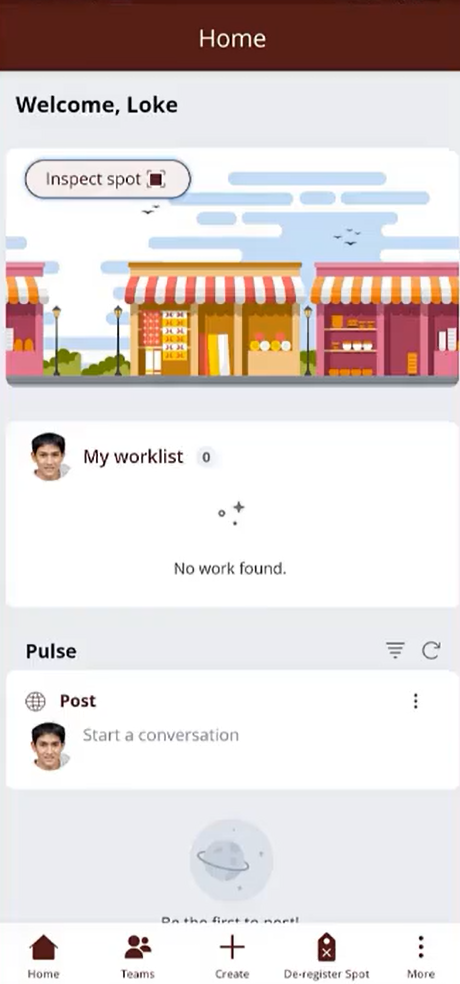
Agent App
-
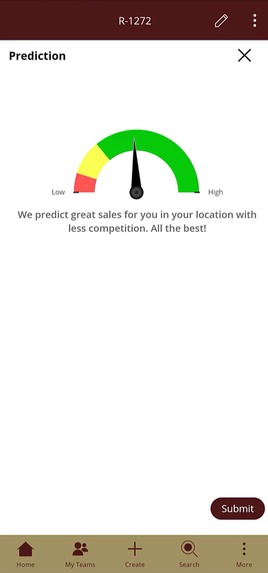
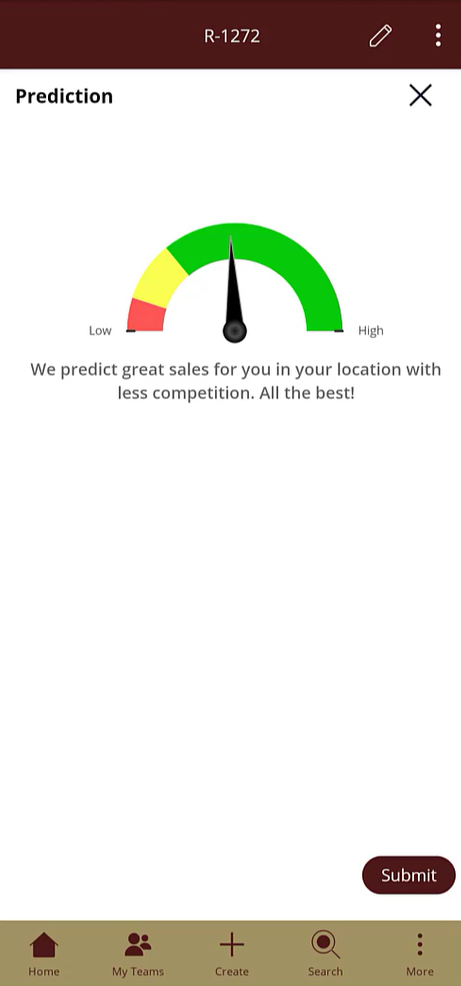
Pega AI Predictions
-
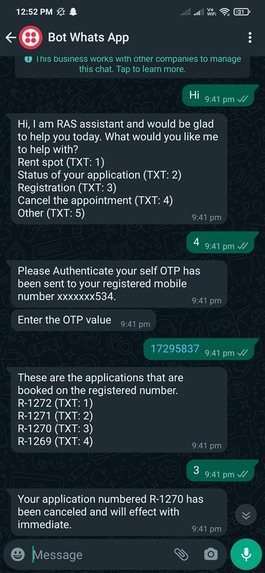
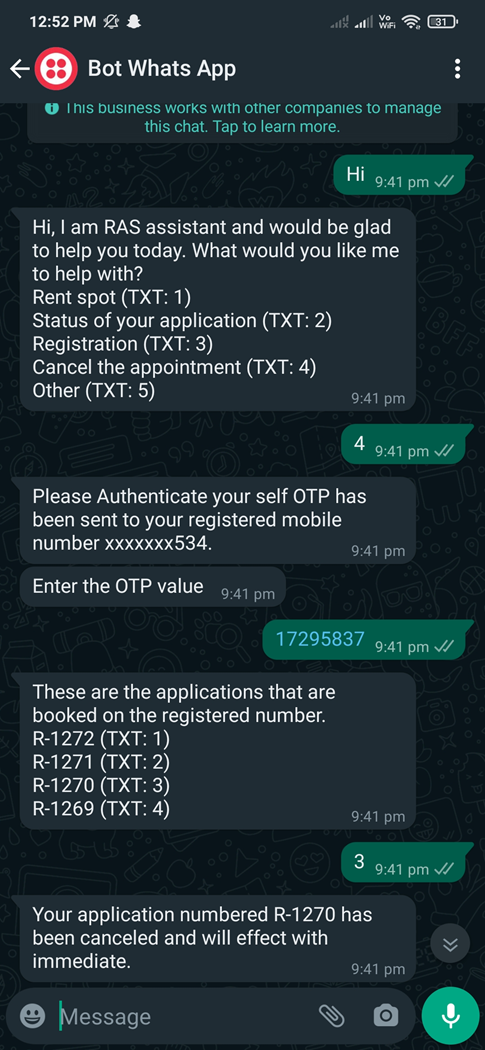
WhatsApp Chatbot
-
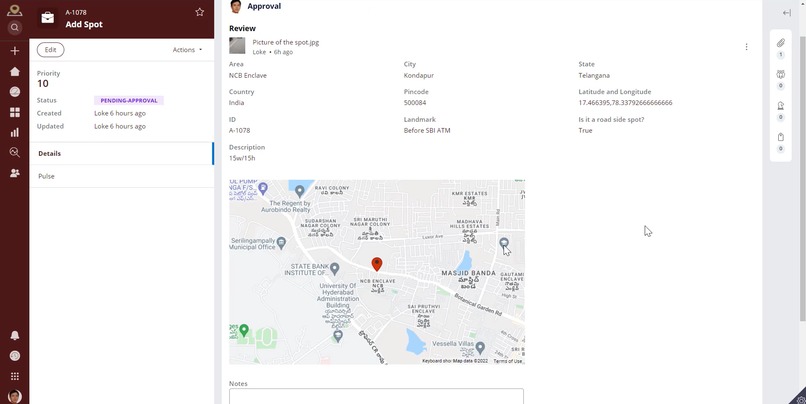
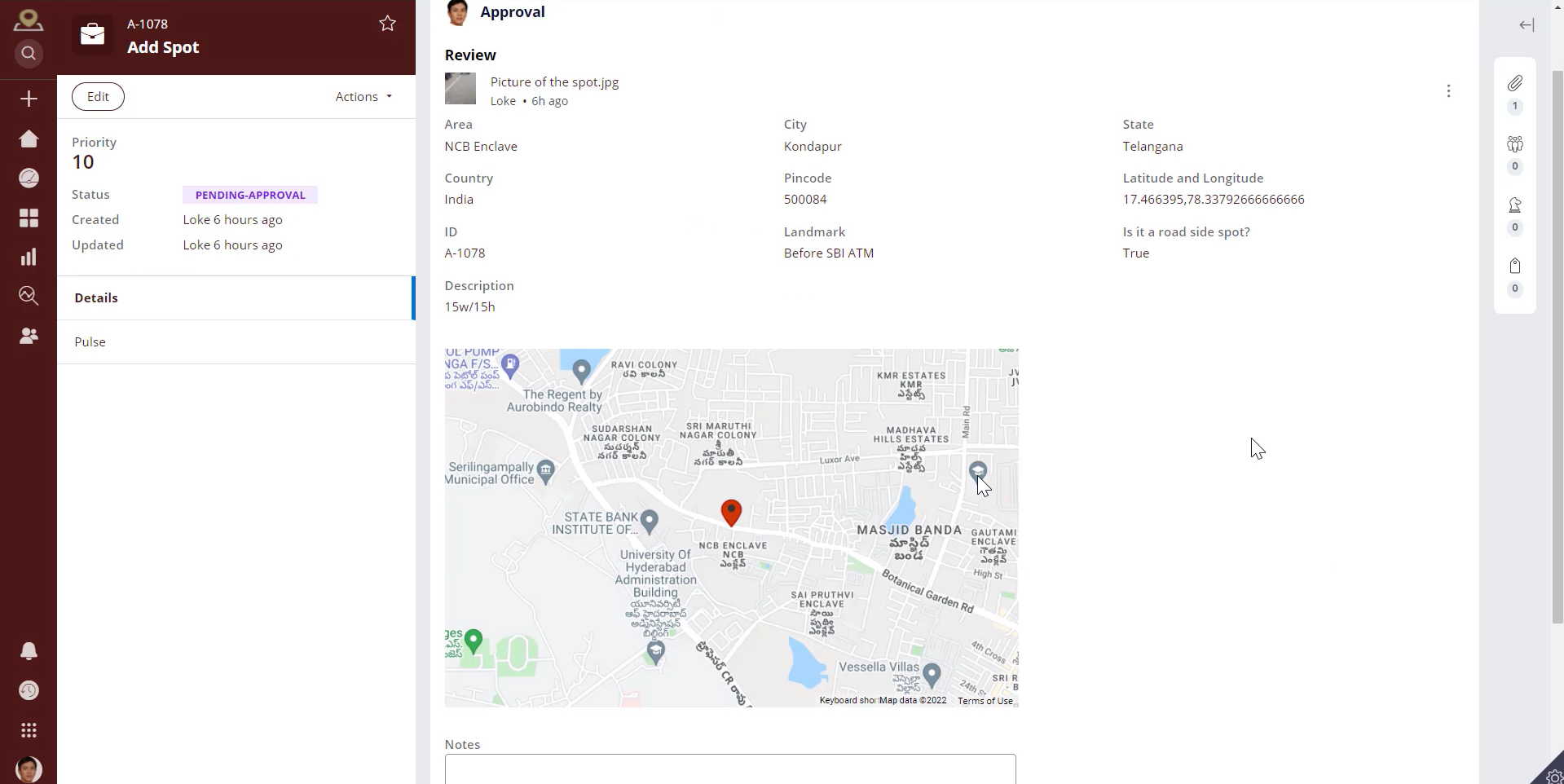
Review screen for approval
-
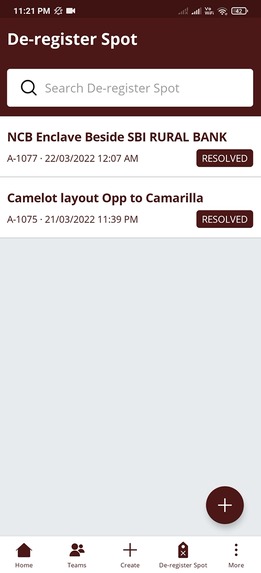
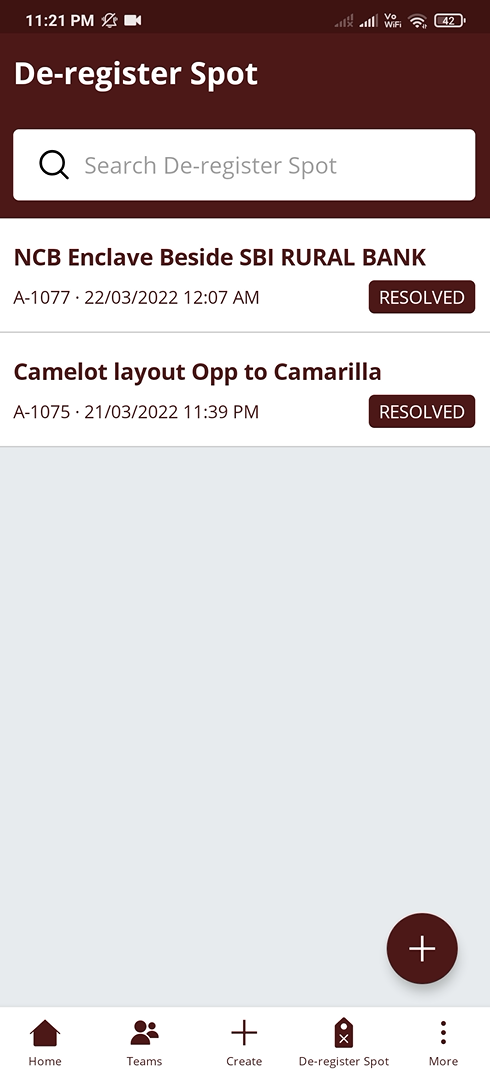
De-register spot
Inspiration
Evenings the roads are quite busy with traffic, crowd, roadside stalls. An idea popped when I saw two roadside vendors engaged in a deadly fight with each other for a spot for their vegetable stalls. But have we ever thought about how these small-scale business owners reserve a spot for their stalls? Most of the time if the space is not disturbing the traffic, then they set up their stalls. So, what if there is an app that will help these small business owners to find a spot that is suitable.
We came up with two easy-to-use mobile applications where officials can add the precise spot location and vendors can book it hassle-free.
What it does
Rent a Spot is built on Pega 8.6.2 omnichannel (mobile and web interfaces) platform, that lists space availability and allows owners to select a location to set up their business.
Agents add the spots to the RAS application based on latitude and longitude.
Vendors can log in to their application and rent the spot which suits them. To help them choose the best spot, we have leveraged Pega AI capabilities which will predict the competition and sales in that area based on location, distance, and date.
How we built it
- The application comes up with two mobile apps and web interfaces.
- User Mobile app - For RAS users
- Agent Mobile app – For RAS Agents
- Municipal office portal – For Municipal officer
- RTA office portal – For RTA officer
- RAS Digital messaging – To communicate between users and RAS team.
There are two case type
1.Add Spot
- Field agents will visit locations to add a spot. His current location will be captured automatically using google maps API and site address details are auto-populated, however, there is an option to edit the details.
- Once he uploads the pictures of the site and reviews the information it goes for approval.
- It’s a 2-level approval depending on the spot location.
- Municipal corporation approval
- RTA approval Once approved the respective field agent will be notified that his spot has been successfully added into the app and the spot is available for rent.
2.Rent Spot
- Users can sign up for the app by filling in the basic information.
- Then the user can log in to the app and can Rent a spot.
- The user should get verified first through OTP.
- The details will be automatically populated.
- Then the dates for renting, location, and distance range must be selected.
- The available spots are visible on the maps and details will be shown in the table.
- User can view the spot images and use the predict sales button which uses the Pega AI (Rossman data sets) to predict whether the sales are high, low, or medium.
Predictive model
Pega AI to predict the sales of the selected spot to implement this feature we have used Rossman stores data sets from Kaggle and in Pega, we have chosen the Recommendation category --> Indirect value prediction template to use Pega AI.
Challenges we ran into
- None of our team members was specialized in AI and other data science technologies, which gave us a new area to explore. We spent most of our time researching about prediction studio so got to know about data flows, Kaggle data sets, creating predictive models from Pega AI, H2O, and other platforms.
- Finding the best software to produce our video in a very effective way.
Accomplishments that we're proud of
- Signup feature - which creates the operator on click of sign up.
- Google Maps - Integration to show nearby spots based on a current location and distance within a given range. We have integrated Google Maps Distance API through REST to calculate distance and retrieve spots.
- Payment gateway integration with Stripe - The payment process for booking a spot was achieved using the Stripe Payment Gateway (test-developer account).
- Two-factor authentication and Twilio SMS integration - Sends an OTP to verify user identity on initial login of the app and while canceling the spot.
- Prediction model using Pega AI - This model uses Rossman Data sets from kaggle integrated with pega AI under Recommendation category --> Indirect value prediction template.
- QR code generator - Once a user rents a spot, a QR code is generated. Users can download it from the app. During an inspection, this QR code can be shown to the officer which will have all the details about the booking.
- WhatsApp bot - The user can be redirected to WhatsApp from the RAS app and chat with a virtual assistant for any further queries like canceling or knowing the status of the application. We have used conversational flows to implement.
What we learned
- We as a team got better exposure on how to delegate various individual tasks that would be combined to form the whole project. The collaboration was great and communication was the key in bringing together all the various elements of our project.
- Designing the UI/UX for the application to provide the best user interface was fun.
- Making the video was a bit challenging as we were exploring different platforms available and trying something new.
What's next for Rent A Spot
There is a lot of scope for extending this project. A few of our ideas are listed below:
- We could also extend this to reserve a stall in different kinds of exhibitions and cultural events.
- This app can also be used to rent a space in a Co-business location. For example- Multiple food chains share the same space as a Food Court.
- With the application, we can get the data of all the vendors which will be a greater benefit to track and avoid any malicious activity.
Built With
- google-maps
- kaggle
- pega
- pegaai
- pegamobile
- stripe
- twilio


Log in or sign up for Devpost to join the conversation.