-
-
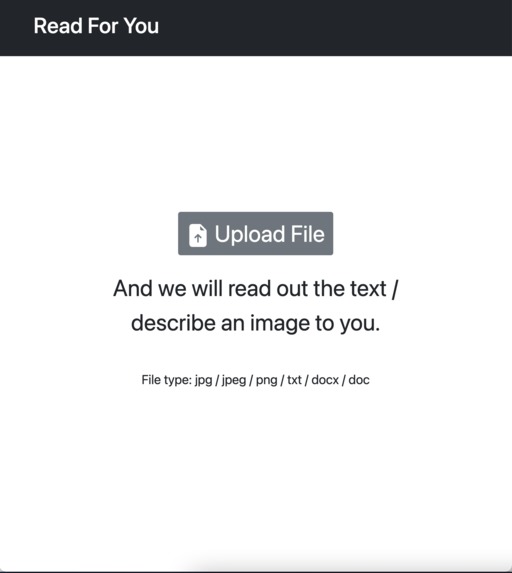
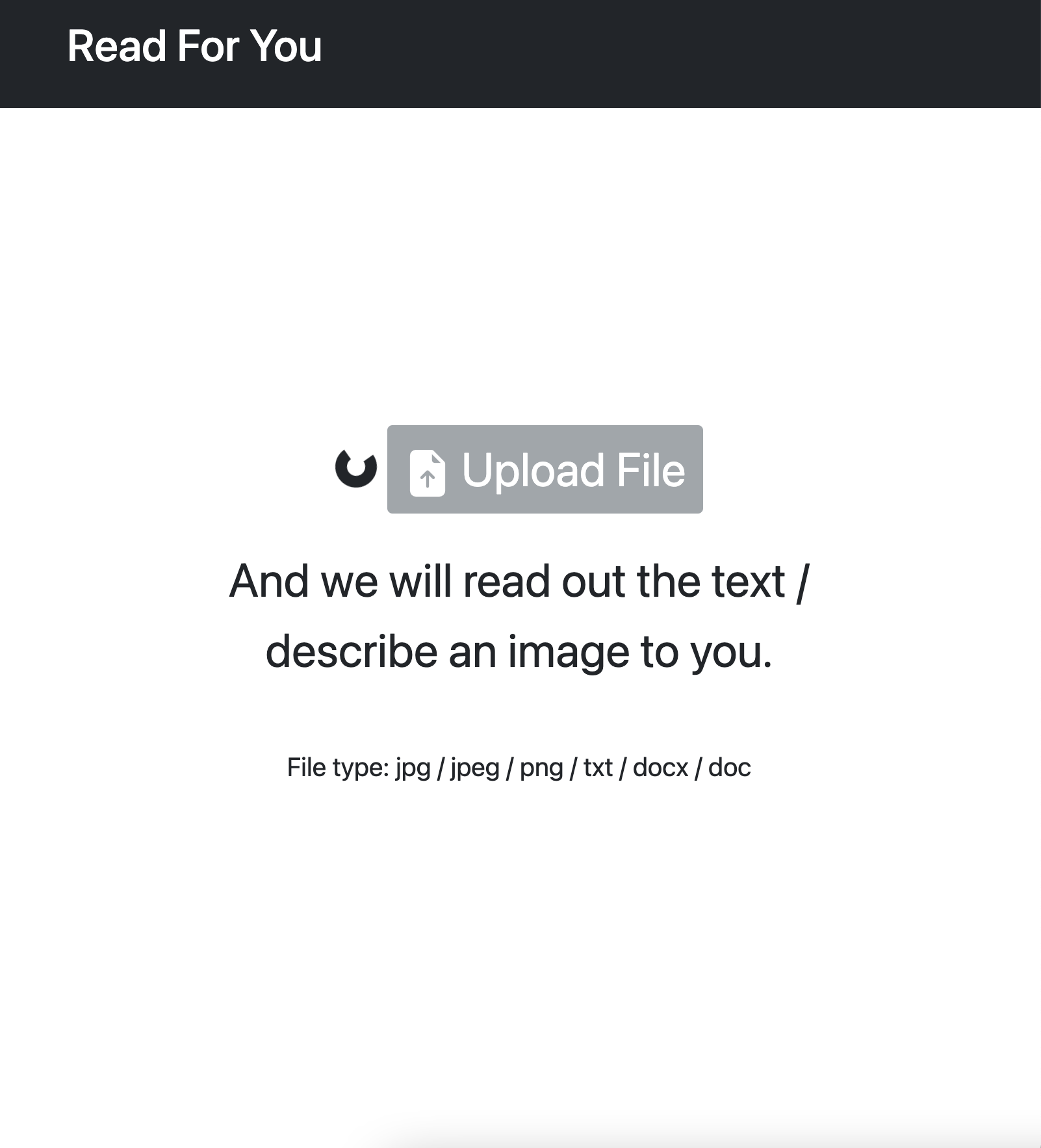
basic view
-
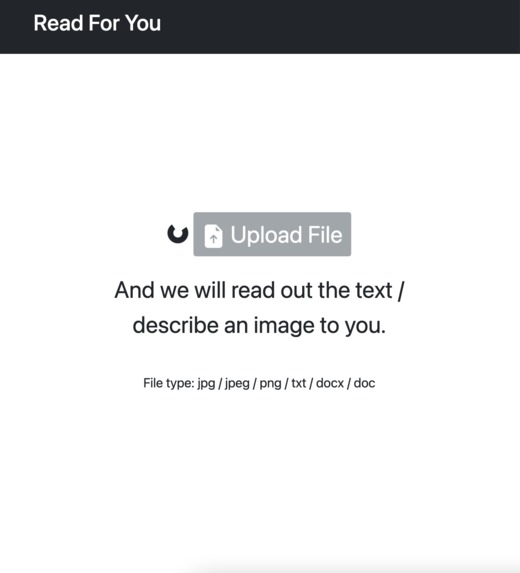
loading after uploading an image
-
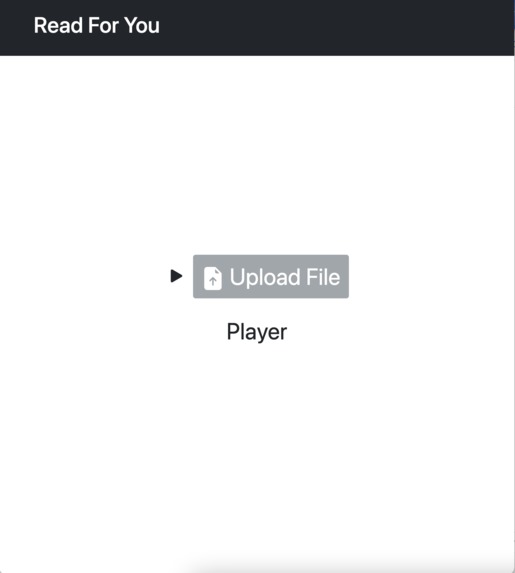
voiceover describing an image

Inspiration
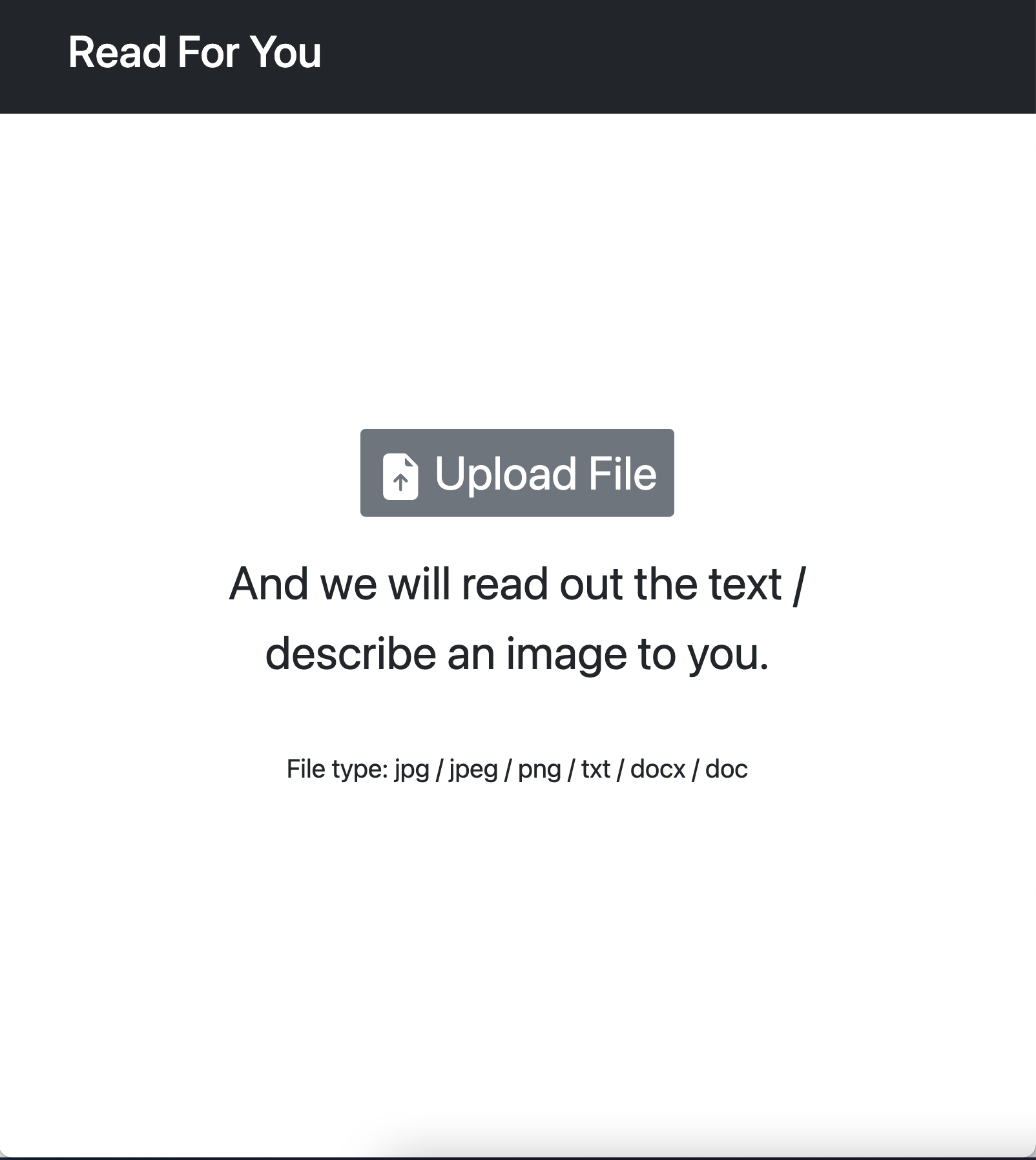
We decided on the inequality track. Our website allows users to simply upload your file to the application and click the UPLOAD FILE button to hear the text be read aloud. For the visually impaired, tasks like reading a printed document or reading text from a picture can be a struggle, especially if there are no accessible options available to them. This website makes the web and online documents more accessible for the visually impaired.
What it does
When a user uploads an image, words describing the image will be read out and displayed on screen. When a user uploads a document file (txt, docx, doc) the text will be read out and the contents will be displayed on screen.
How we built it
- Used GitHub for collaboration
- Used Express.js for backend
- Used Google Cloud Vision API to identify labels in an image
- Used Google Cloud Platform to host the server
- Used domain.com to manage the domain
Challenges we ran into
We spent quite a lot of time figuring out how to handle and process the files uploaded by users. We decided to integrate the Google Cloud Vision API into our program, which was something none of us have worked with before. We wanted out website to be very user friendly and accessible, so we followed guidelines designed to make websites better for the visually impaired with simple design and clear instructions.
Accomplishments that we're proud of
To better manage our time, we split the tasks among our teammates and we were able to work on each of our smaller assignments and come together at the end. In order to better understand our target demographic, we did research into what websites work best for the visually impaired, and what struggles they encounter online. Despite the challenges, we were able to get our site to work as we had planned with both images and documents, and the text to speech function. It also has a custom domain and SSL certificate
What we learned
- Back end:
- How to use the Cloud Vision API
- Creating a domain
- Combining frontend and backend
- Front End:
- Basic web design elements
- File upload button
What's next for Read For You
At the moment we support jpg / jpeg / png / txt / docx / doc files, but adding pdf and various other types would be useful. Currently our site is designed for computer use, but a mobile friendly version would make it easier to upload the pictures straight from the device. Having a pause and play option would be helpful, as well as speed settings for the narration. For personalized settings, having a place to log in/sign up would be useful for the user. There could even be a place to save certain files.
Built With
- google-cloud-vision
- html5
- javascript


Log in or sign up for Devpost to join the conversation.