Inspiration
We are all interested and have fun playing sports. Our entire team is in the Sci-Tech program so we decided to make a motorized knee brace that can help athletes with knee-related injuries.
What it does
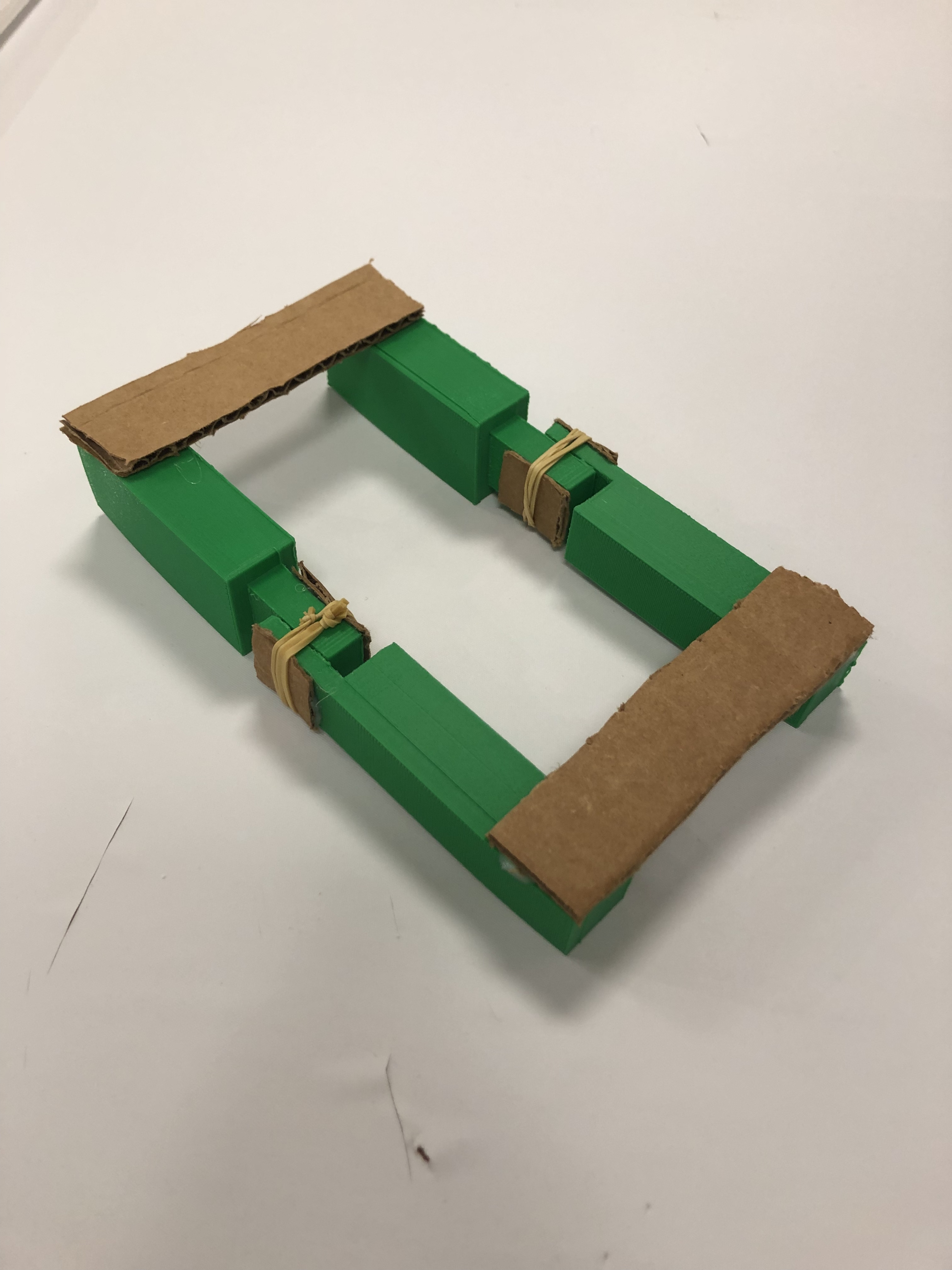
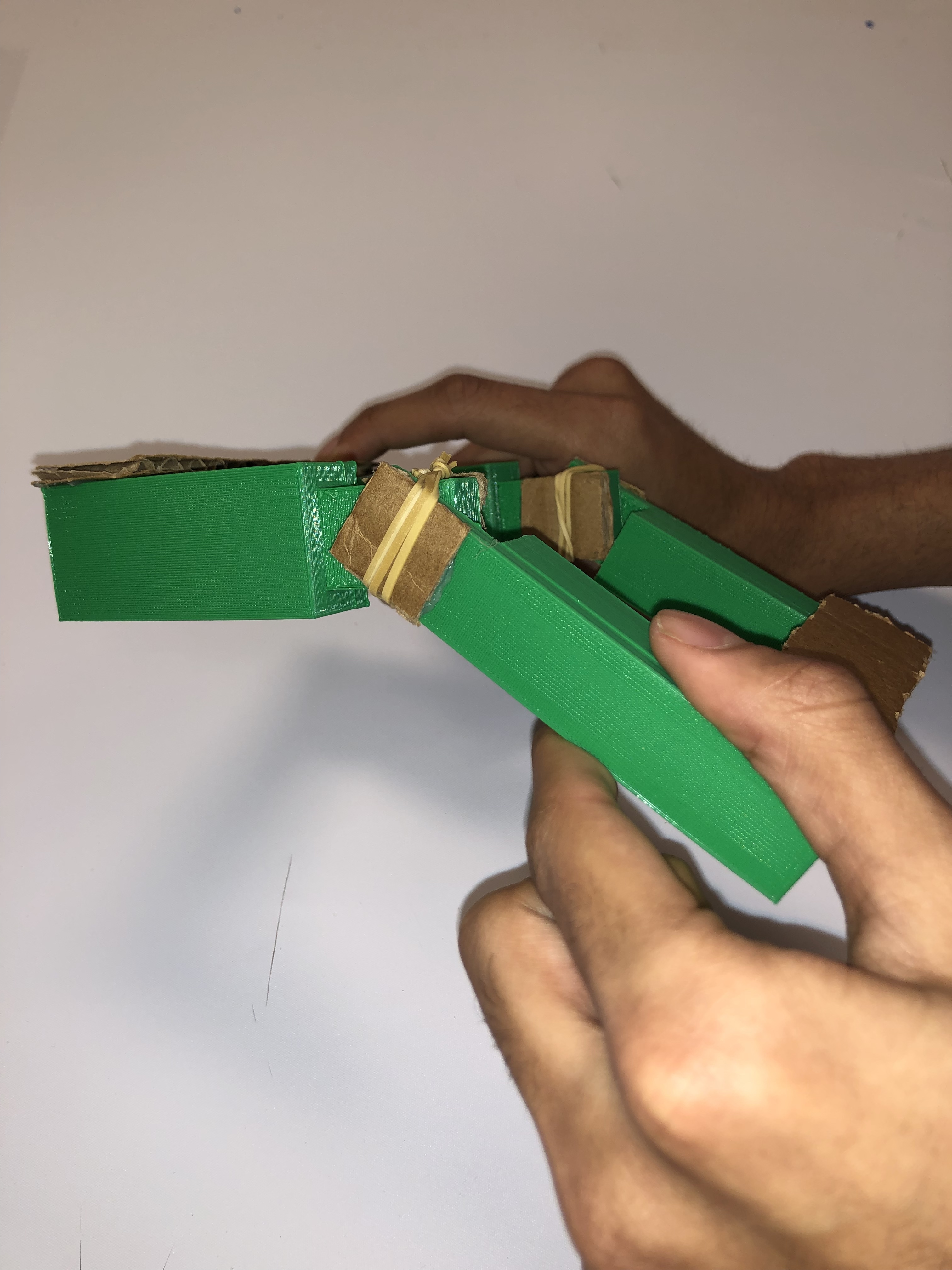
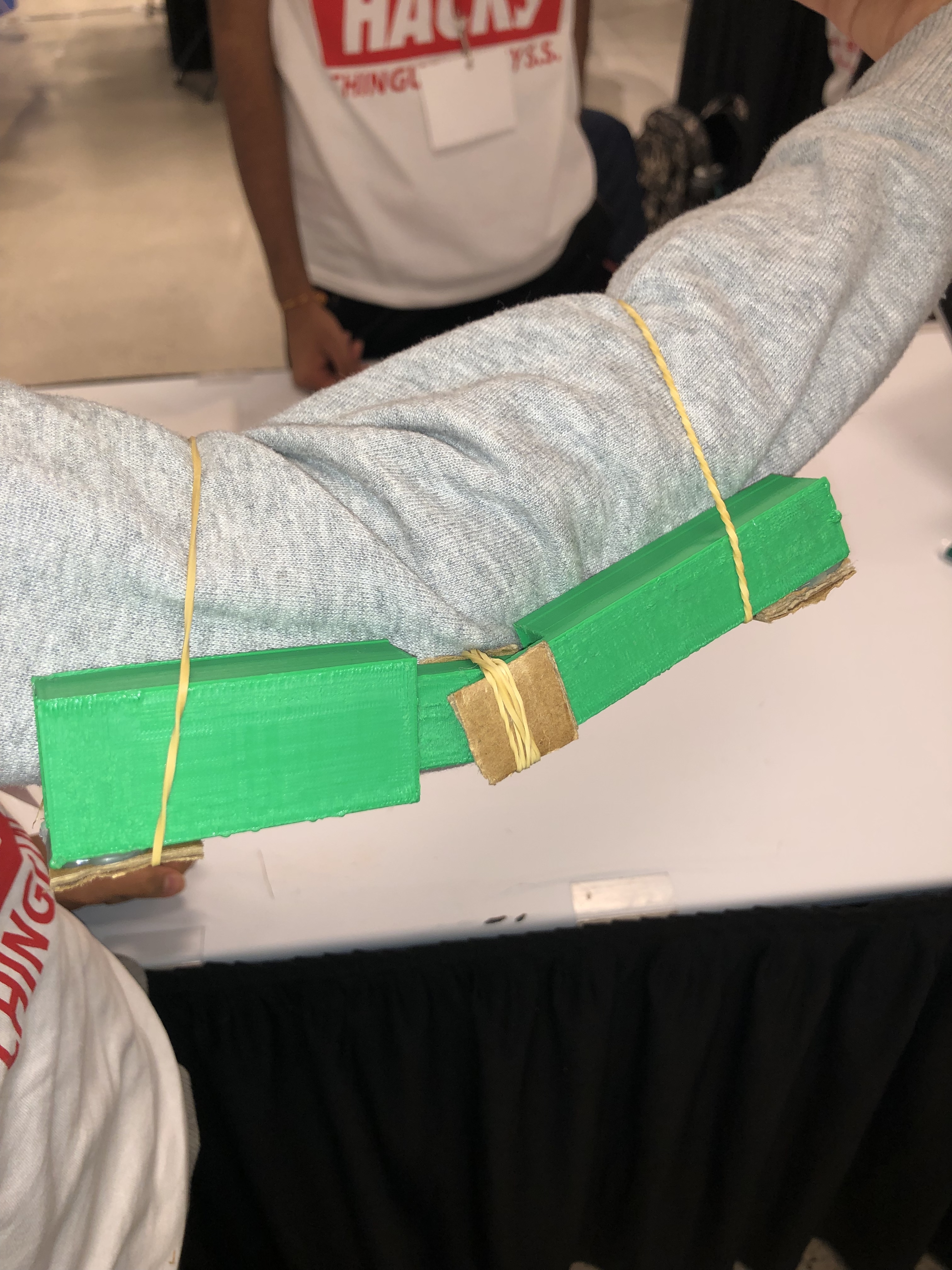
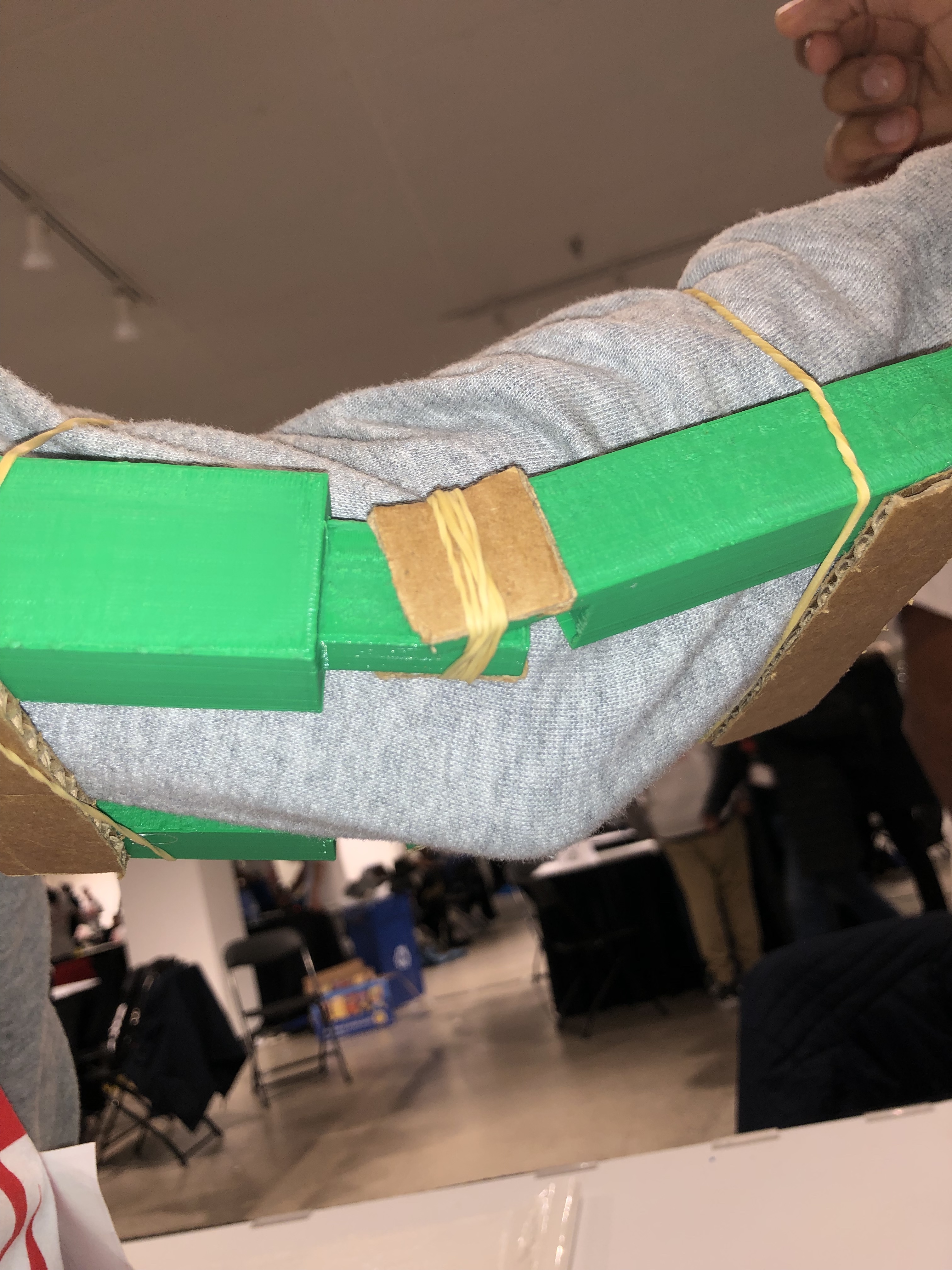
Our solution is a motorized knee brace that helps a patient in the recovery process post ACL tear surgery.
How I built it
We used the 3D printer to create a scaled down model of our solution. We also used an online tool; tinkercad, to demonstrate how our circuit will work.
Challenges I ran into
We faced issues with trying to create a pivot with plastic parts. This caused us to use other materials such as a pen cap.
Accomplishments that I'm proud of
We are proud of how we all worked together on one project. We were able to create a product that we are all happy with as it functions like we wanted to.
What I learned
We learned a lot about time management and how to get things done on time even though we had a sufficient amount of time.
What's next for MechaBrace - #9
We wish to keep improving this product in the future.
Link to Tinkercad website to view online circuit: https://www.tinkercad.com/things/dAaylv06AQS-sizzling-maimu-turing/editel?sharecode=VnjFxQ-Lv7xU7d7b6h7xmr9cKKLTOh4f95YeCHL_l60=
Code in C++:
int RightsideMotor = 2; int LeftsideMotor = 4;
void setup() { pinMode(RightsideMotor, OUTPUT); pinMode(LeftsideMotor, OUTPUT);
}
void loop() { int onesdelay = 1000; int twosdelay = 2000; int threesdelay = 3000; int breakdelay = 5000; int enddelay = 10000;
//1 Second Intervals //1st Run //Front Turn digitalWrite (RightsideMotor,HIGH); digitalWrite (LeftsideMotor, HIGH); delay(onesdelay); //Back Turn digitalWrite (RightsideMotor,LOW); digitalWrite (LeftsideMotor,LOW); delay(onesdelay); //2nd Run //Front Turn digitalWrite (RightsideMotor,HIGH); digitalWrite (LeftsideMotor, HIGH); delay(onesdelay); //Back Turn digitalWrite (RightsideMotor,LOW); digitalWrite (LeftsideMotor,LOW); delay(onesdelay); //3rd Run //Front Turn digitalWrite (RightsideMotor,HIGH); digitalWrite (LeftsideMotor, HIGH); delay(onesdelay); //Back Turn digitalWrite (RightsideMotor,LOW); digitalWrite (LeftsideMotor,LOW); delay(onesdelay);
//5 Second Break delay(breakdelay);
//2 second Intervals //1st Run //Front Turn digitalWrite (RightsideMotor,HIGH); digitalWrite (LeftsideMotor, HIGH); delay(twosdelay); //Back Turn digitalWrite (RightsideMotor,LOW); digitalWrite (LeftsideMotor,LOW); delay(twosdelay); //2nd Run //Front Turn digitalWrite (RightsideMotor,HIGH); digitalWrite (LeftsideMotor, HIGH); delay(twosdelay); //Back Turn digitalWrite (RightsideMotor,LOW); digitalWrite (LeftsideMotor,LOW); delay(twosdelay); //3rd Run //Front Turn digitalWrite (RightsideMotor,HIGH); digitalWrite (LeftsideMotor, HIGH); delay(twosdelay); //Back Turn digitalWrite (RightsideMotor,LOW); digitalWrite (LeftsideMotor,LOW); delay(twosdelay);
//5 Second Break delay(breakdelay);
//3 second Intervals //1st Run //Front Turn digitalWrite (RightsideMotor,HIGH); digitalWrite (LeftsideMotor, HIGH); delay(threesdelay); //Back Turn digitalWrite (RightsideMotor,LOW); digitalWrite (LeftsideMotor,LOW); delay(threesdelay); //2nd Run //Front Turn digitalWrite (RightsideMotor,HIGH); digitalWrite (LeftsideMotor, HIGH); delay(threesdelay); //Back Turn digitalWrite (RightsideMotor,LOW); digitalWrite (LeftsideMotor,LOW); delay(threesdelay); //3rd Run //Front Turn digitalWrite (RightsideMotor,HIGH); digitalWrite (LeftsideMotor, HIGH); delay(threesdelay); //Back Turn digitalWrite (RightsideMotor,LOW); digitalWrite (LeftsideMotor,LOW); delay(threesdelay);
//End Break delay(enddelay);
}
Built With
- 3dprinting
- arduino
- plastic
