-
-
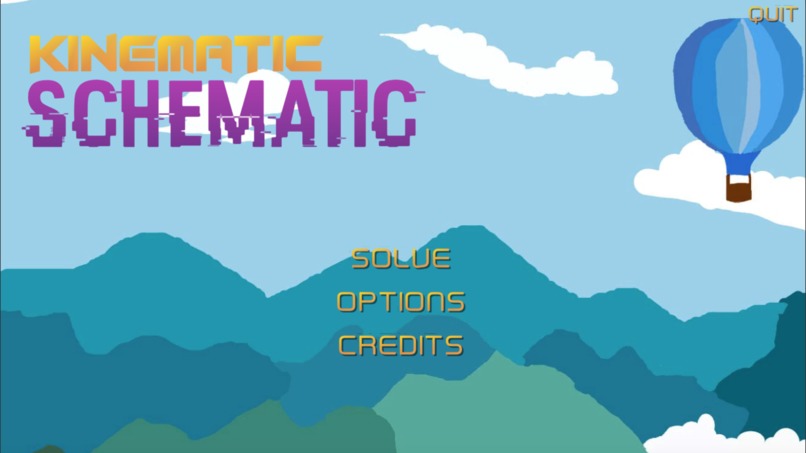
Menu
-
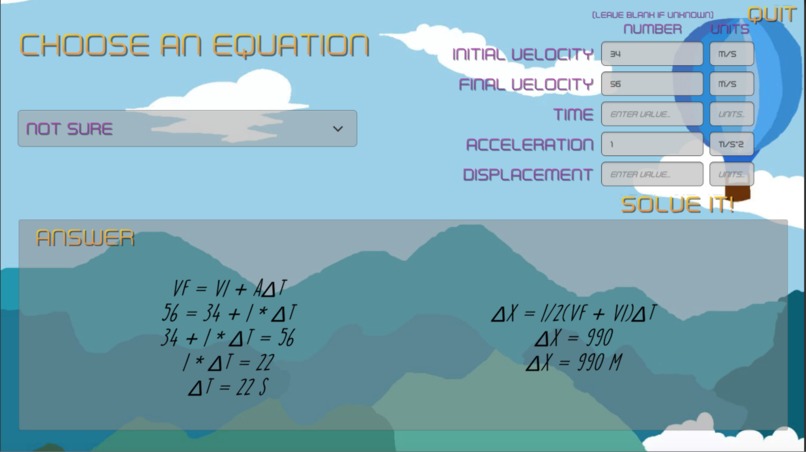
Solving from known values
-
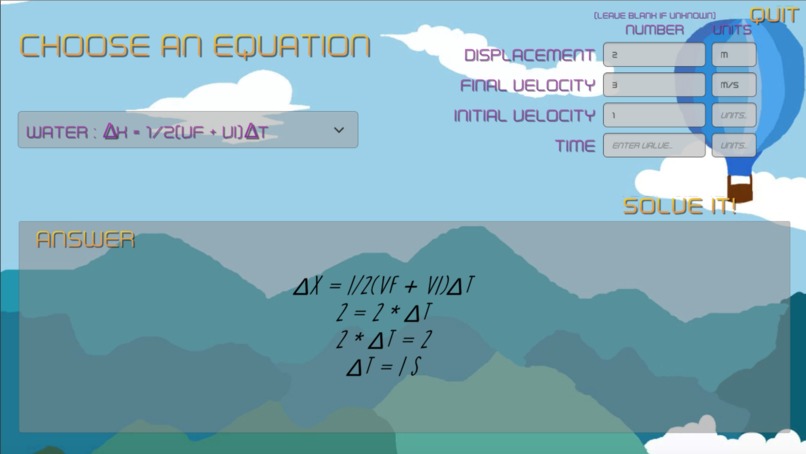
Solving a generic Earth (Vf = Vi + at) equation
Inspiration
General physics and its fundamental concepts came naturally to us. But our teacher's constant shortcuts and incoherent lectures confused many of our peers. And since physics is a discipline that builds on core concepts, students with slight misunderstandings in kinematics would be completely lost when we covered rotation and torque. Combining a one-variable solving algorithm with a basic Unity UI, we hope that our program can help new physics students like ourselves gain a cohesive understanding of kinematic applications.
What it does
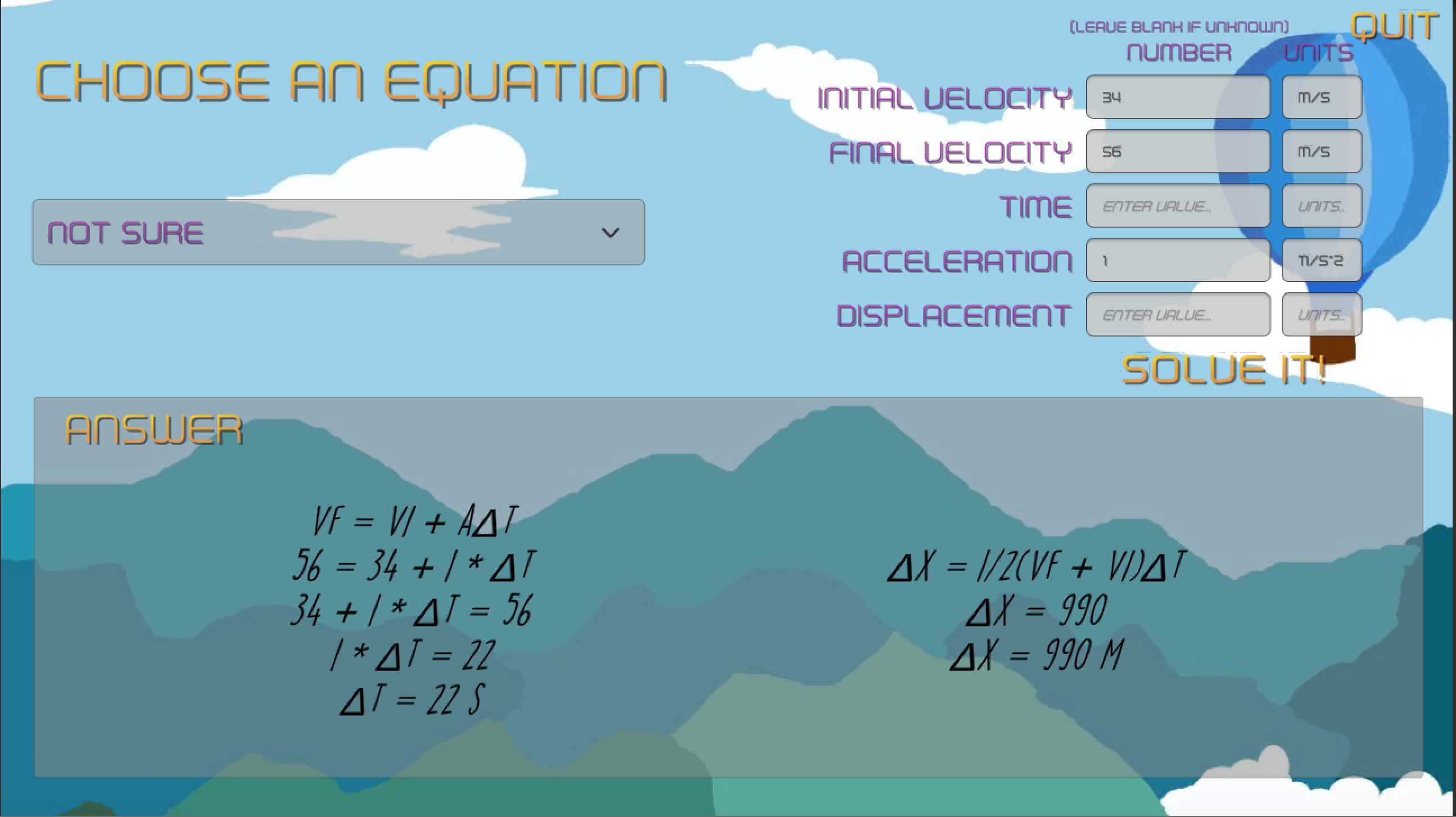
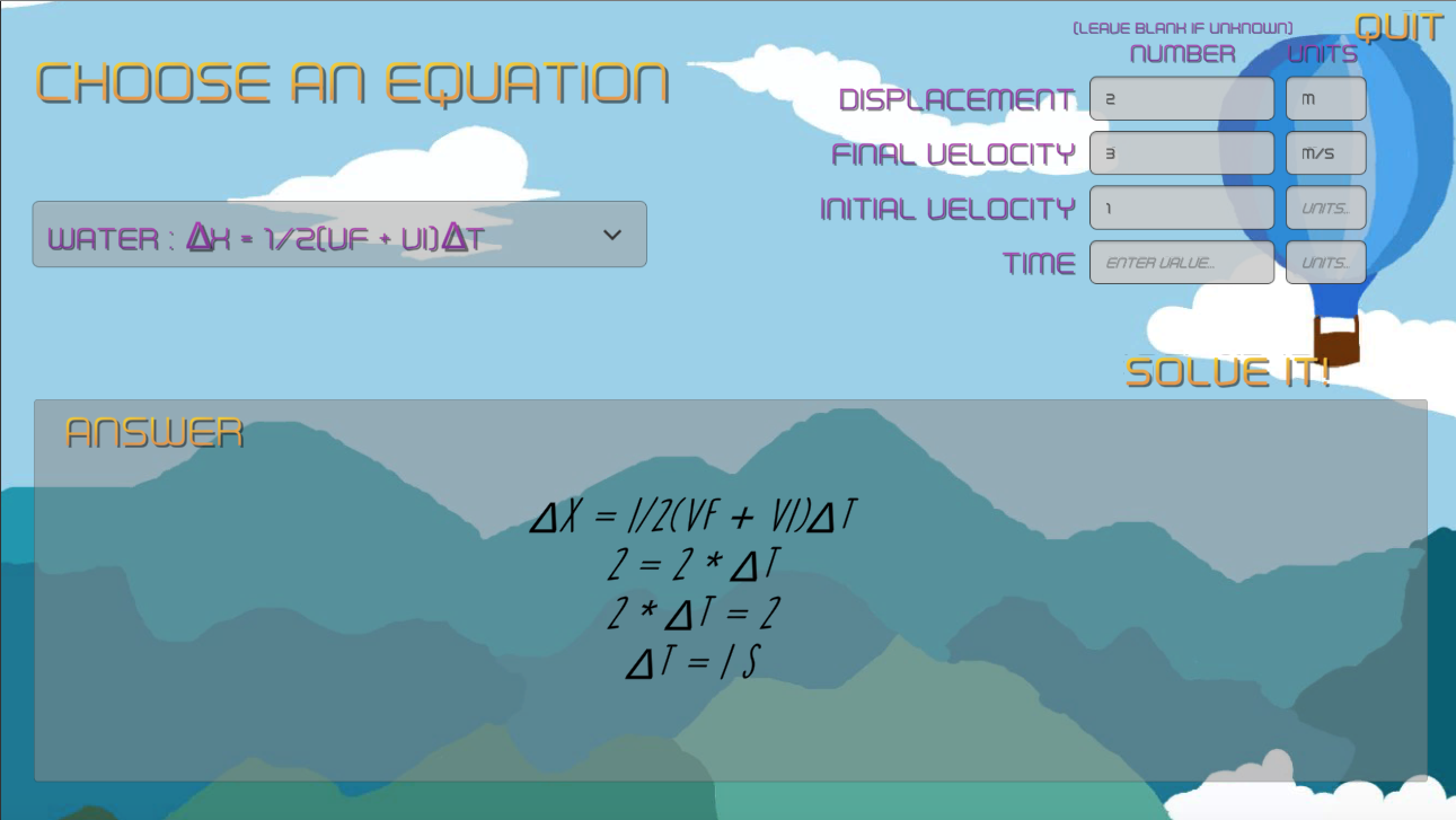
Under the "solve" window in our desktop application, students can choose one of five equations in the drop-down menu, fill in known values with any unit, and the program will solve for the unknown value. For students who don't know where to begin with their program, by clicking the "not sure" icon, the computer automatically chooses appropriate equations and solves for any unknowns. In addition, if any error occurs in calculation, whether insufficient data, invalid results, etc, the UI will alert the student, prompting them to re-enter their quantities.
How we built it
The base program was written in Java, the language we were most comfortable with. One method called "solveEquation" in the Algebra class forms the basis of our program. It uses a binary tree object to store expressions based on their level of precedence, then recursively moves known values to the other side until only the unknown value is left. When we realized that we still had time, we decided to create a more intuitive UI in Unity. After porting to C#, designing the UI, and creating supplementary elements like music and art, the "Kinematic Schematic" app was born.
Challenges we ran into
This project included the most ambitious and demanding program we had even built, so we overcame challenges from all directions. We initially envisioned our code to be specific to kinematic equations, with several methods simply using the predefined formulas manipulated to solve a specific value. But we felt that this idea was not only simple and tedious, but could not be applied for future programs (more on that later). Therefore, we decided to make a general equation solver based on recursive binary trees. Our structure got complicated quickly, and it took several hours to catch bugs entangled within this method. Also, since we were unfamiliar with both Unity and C#, porting and designing was foreign (that text in the General chat at 4:33 am was from us btw). Gradually however, we became more familiar with Unity UI, and through dedication and a little procrastination-realization rush, we eventually built and tested our app.
Accomplishments that we're proud of
The most challenging part of our program was implementing a generic equation solver in Java. It stretched the limits of our Java knowledge by using complicated recursion, inheritance, and polymorphism. However, the sense of accomplishment when we finally compiled and ran our program successfully was the height of this event.
What we learned
Despite adapting to new interfaces such as C# and Unity, the most important "thing" we learned was in terms of planning. Before we began the hackathon, we created a master plan that featured many backgrounds, music tracks, features, and UI. As we discovered that programming and designing took longer than anticipated, we had to drastically simplify our design. Our ambitions were unfocused, leading to painful compromises along the way. For future projects, we will plan a precise, focused solution to ensure that we make our quota entirely, but also open room for future improvement.
What's next for Kinematic Schematic
One of our most painful sacrifices we had to make to simplify our plans was scrapping a lab feature on the menu. This would open up a PhET-like simulation in which students can switch between 1-D and 2-D motion, and adjust features of launch such as the angle, initial velocity, gravity, etc. Then, when clicking play, a ball would shoot out of a cannon, which graphs of displacement, velocity, and acceleration vs. time would highlight the ball's trajectory. After inputting enough values, the program would solve and display the unknowns. Although we knew such a simulation would facilitate both a physical understanding and the core scientific principle of experimentation, we decided to focus on the solve function, and implement this feature in the future.



Log in or sign up for Devpost to join the conversation.