Inspiration 🌟
Most people, including ourselves, find that reading through every email in our inbox is a tedious task. Students like us find it especially hard to keep track of the hundreds of events that flood our emails from our school departments. Each email consists of 10 + events (such as workshops, meetings, parties, etc.) making them lengthy with no easy (one click to add to calendar feature).
Not only that, but those with attention-deficit disorders face major difficulties when going through their inboxes.
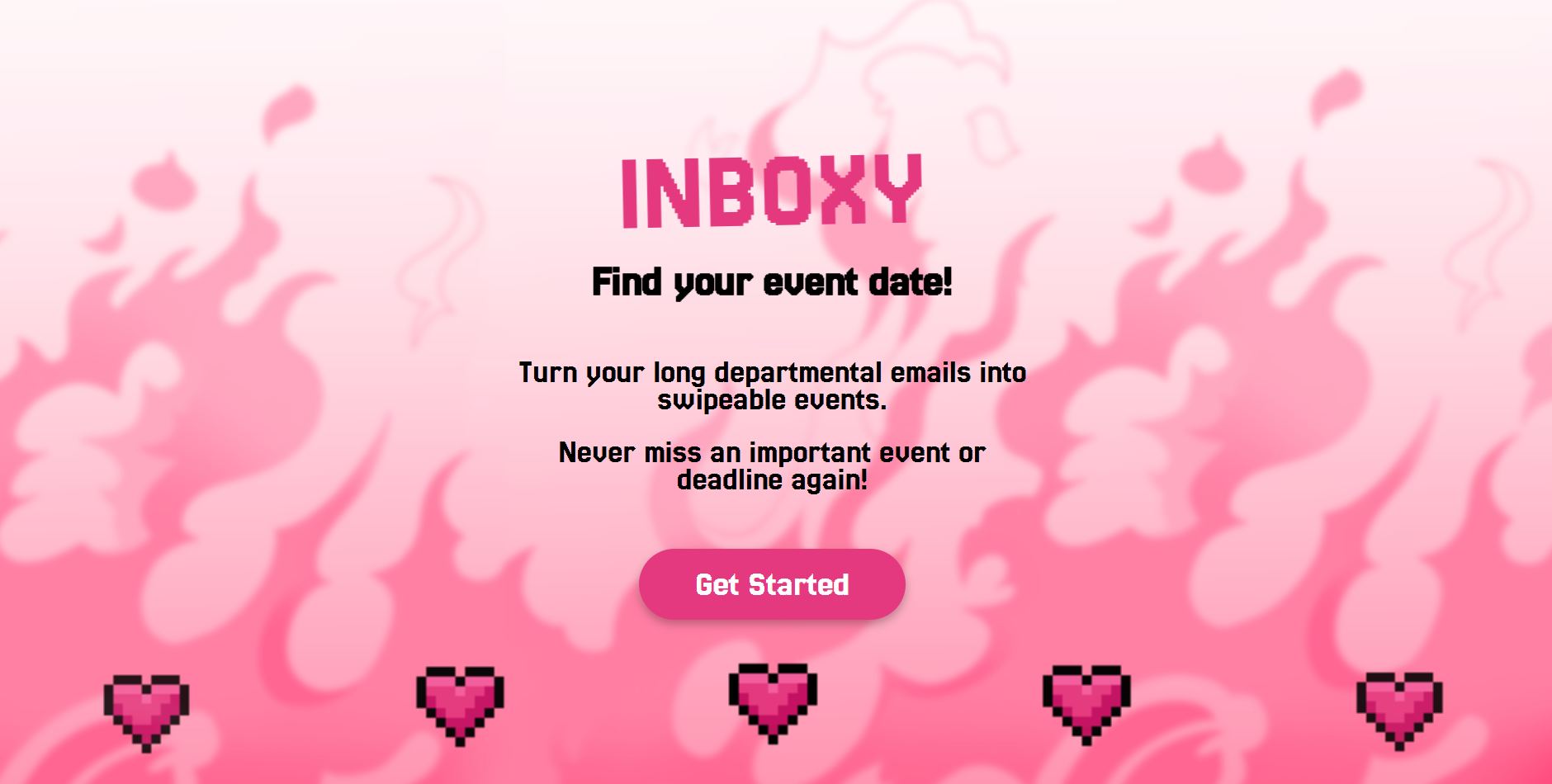
This is exactly why Inboxy came to life!
😍😋NEVER MISS ANOTHER POTENTIAL LIFE CHANGING EVENT.... FIND YOUR MATCH WITH INBOXY 😍😋
What it does
Features
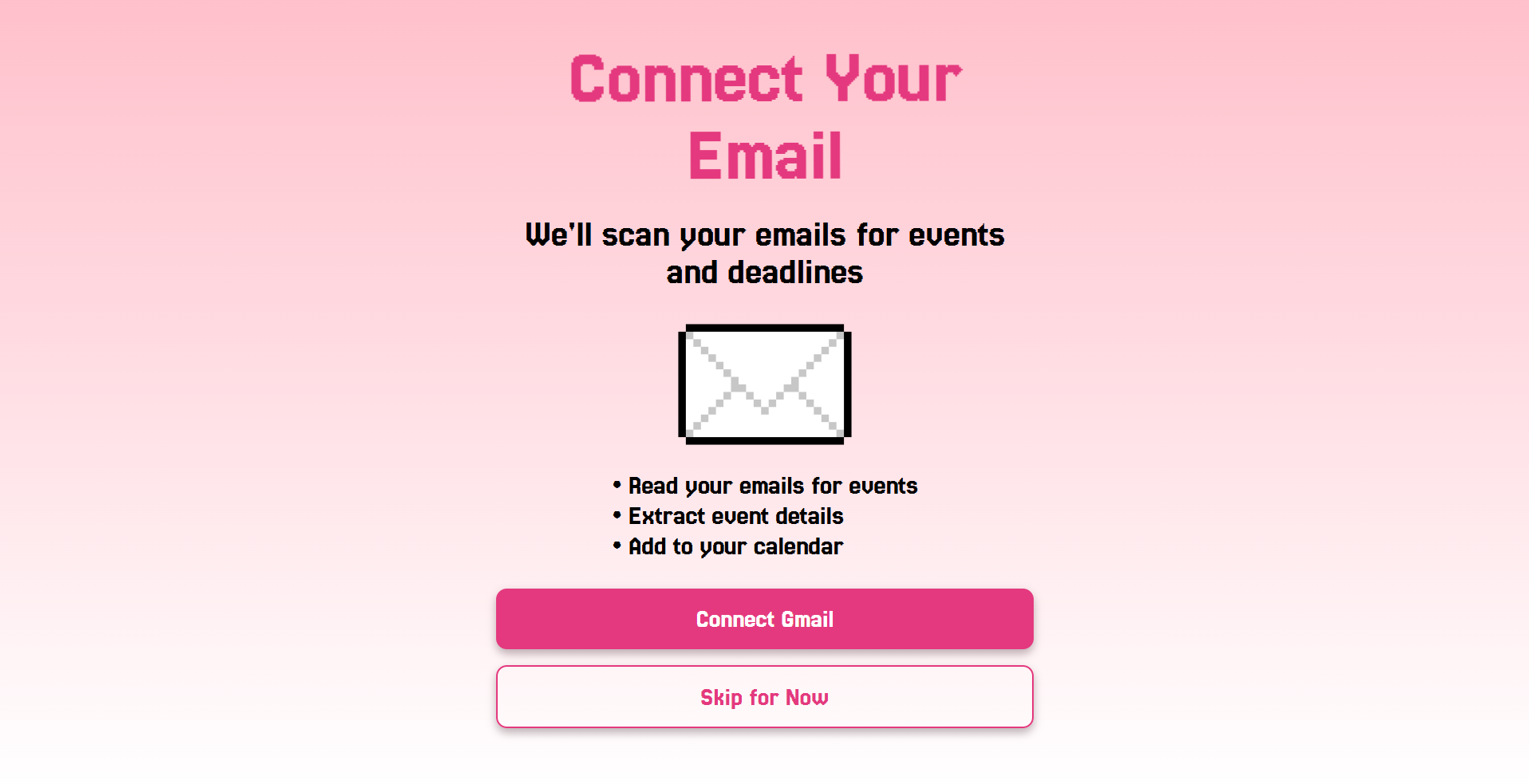
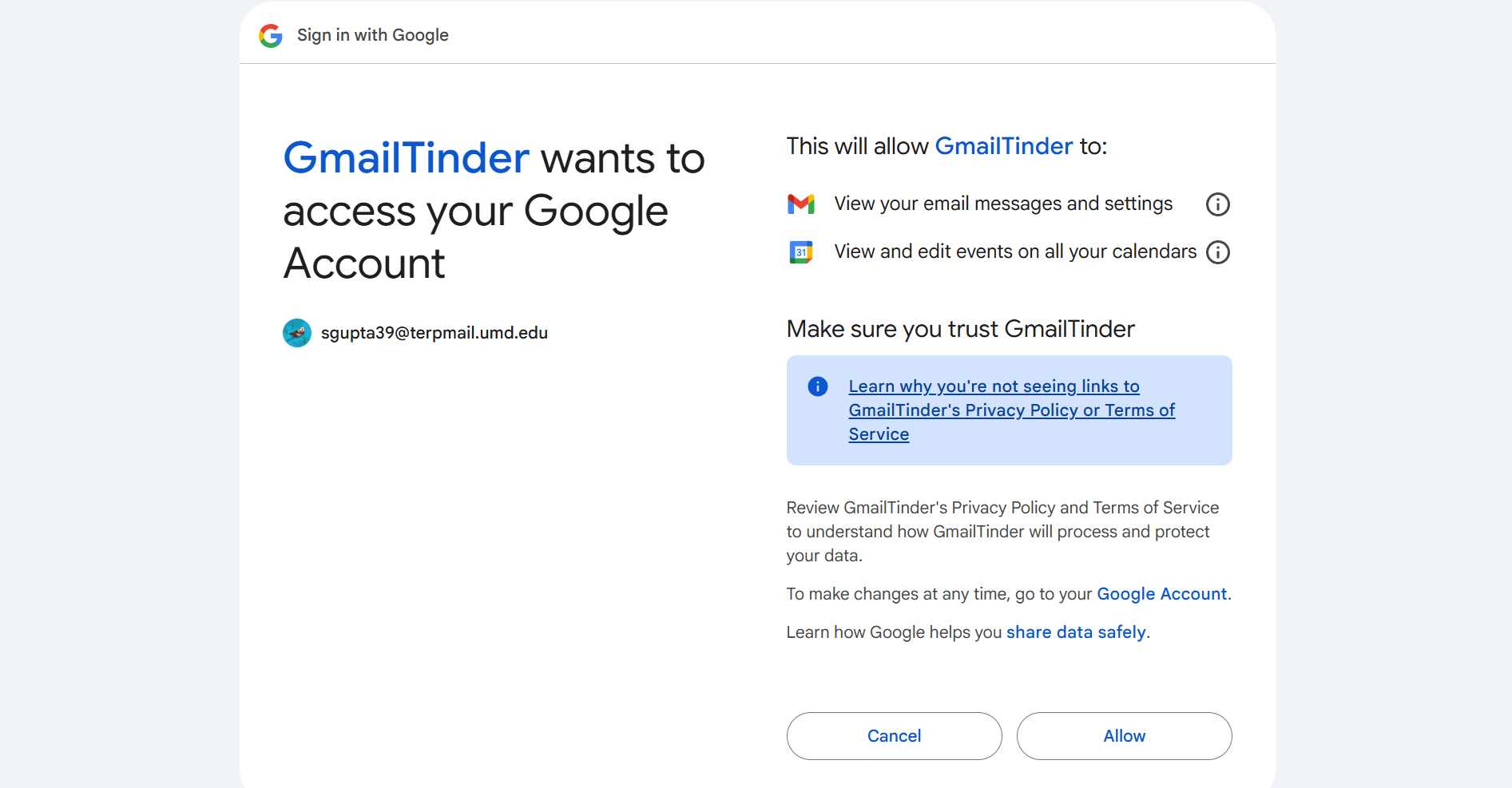
1) Connects straight to you Google Gmail through Google Cloud integration ( using Google Auth Platform, connecting to Google Gmail API and Google Calendar API)✉️, verifying clients and storing their data within Google Cloud Database. Furthering security through the use of 2 scopes and verifying question 👾
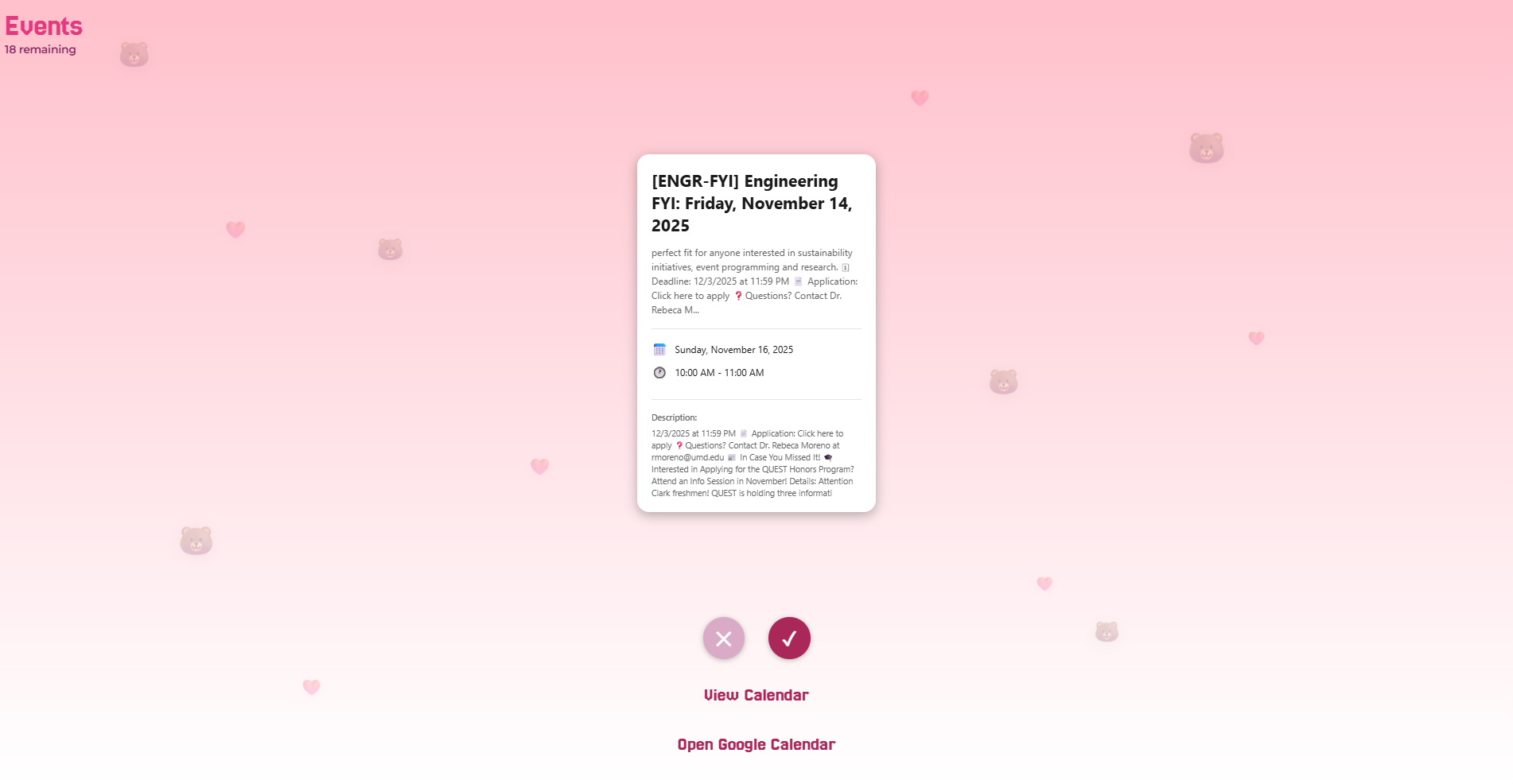
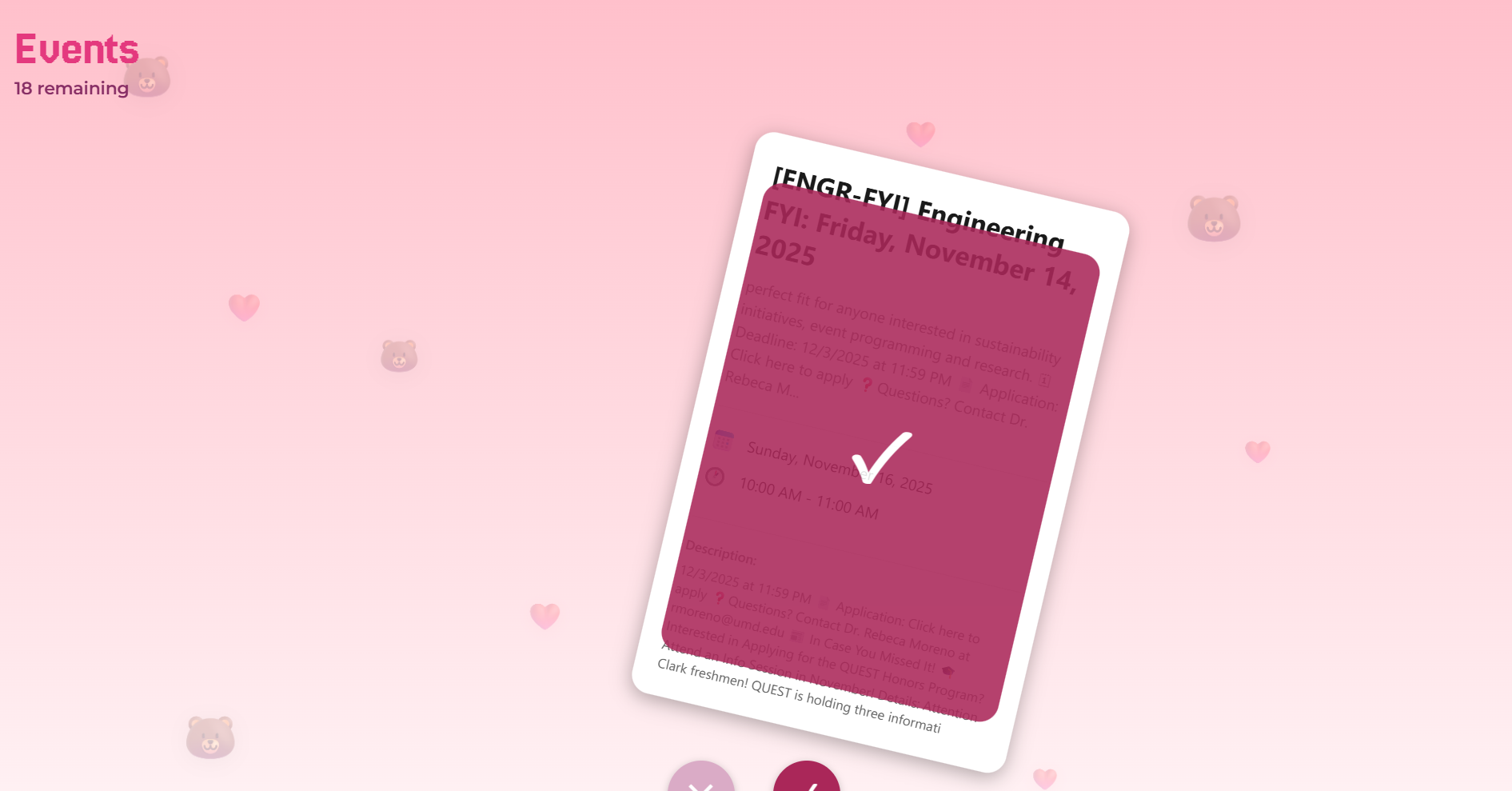
2) Swiping Cards✉️ feature that adds events straight to calendar: Using Google Gemini API to parse through each email, extracting all the event details for each event and putting it on a (Tinder😍😍 inspired card that swipes right and left)
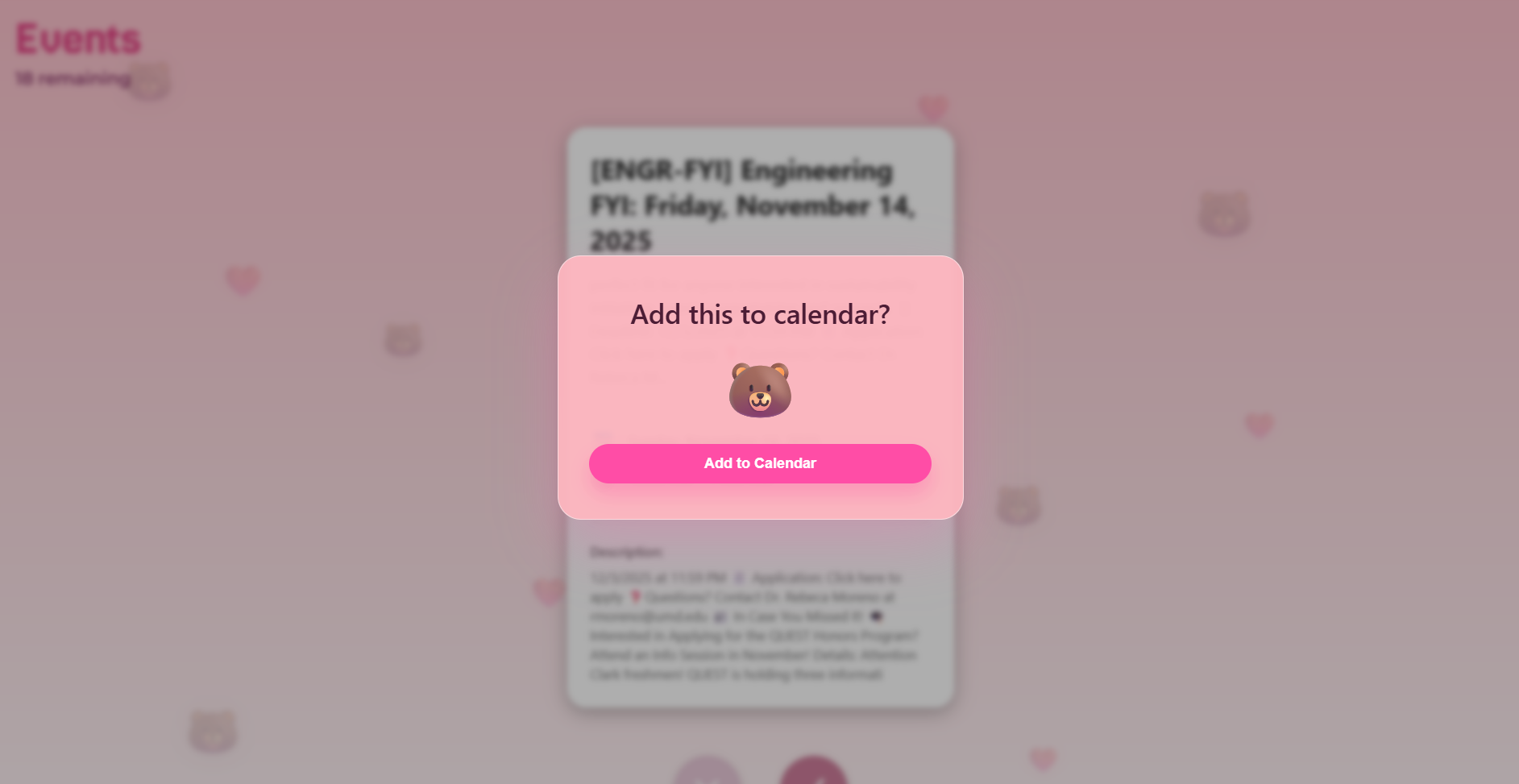
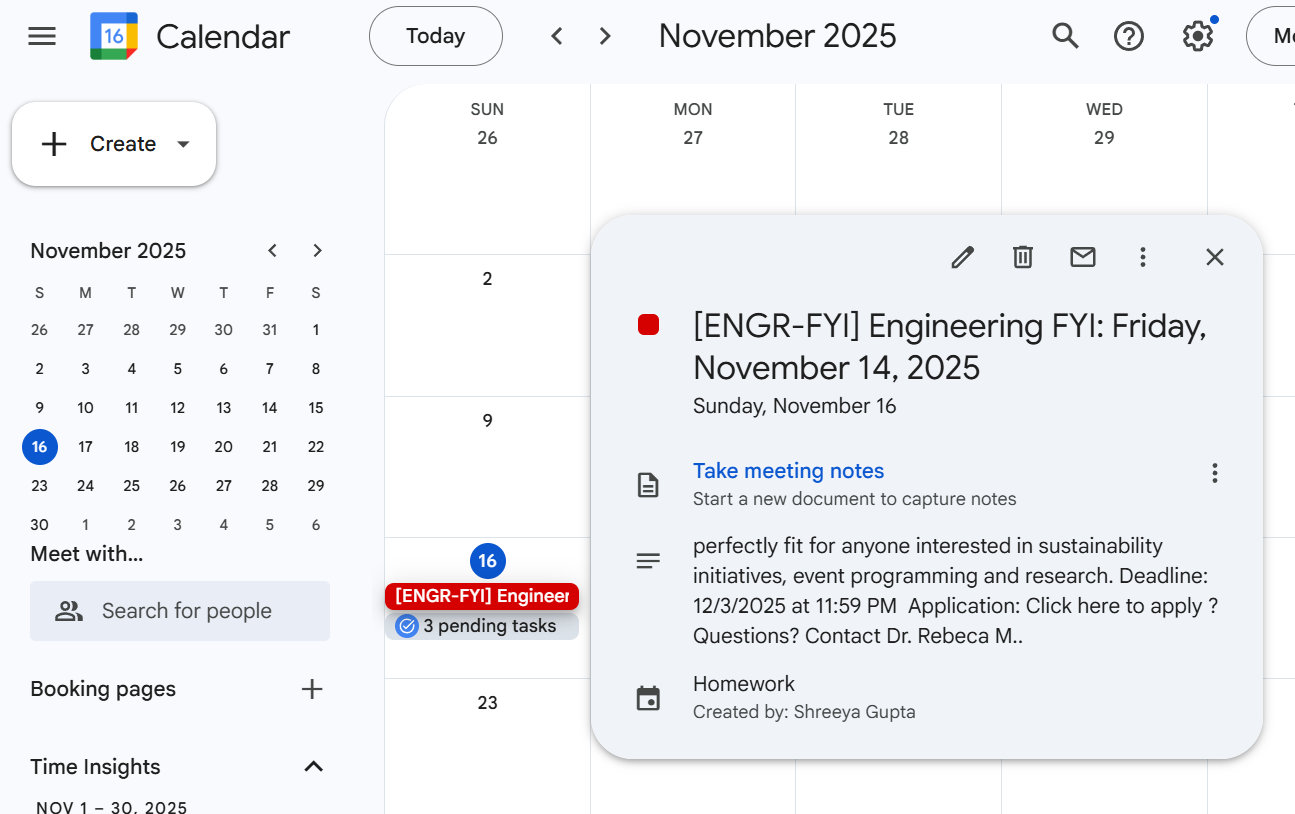
3) Adding straight to calendar: Swiping right 👉adds the event and its info straight to your connected Google Calendar .. and if two events ever collide it lets you choose which one you like to attend more!
4) Helps to keep you engaged: the interactive features help people conditions like ADHD stay engaged while reducing their burden since they no longer have to manually add anything to calendar. INBOXY HELPS TO MAKE GMAIL MORE ACCESSIBLE!😟😋
5) Potential use of ElevenLabs: to make this more ACCESSIBLE we tried to incorporate a ElevenLabs agent that reads out each event for people that may have hard time seeing or reading! This takes in the parsed data from Gemini from the previous step and does a text to speech conversions. 💬😶
How we built it
Inboxy was built from scratch and hand drawn. We used JavaScript, CSS, and HTML files. JavaScript and HTML were used to handle the text and visual elements in the application, while the CSS handled the formatting and animations. Each visual element seen in the application is hand-drawn and original. Google Gemini, Google Cloud, Google Auth platform with clients, Gmail API, and Google Calendar API were used on the backend of the program. These APIs managed the intelligence behind the application, allowing it to securely access users’ emails, analyze and categorize messages, and integrate event data directly into their calendars.
Challenges we ran into
One of the main challenges we faced was instability with the Google APIs. Multiple times, the Gmail API, Google Calendar API, and Google Auth platform failed to authenticate or return data as expected. This caused interruptions in fetching emails, categorizing them, and syncing events. This, in turn, made programming the whole application much more tedious because it obstructed the process of pulling and pushing code safely. Troubleshooting took hours of careful debugging of API requests and ensuring proper authorization scopes. These challenges set us multiple hours behind schedule but were ultimately passed.
Accomplishments that we're proud of
Being able to authenticate a Google account and access real-time email data was the most rewarding accomplishment. We had spent hours trying to get the APIs to work, so completing it was a big moment for us. In addition, the card-swiping mechanism was a big accomplishment because it was something we had never implemented before. We were very proud to recreate the famous Tinder-style mechanism on our own.
What we learned
We learned how to authorize clients for our program, how to integrate Gemini API, and how to connect to Gmail through the cloud. We also learned the dos and don'ts about structuring/planning a program. Everything we worked on in this project was a learning process in some way or another, especially because we implemented many new ideas that we had never worked with before.
What's next for Inboxy
We would love to expand the use of Inboxy by making it compatible with more platforms. For example, we want to make Inboxy a Google Chrome Extension or a mobile application that can be accessed on any device. In addition, we want to build on the accessibility of Inboxy-- in the future, we want to implement a voiceover feature or a speech-to-action feature that allows users to control their inboxes with their voices.
Built With
- css
- html
- javascript
- next-js


Log in or sign up for Devpost to join the conversation.