-
-
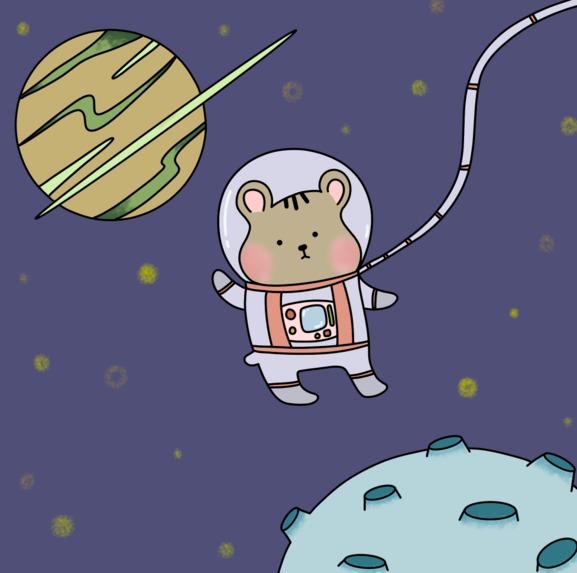
Hamstro Space by Hamstarz
-
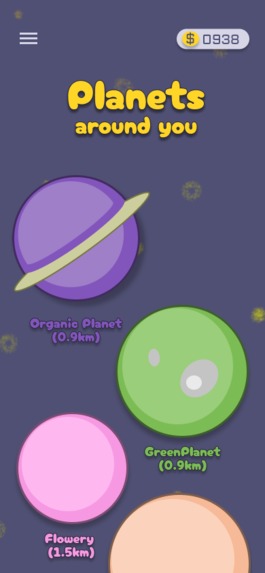
Travel Page by Hamstarz
-
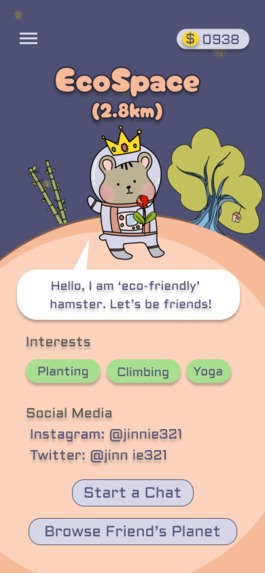
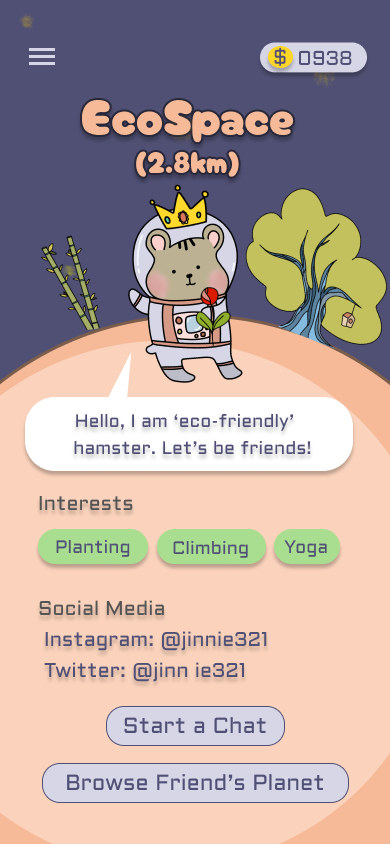
Friend Profile Page by Hamstarz
-
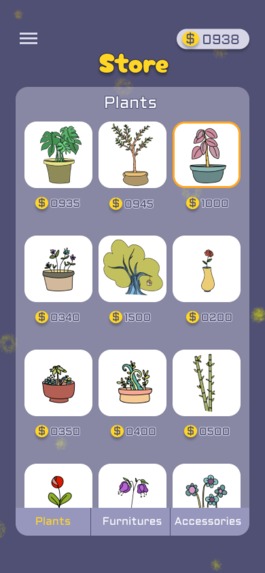
Plant Store Page by Hamstarz
-
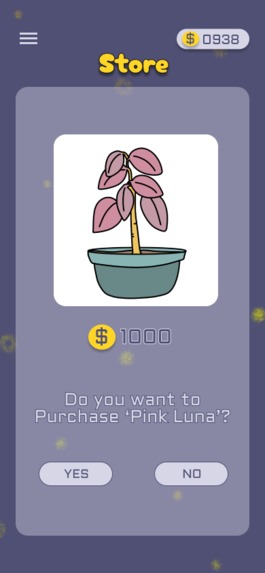
Purchase Page by Hamstarz
-
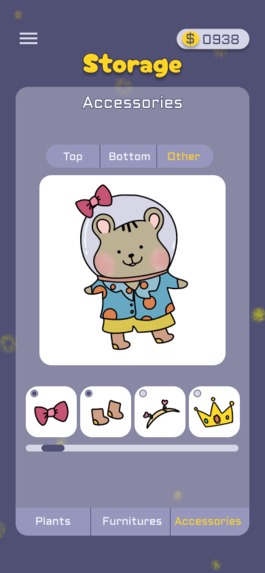
Accessories Store Page by Hamstarz
-
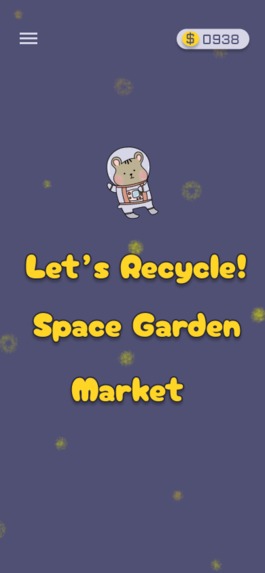
Game Menu Page by Hamstarz
-
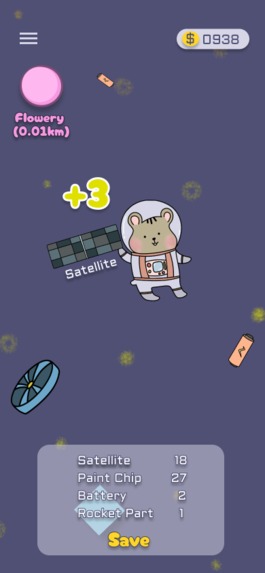
Recycle Game by Hamstarz
-
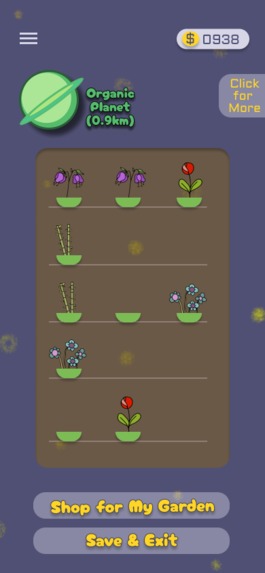
Space Garden by Hamstarz
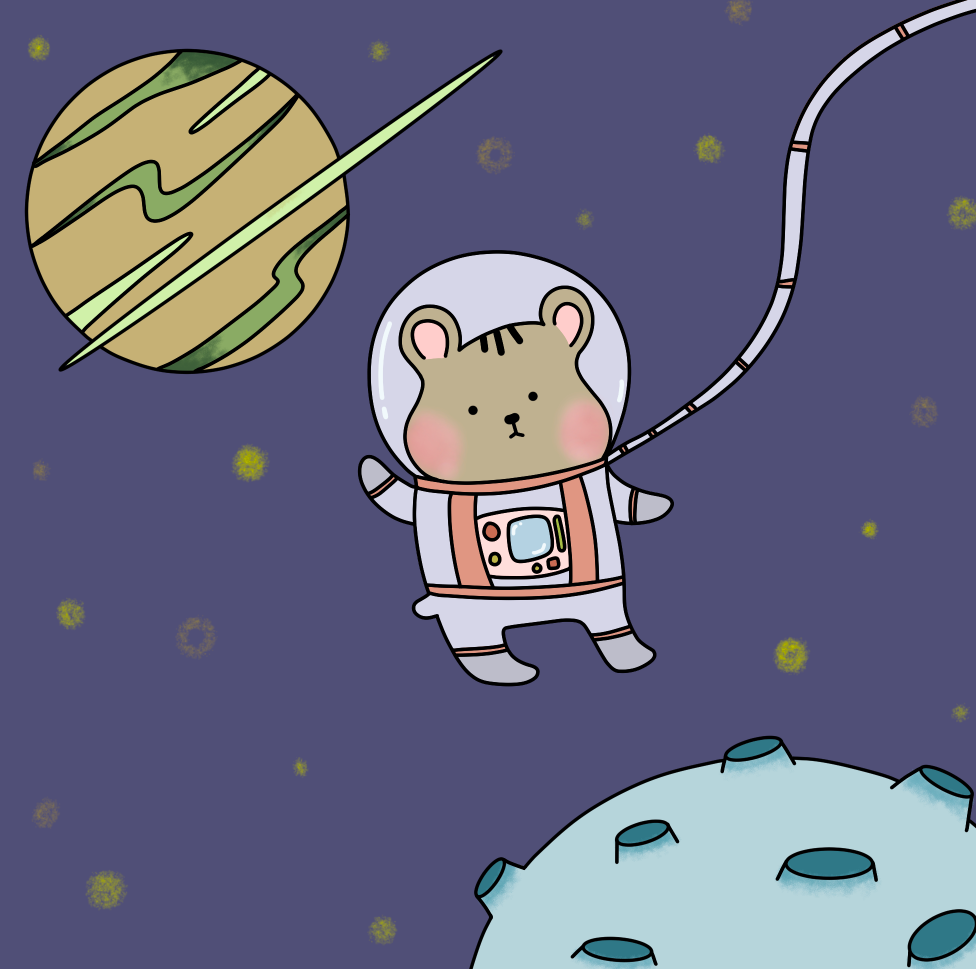
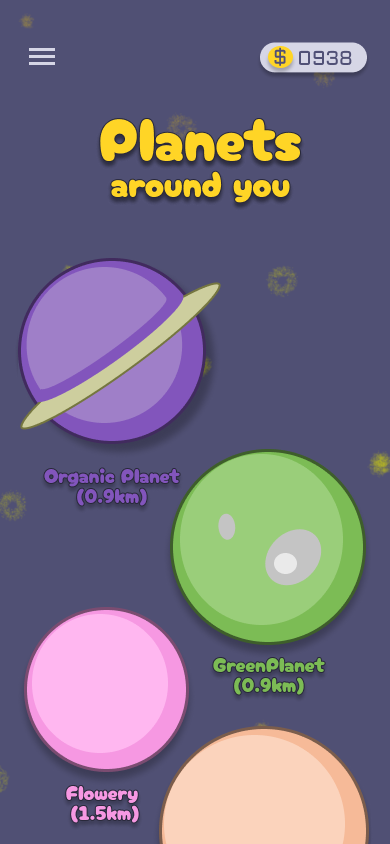
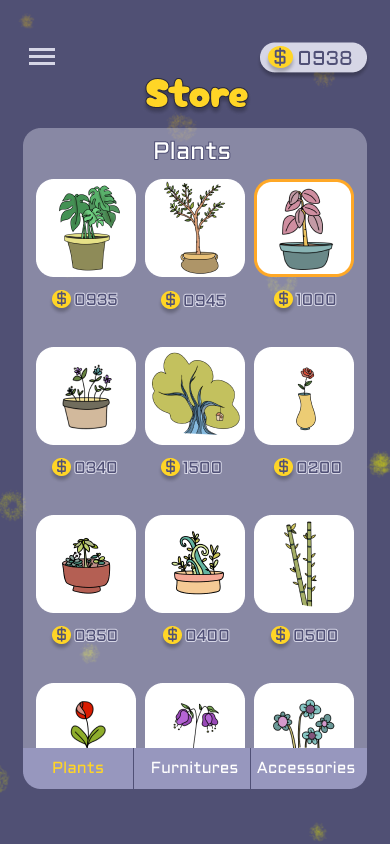
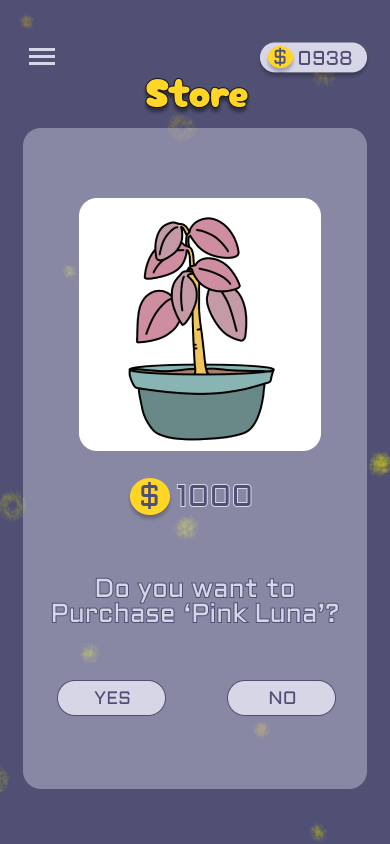
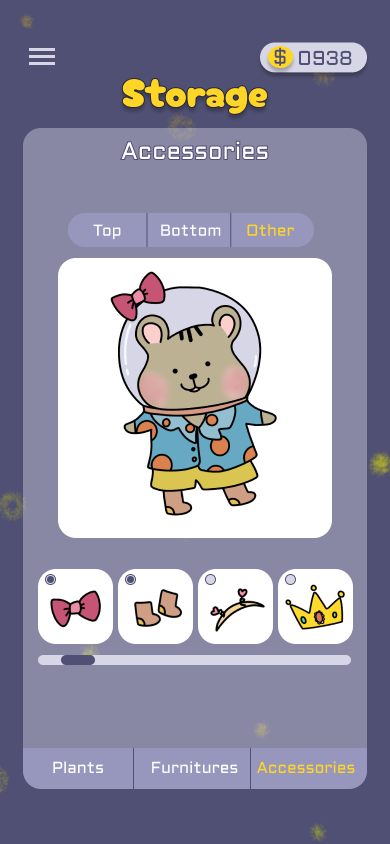
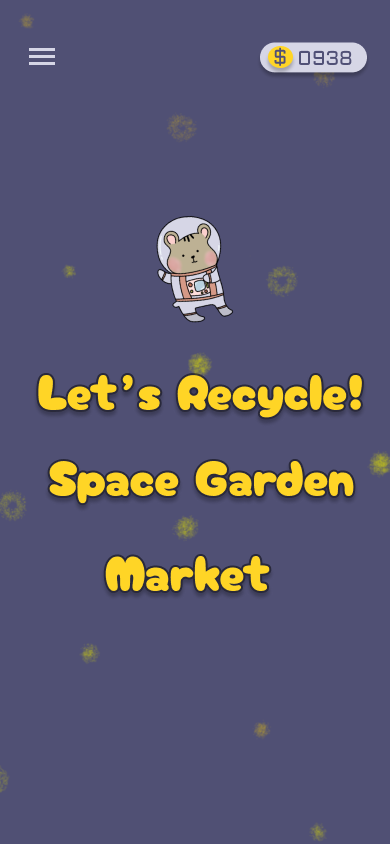
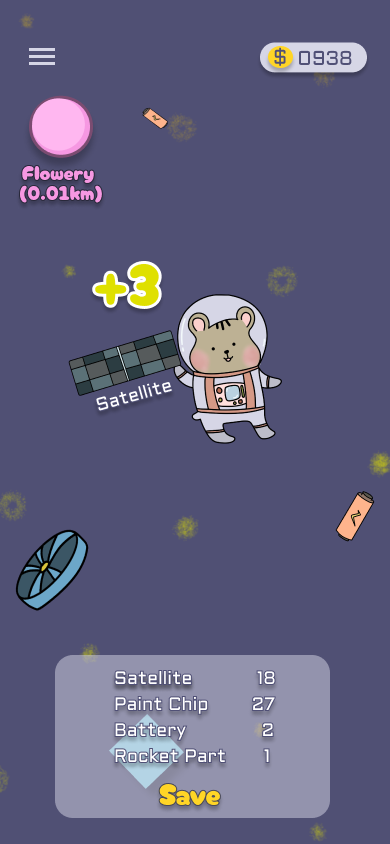
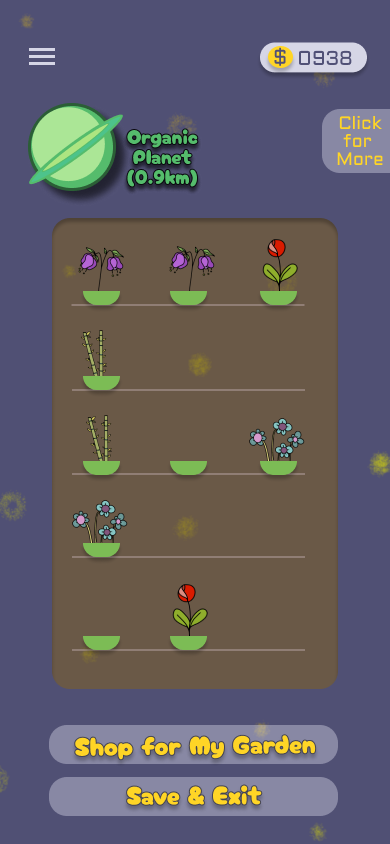
Hamstro Space is a space-themed mobile game application and social network platform designed by Team Hamstarz. It targets anyone who wants to socialize, allowing the users to connect with people and play fascinating games.
Why do we design this app?
We design this app to provide a platform where users can connect with people from all around the world and get real-time communications. We also want to create a place where users can relax with their virtual hamsters, enjoy some space-themed games, and pay more attention to space pollution.
What are the main features?
- Connect with friends
- Have real-time chatting
- Create a unique hamster character
- Decorate your planet
- Dress your hamster
- Travel to different planets
- Play space-themed and environment-friendly games
Who is the target user?
Anyone willing to connect with other people can become a user of this platform. This application will display random users within ten kilometers from where they are currently located, and the users can check the profile of each other to see the introductions, interests, and social media. Users, called ‘hammies’, can become friends, send messages, browse each other’s planet, and exchange gifts. People interested in environmental pollution, especially concerning space, will also be the target of this application. While playing the games, the users pick up the space wastes, recycle them to make furniture, and exchange them in the market. The games will raise awareness of space waste and its impacts.
What makes Hamstro Space special?
Hamstro Space is very unique because it is an excellent combination of a social media platform and built-in games. It connects people who care about the space environment so much just like they care about each other. The core value of connections is the interaction between people. When users start their adventures with brave and adorable hamsters, they can find the possibility to meet new friends who stay close within a certain distance. Their voices will be heard and expertise will be shared. When users decorate their rooms, they release the most creative, even crazy ideas, to build a utopia for themselves. When they plant a mysterious space plant, they will enjoy the amazing process and wait for lots of surprises. When they collect and recycle space waste, they will experience how important and interesting it is to do something nice and responsible for our planet and the whole universe. When they sell their craft or plants on the market, they will experience a great sense of achievement. In conclusion, users are free to explore and enjoy the beautiful universe in Hamstro Space. It is not just a mobile app; it is also a home, a journey, and an adventure of the new world. Our team used Figma to build the user interface and Clip Studio Paint to draw detailed components such as our logo, hamsters, and the store goods, including plants, furniture, and accessories.
Reason to choose that technology
Figma is a free and powerful tool for teamwork and collaboration. It allows us to design and upgrade the initial wireframes and prototypes, and provide interactions. Our team works together on the project and receives real-time feedback from each other. Our team used Figma for UX/UI design before and we all had an amazing experience.
- Step 1 - We had a group meeting for brainstorming, and decided on the name, main features, theme, color set, and font style for our project.
- Step 2 - We divided the work into 3 groups based on the main features. Each member is responsible for one group of features.
- Step 3 - We created a team project in Figma and worked together. The whole team shared sets of design components.
- Step 4 - We kept track of team progress and communicated with each other if there were any issues.
- Step 5 - We added interactions to our prototypes and made the demo.
How can we improve?
The challenge we faced was to be consistent in the style. We divided our works by the functions, designed the pages individually, and shared our works about every hour and whenever we had doubts. Each of us did a great job, but even small details including the color scheme or the fonts of the button could be slightly different so we had to fix them after. Next time, we will make the prototype for the repeating patterns such as ‘YES’ and ‘NO’ buttons, the placement of the title, and so forth, then move along to the next step.
Built With
- clipstudiopaint
- figma


Log in or sign up for Devpost to join the conversation.