-
-
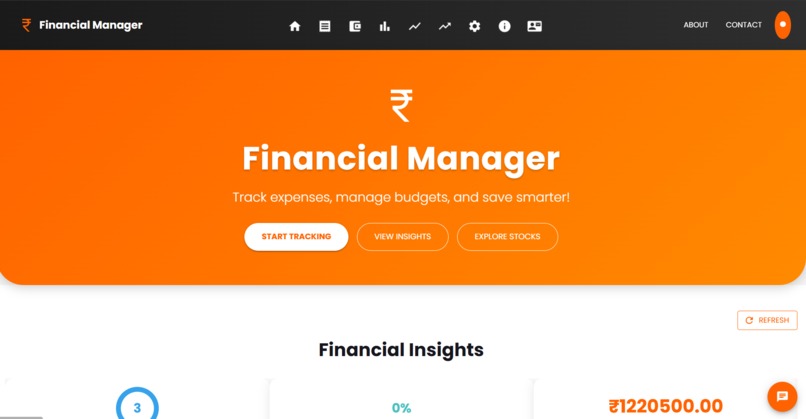
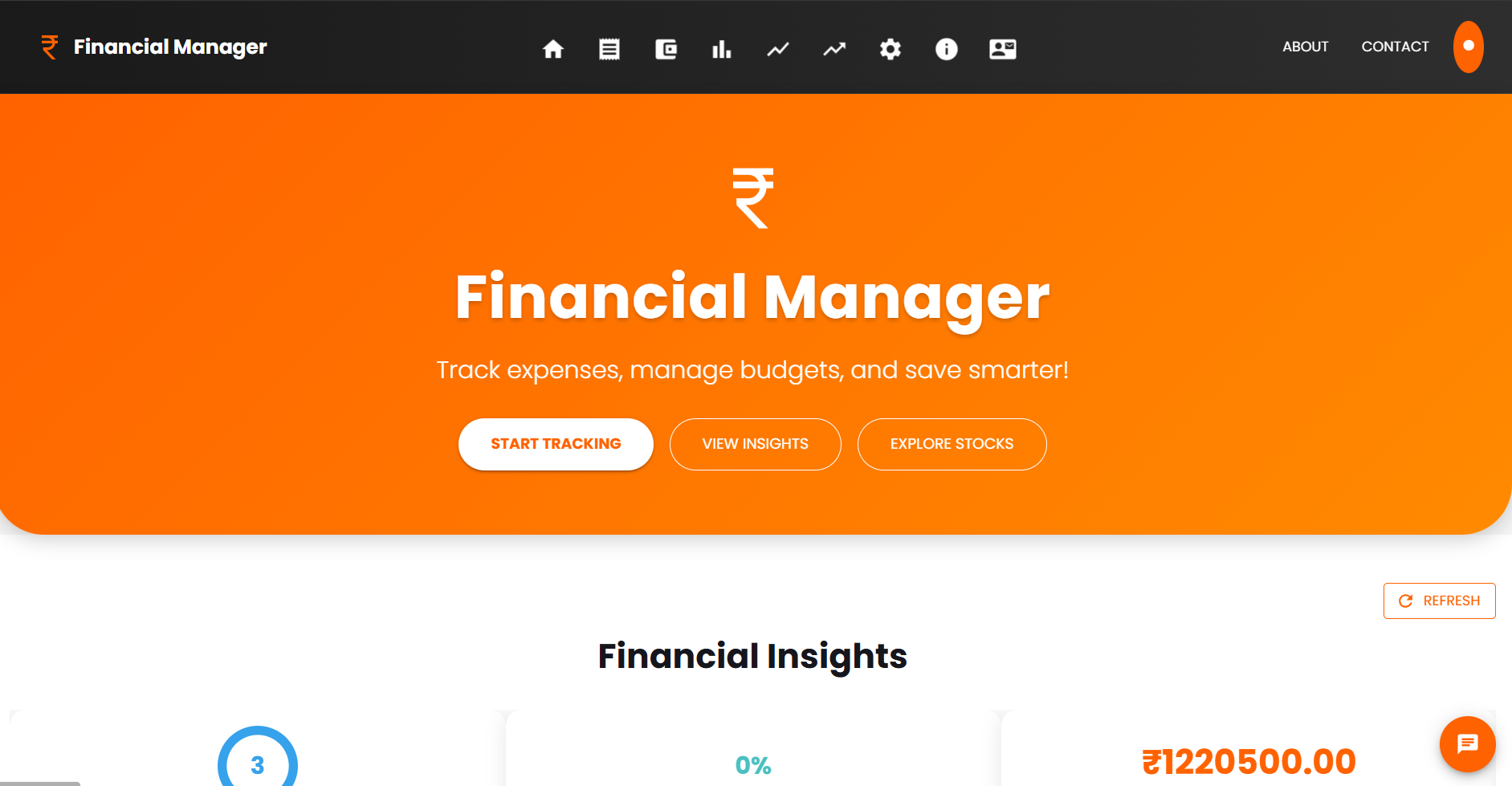
Home page
-
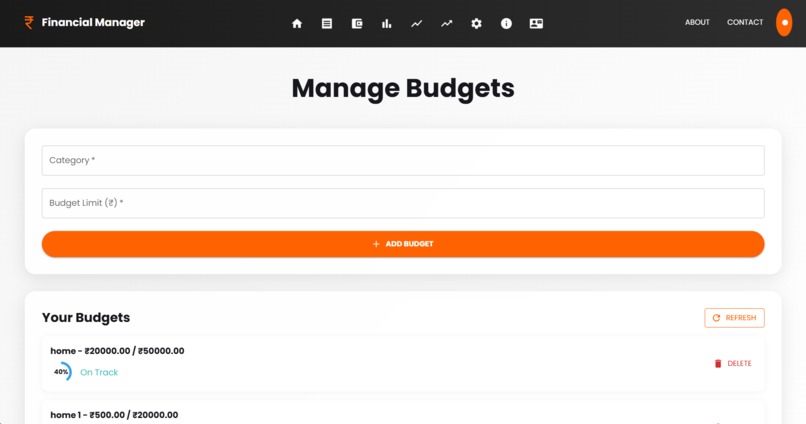
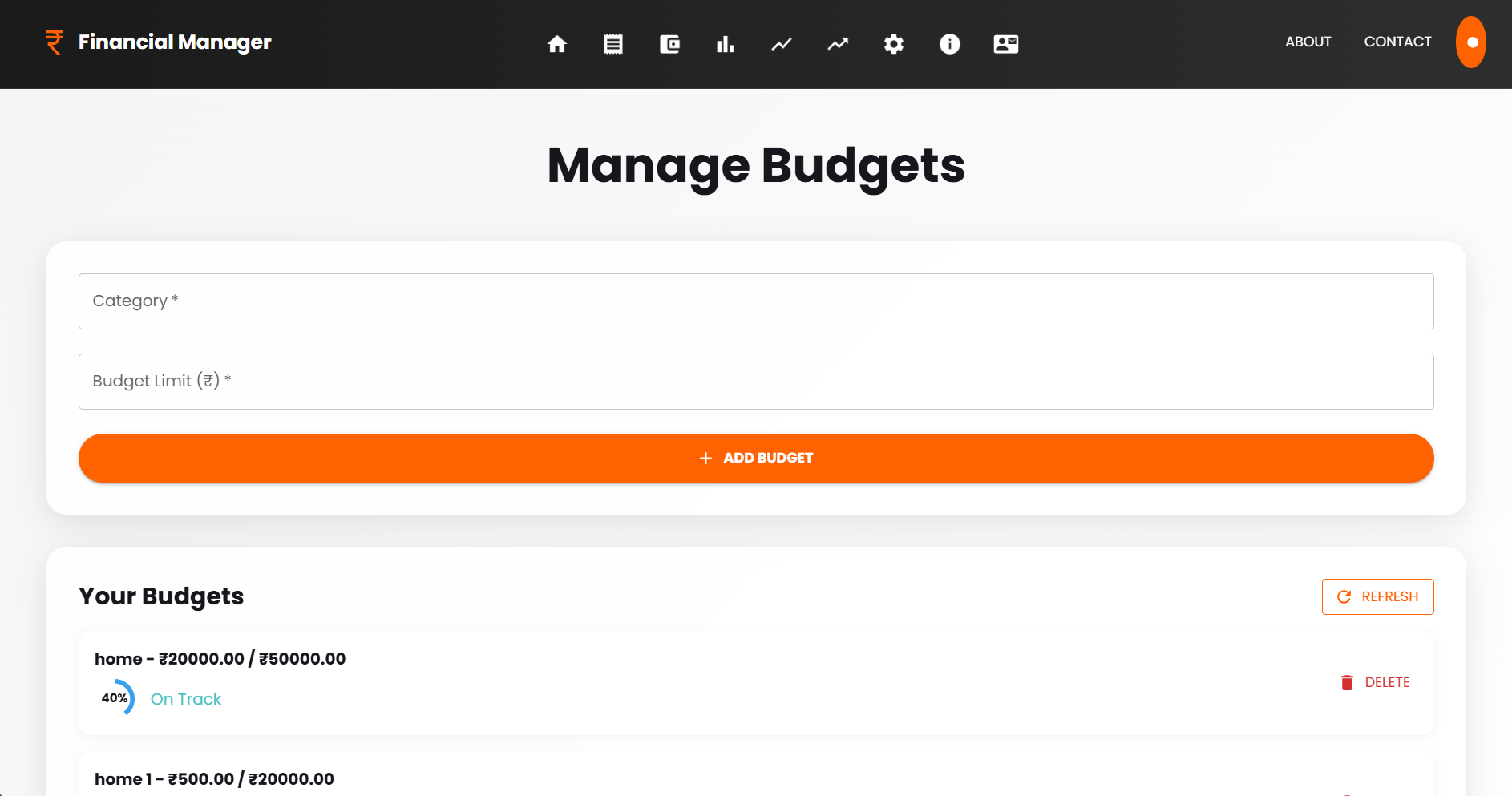
Budgets
-
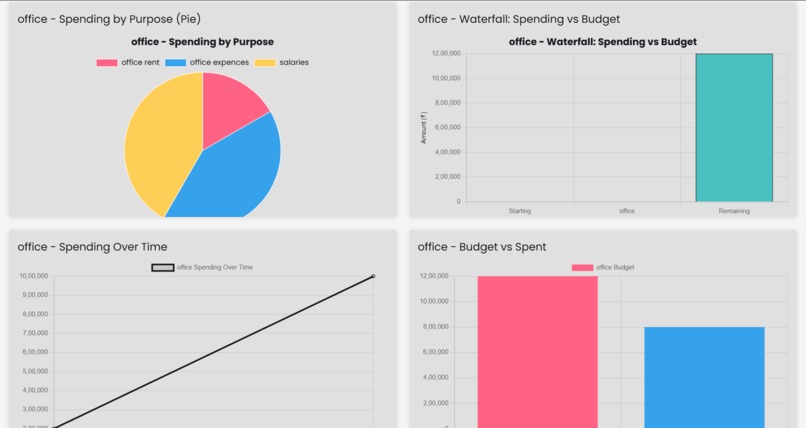
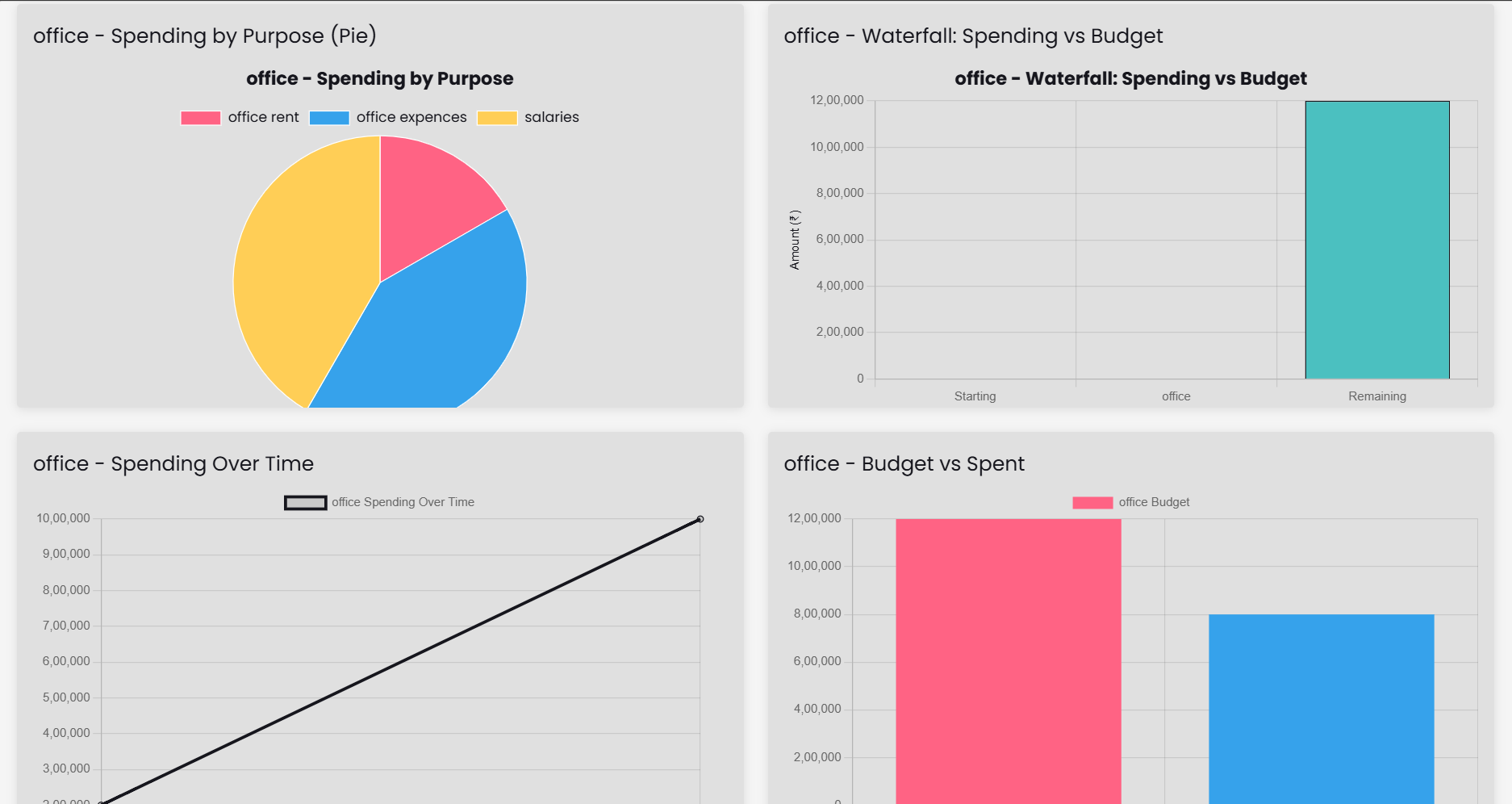
visualizations
-
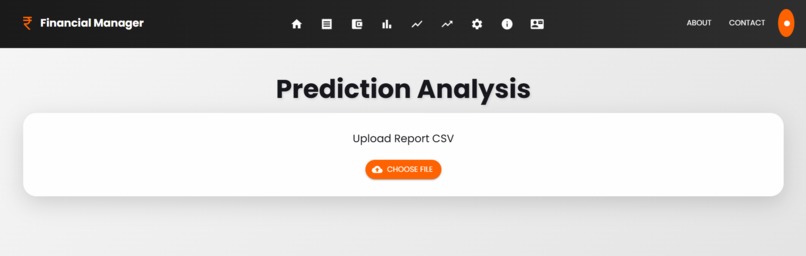
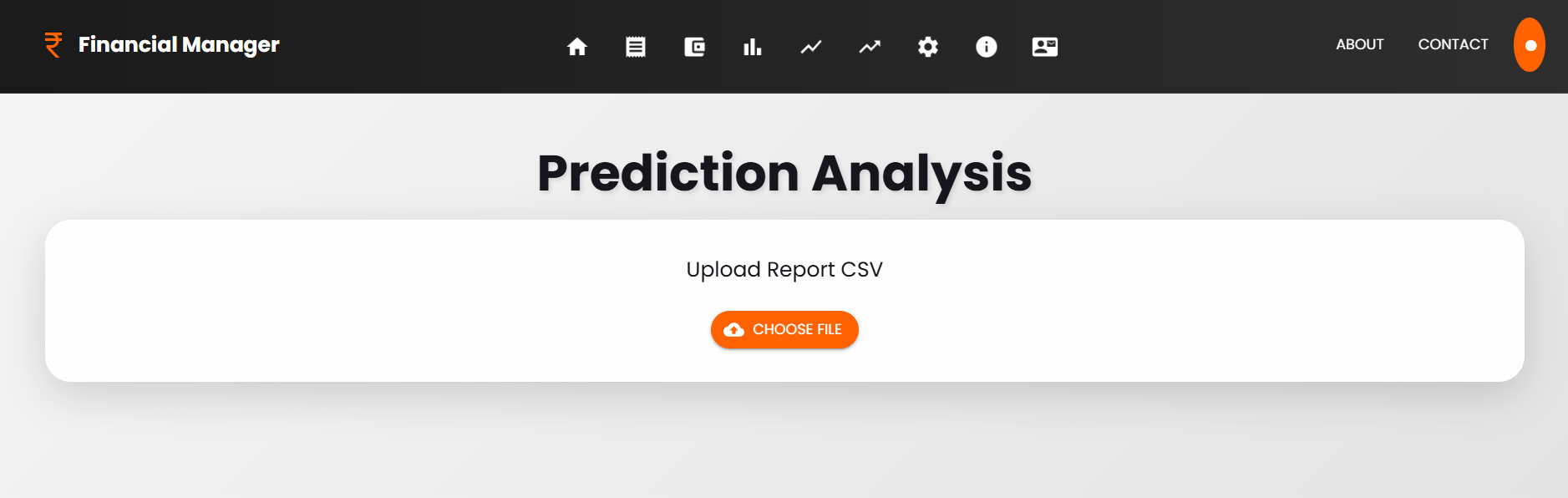
Prediction
About the Financial Manager Project Inspiration The idea for Financial Manager stemmed from a personal need to manage finances more effectively in an increasingly complex world. As someone who struggled with tracking expenses, sticking to budgets, and understanding stock market trends, I wanted a tool that could simplify personal finance while providing actionable insights. I was inspired by modern fintech apps that use AI to offer real-time advice, but I noticed they often lacked a seamless integration of expense tracking, budgeting, stock analysis, and predictive analytics in one platform. My goal was to create a user-friendly, all-in-one financial dashboard that empowers users to take control of their money with confidence. What I Learned Building Financial Manager was a steep learning curve that deepened my understanding of both technical and financial concepts:
React and Material-UI: I honed my skills in React for building dynamic, component-based UIs, and used Material-UI to create a polished, responsive design. Firebase Integration: I learned how to leverage Firebase Firestore for real-time data syncing, user authentication, and cloud storage, which was crucial for live updates of expenses and budgets. Financial Concepts: I gained insights into budgeting techniques (e.g., envelope budgeting), stock market basics, and predictive analytics using simple moving averages (SMA). User Experience (UX): I learned the importance of guided onboarding (using Joyride for tutorials) and intuitive design to make financial tools accessible to non-experts. Error Handling: Debugging issues like the ReferenceError: months is not defined taught me to be meticulous about variable scoping in JavaScript.
How I Built the Project Financial Manager was built as a React-based web application with the following components:
Tech Stack: Frontend: React for the UI, Material-UI for styling, Framer Motion for animations, and React-Slick for sliders. Backend: Firebase for authentication, Firestore for real-time database, and Firebase Hosting for deployment. Libraries: Chart.js for visualizations, PapaParse for CSV parsing in the Prediction section, and React-TSParticles for decorative effects.
Core Features: Dashboard: A central hub displaying financial insights (total spent, budgets, savings progress) with a chatbot for assistance. Expenses: Real-time expense tracking with Firebase, allowing users to add and categorize expenses. Budgets: Budget management with progress tracking, showing overspending alerts. Stocks: Stock market data visualization using Chart.js, with hardcoded data for simplicity. Prediction: A predictive analytics tool using SMA to forecast spending trends from CSV uploads. Chatbot: A financial assistant integrated into the dashboard, providing budget and savings advice.
Development Process: Started with a basic React app structure using create-react-app. Set up Firebase for authentication and Firestore for data storage. Built the Dashboard page first, adding widgets for insights and budgets, then expanded to other sections. Integrated animations (Framer Motion) and a guided tour (Joyride) to enhance UX. Added the chatbot as a floating modal, leveraging existing state (budgets, expenses) for contextual responses.
Challenges Faced The project wasn’t without its hurdles:
Real-Time Data Syncing: Initially, I struggled with Firebase’s onSnapshot listener firing multiple times, causing duplicate data. I resolved this by properly cleaning up listeners in useEffect. Variable Scoping Issue: The ReferenceError: months is not defined in the Prediction section was a major roadblock. It took multiple iterations to fix by localizing the months variable and ensuring scope consistency. Design Consistency: Balancing a luxurious, modern UI (glassmorphism, gradients) with performance was tricky. I optimized by reducing heavy animations and using lightweight libraries. Chatbot Logic: Building a simple financial assistant without an external AI API was challenging. I opted for rule-based responses using the app’s state, but this limited its intelligence. Future iterations could integrate xAI’s Grok API for smarter replies. Cross-Section Integration: Linking budgets to stocks and predictions required careful state management. I used custom events (budgetUpdate) to trigger refreshes across components.
Conclusion Financial Manager was a rewarding project that combined my passion for coding with a practical need for financial management. It taught me to tackle real-world problems with technology, from UI design to backend integration. While there’s room for improvement—such as adding advanced AI or mobile app support—I’m proud of creating a tool that simplifies personal finance for users like me.
Built With
- chart.js
- firestore
- framer-motion
- hosting
- javascript-(react
- material-ui
- papaparse
- python-for-backend-scripting
- react-joyride)
- react-slick
- react-tsparticles
- with-firebase-(authentication

Log in or sign up for Devpost to join the conversation.