-
-
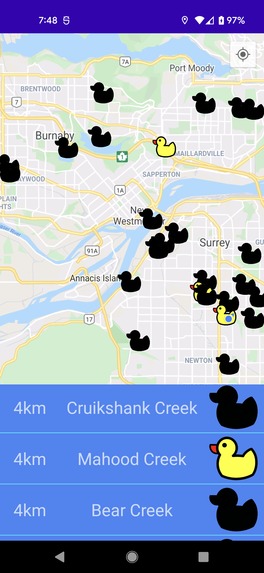
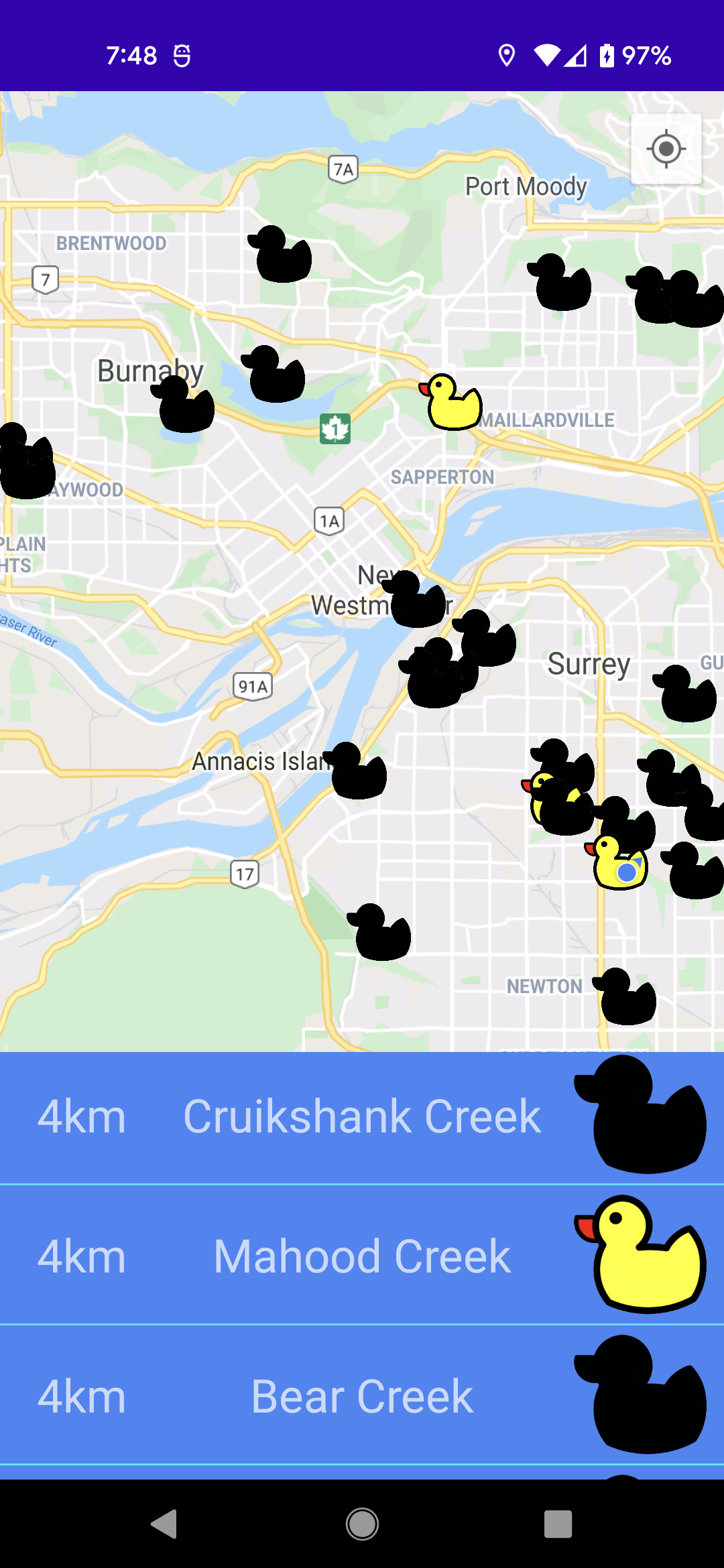
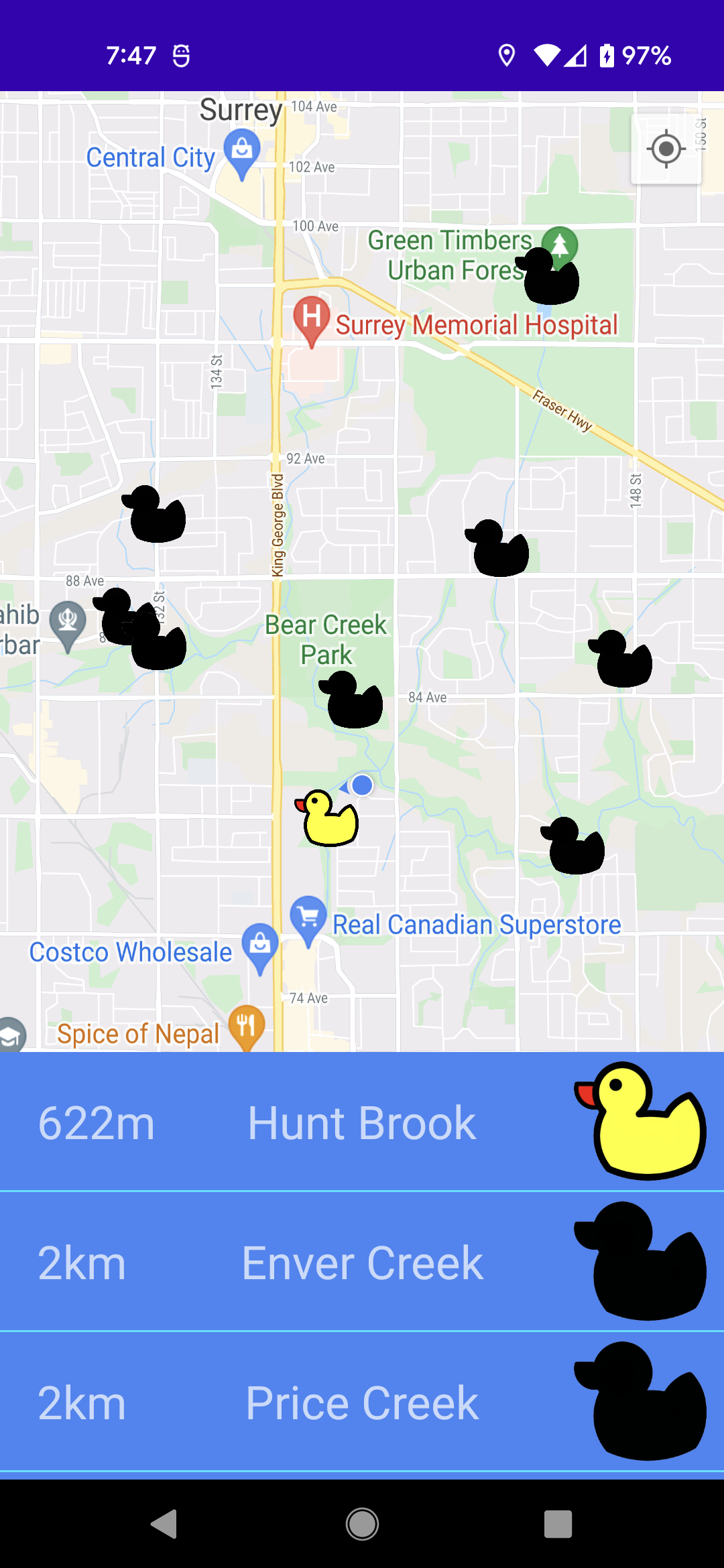
Several spots in the lower mainland.
-
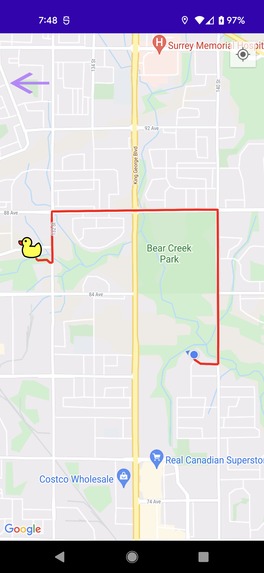
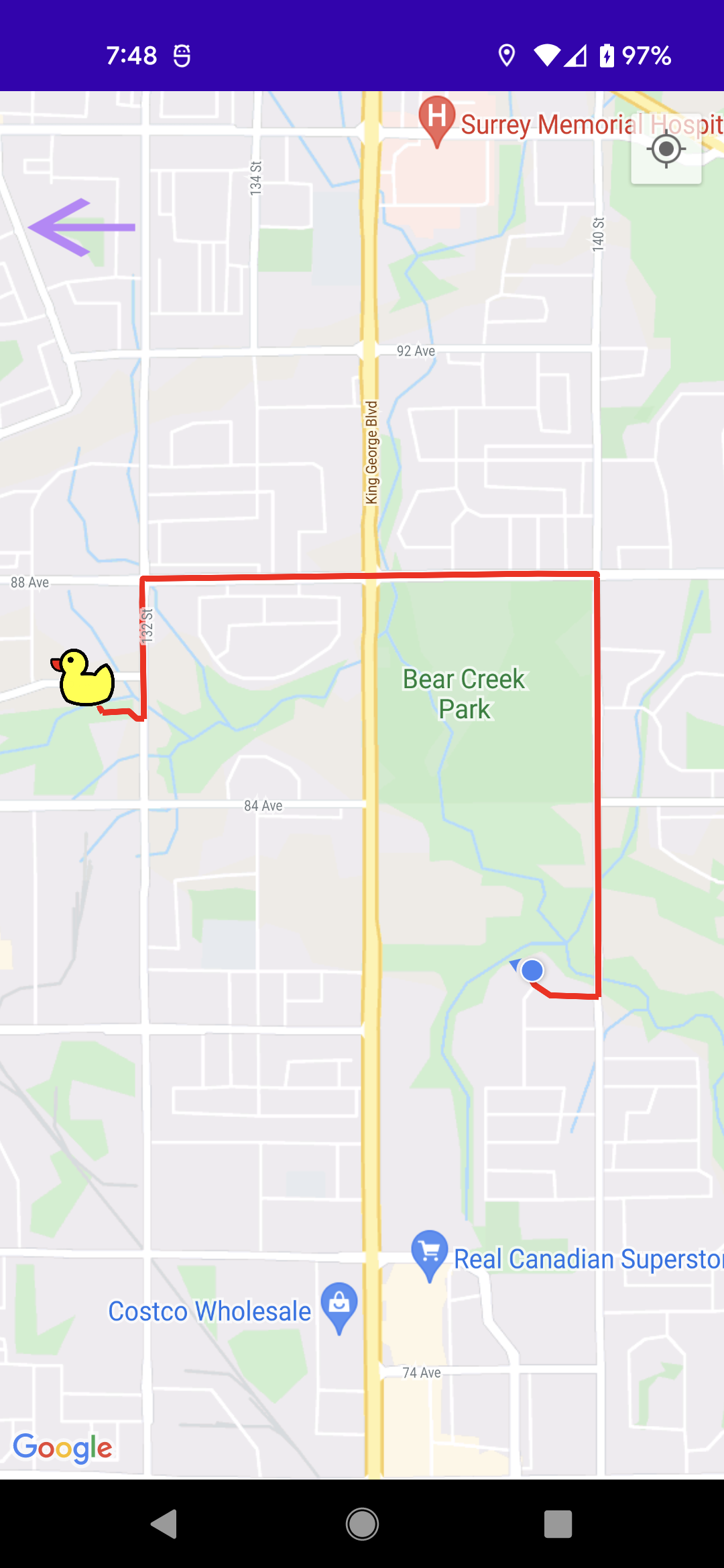
Pathings toward a sighting spot.
-
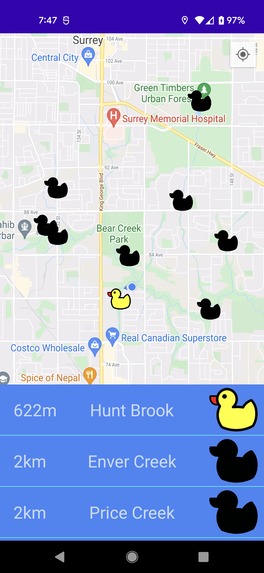
More spots around the user.
Inspiration
We wanted to practise working with APIs and data retrieval. We drew inspiration from the Transit app as it incorporates a list and a map very well.
What it does
This app is meant to help you keep track of where you have seen ducks and where you can go to potentially see ducks. You can click on the list to get directions to the clicked duck.
How we built it
We used Android Studio, Kotlin and the google maps api to make the app. We specifically used the maps sdk for geo-location, places api for details of specific places, and directions api for directions to clicked places.
Challenges we ran into
We had performance problems because we were making too many calls to the api and struggled to keep the interface updating in real time.
Accomplishments that we're proud of
We were happy that we were able to process the mass amount of information needed to make this happen.
What we learned
We learned about differents kinds of APIs and their usefulness to our project.
What's next for Duck Hunt
We wish we had more time to polish it and make it more responsive but are happy with the result regardless.
Assets Used
Assets Ducky https://4vector.com/i/free-vector-ducky-clip-art_118391_Ducky_clip_art_hight.png Circle Duck Icon https://www.emojimeanings.org/duck/ Transit icon https://cascadeseasttransit.com/wp-content/uploads/2017/10/transit-app-gray.png
Resources Used
Getting names of nearby places https://developers.google.com/maps/documentation/places/web-service/search Google Maps Directions API (route from 1 lat,lng to another) https://medium.com/android-news/google-maps-directions-api-5b2e11dee9b0 Kotlin Implementation: https://lwgmnz.me/2018/09/20/google-maps-and-directions-api-using-kotlin/
Built With
- android
- directions-api
- google-maps
- kotlin
- places-api



Log in or sign up for Devpost to join the conversation.