-
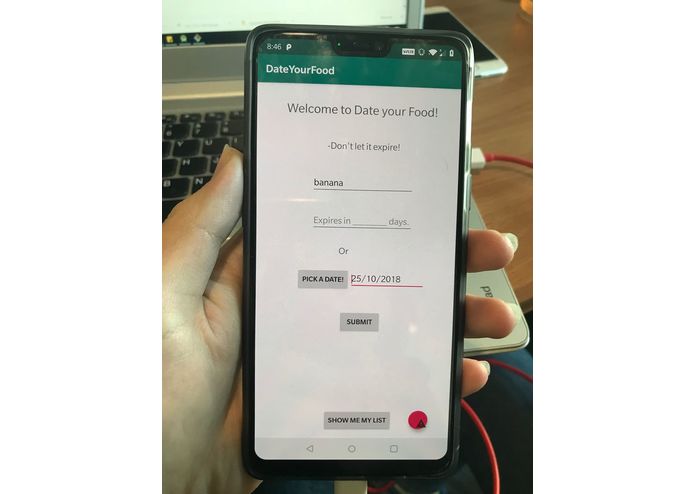
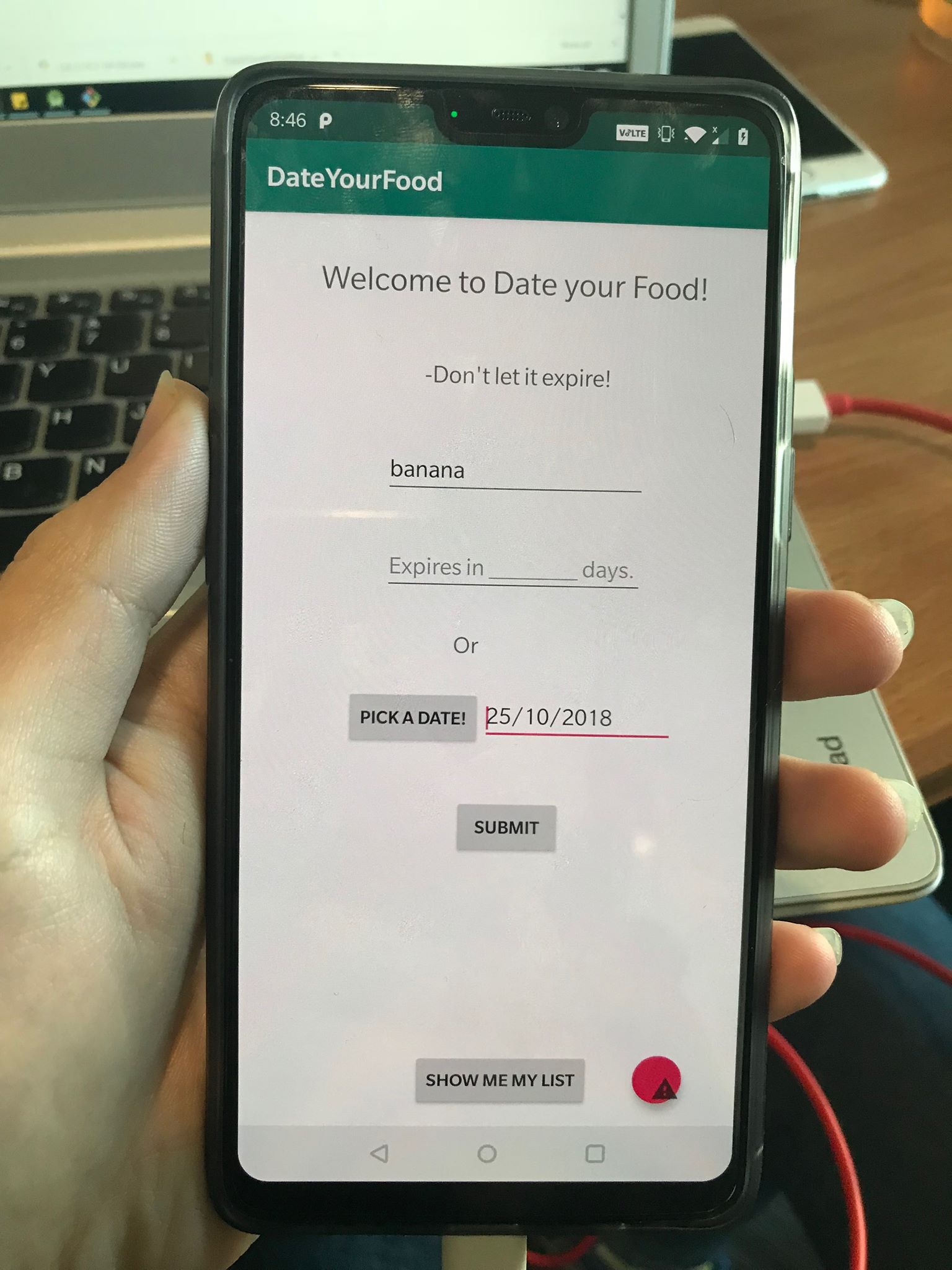
home page
-
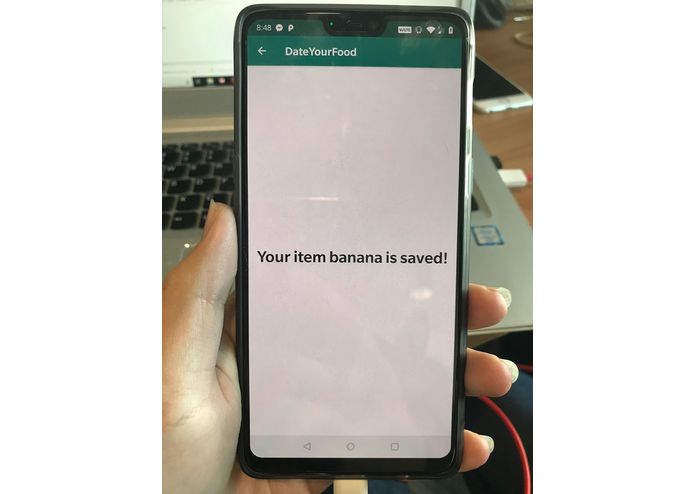
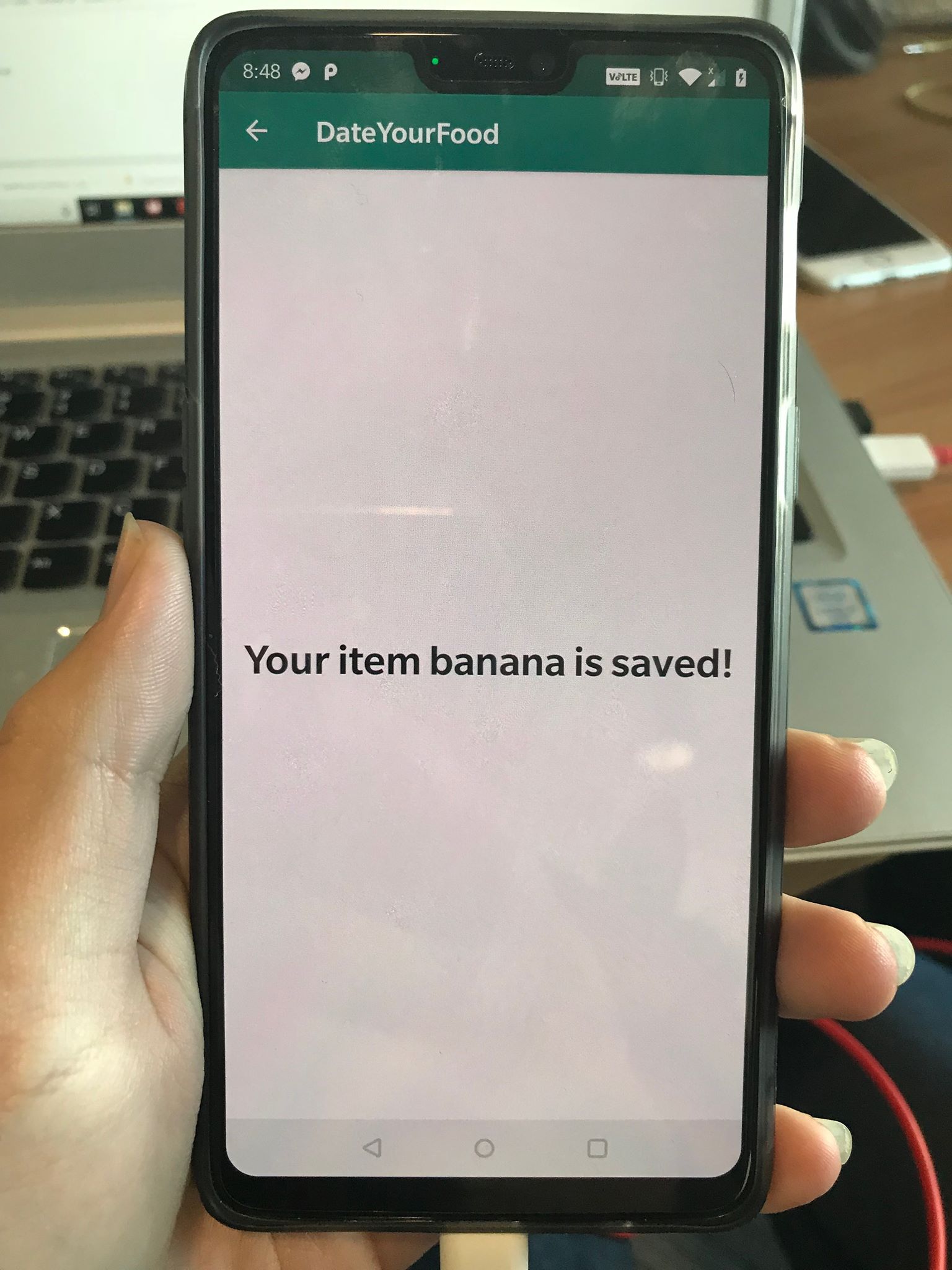
confirm screen
-
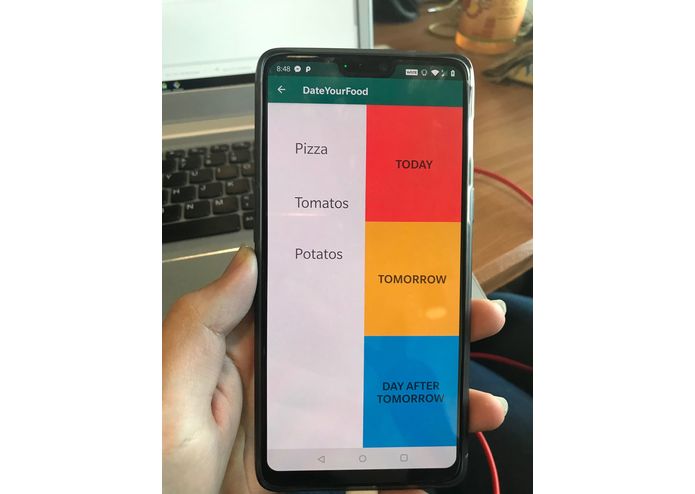
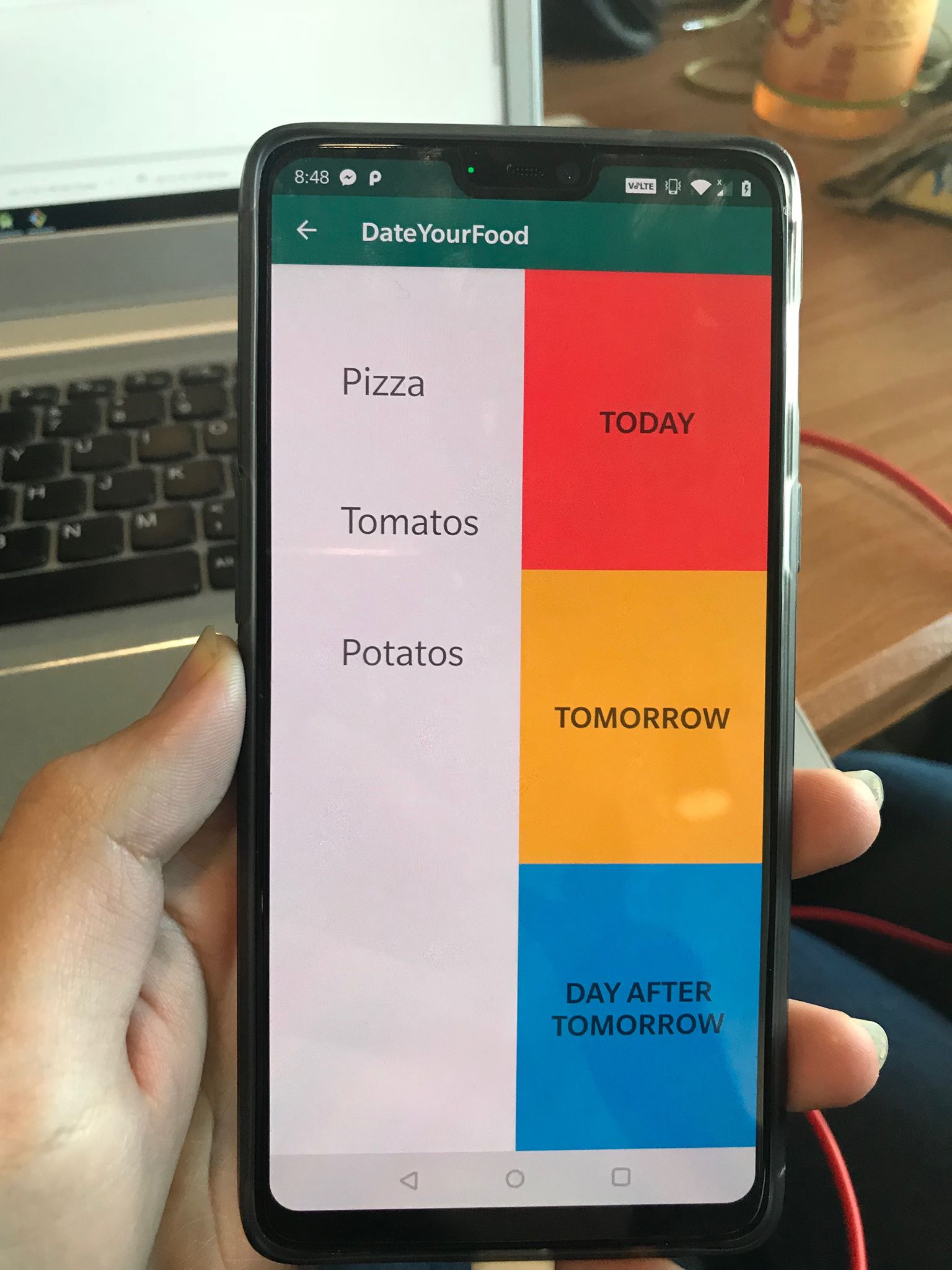
planning page
Inspiration
We want to help people stay organized about the food they bought and limit the waste each person produce due to forgetting the expiry date of the food.
What it does
Date Your Food takes input from the user (typically after grocery shopping) about the expiry date of the food. The user has two options, they can either enter how many days left until the food expires, or they can enter the expiry date that can be found on the package through a calendar. This Android app will keep track the number of the days before each food item expires.
How we built it
We built the UI with Android studio. We integrated SQLite to store user input into a database that allows us to calculate and record the days left before the food expires.
Challenges we ran into
Setting up Android Studio testing environment on laptops; Formatting the layout with Android Studio; Converting the number of days to actual date before storing it to the database. Integrate Drag and Drop function in Android Studio.
Accomplishments that we're proud of
We integrated everyone's work into our final project. Our app is functional on Android phones.
What we learned
How to use Android studio to design User Interface for Android Apps. How to integrate SQLite database with Android studio. How to use android built-in functions(DatePickerDialog, etc.) to help us achieve our goal. How to calculate the difference between two dates by using multiple java libraries.
What's next for Date Your Food
Display the food items in the database to users as a table; Implement Drag and Drop function for planning page. Set a pop-up reminder to remind users about food that's expiring soon.

Log in or sign up for Devpost to join the conversation.