-

Goal Setter
-

Menu
-
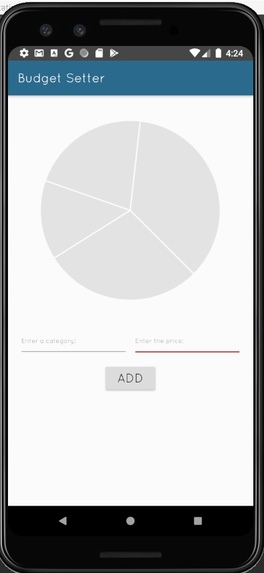
Budget Setter
-
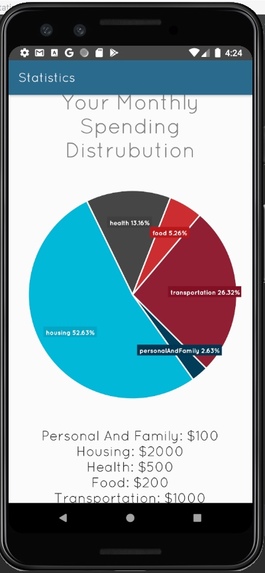
Statistics


Inspiration
As college students that struggle to manage are finances we thought an add on to the current Capital One mobile app that makes it easier to visualize our spending would help us save.
What it does
It has three sections. Statistics is the current monthly spending of the account user. Budget Spending allows one to create a ideal pie chart of spending. Goal Setting although incomplete was the idea that one could plan out a specific amount to save in the next month and compare it to their current spending habits.
How we built it
We built this through android-studio using Java and 2 API's. The API's were Nessie and HelloCharts.
Challenges we ran into
There were two main problems we ran into. The first one is that two of us have never competed in a hackathon before. The second is none of us had any experience with android-studio, github, or API's.
Accomplishments that we're proud of
WE ARE PROUD OF OUR FINAL PRODUCT as it is our first time using android-studio, github and APIs. It took a very long time to get used to but we figured it out!!!
What we learned
We learned a lot about various elements of computer science and working as a team.
What's next for C1-Finance-Helper
We would love to finish implementation on the goal setting page and do a few touch ups including efficiency and quality of life changes.
Built With
- android-studio
- hello-charts
- java
- nessie


Log in or sign up for Devpost to join the conversation.