-
-
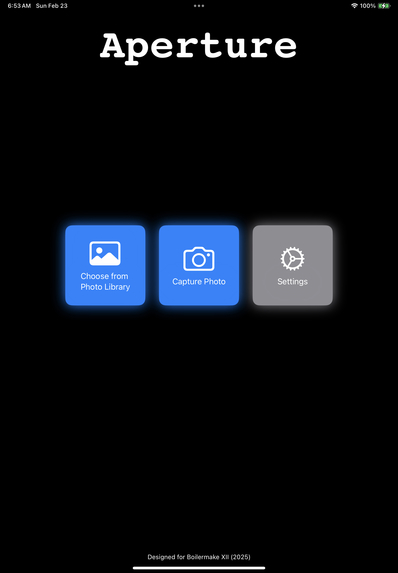
Main screen
-
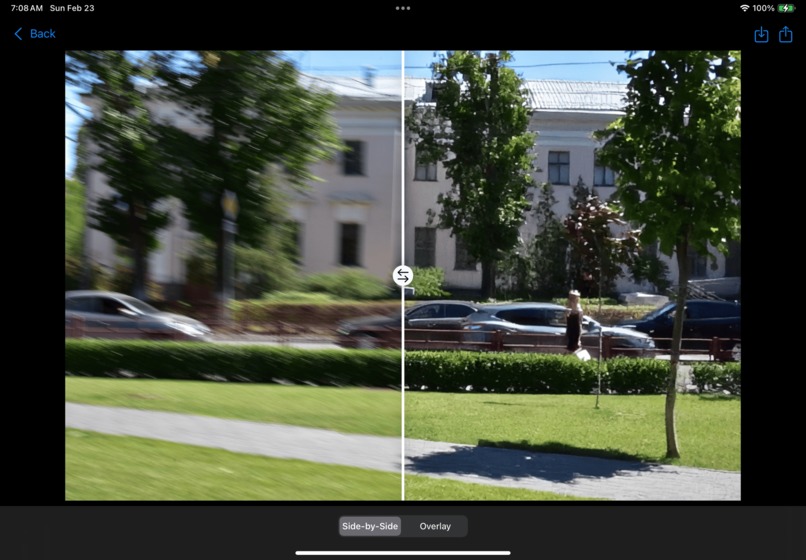
Deblurring house
-
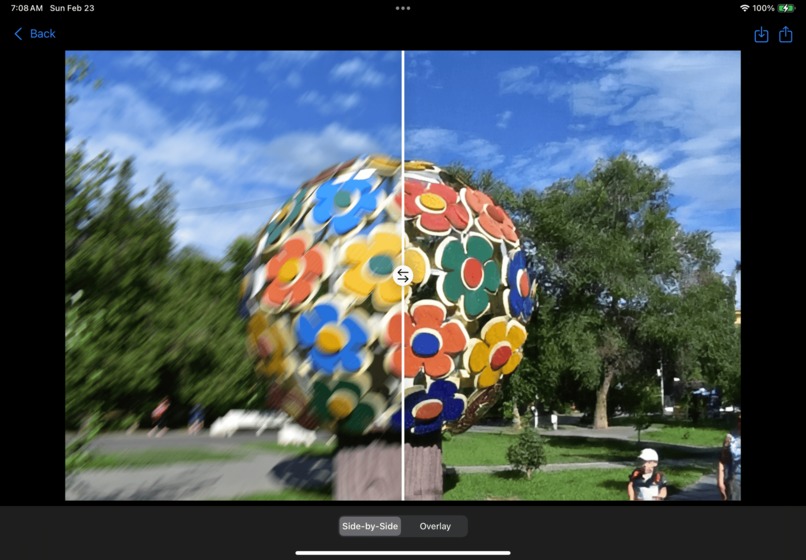
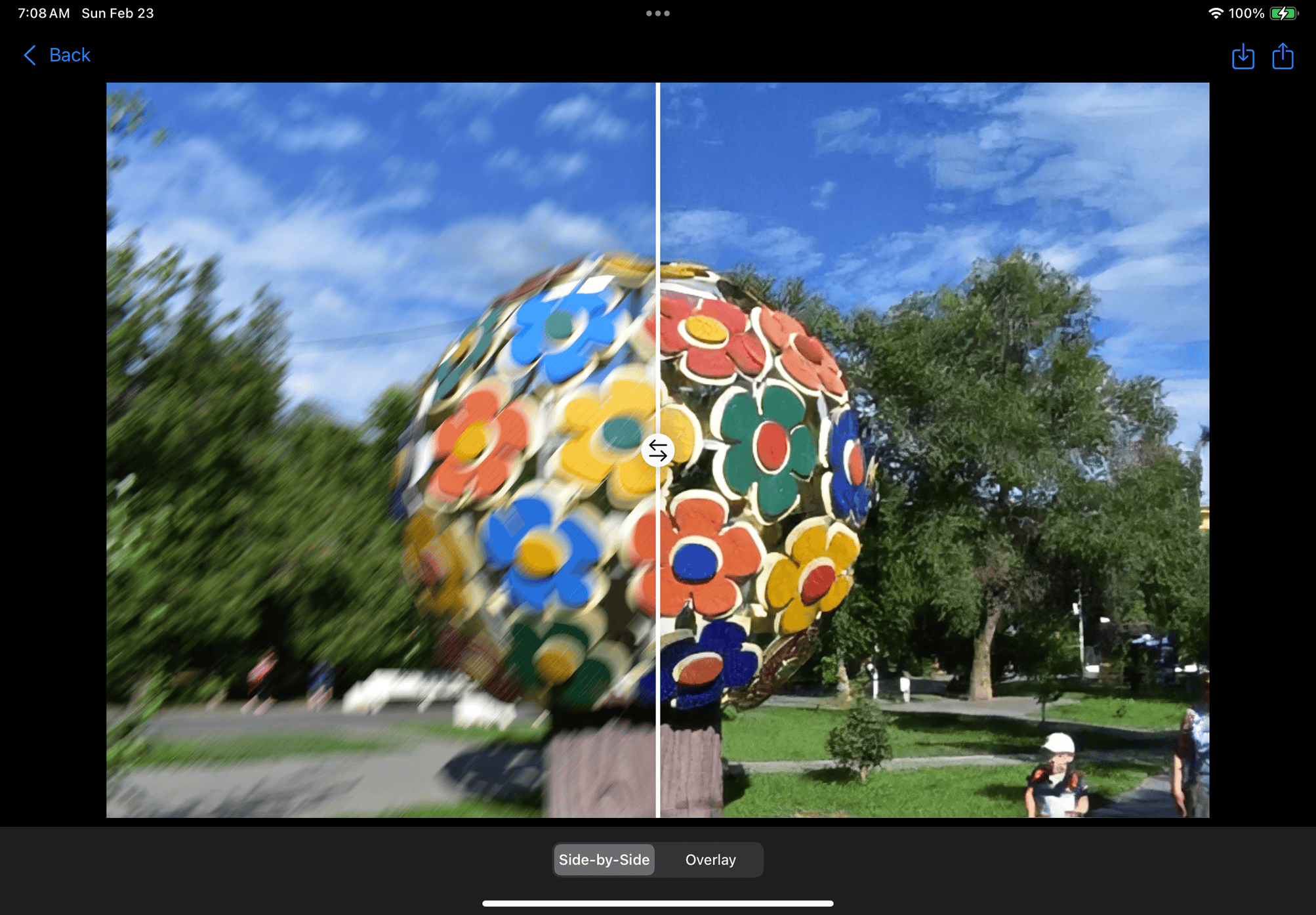
Deblurring sculpture
-
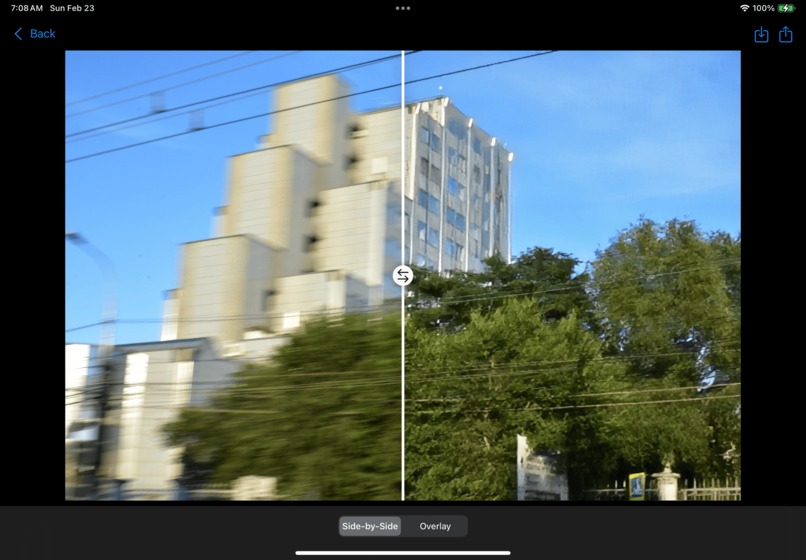
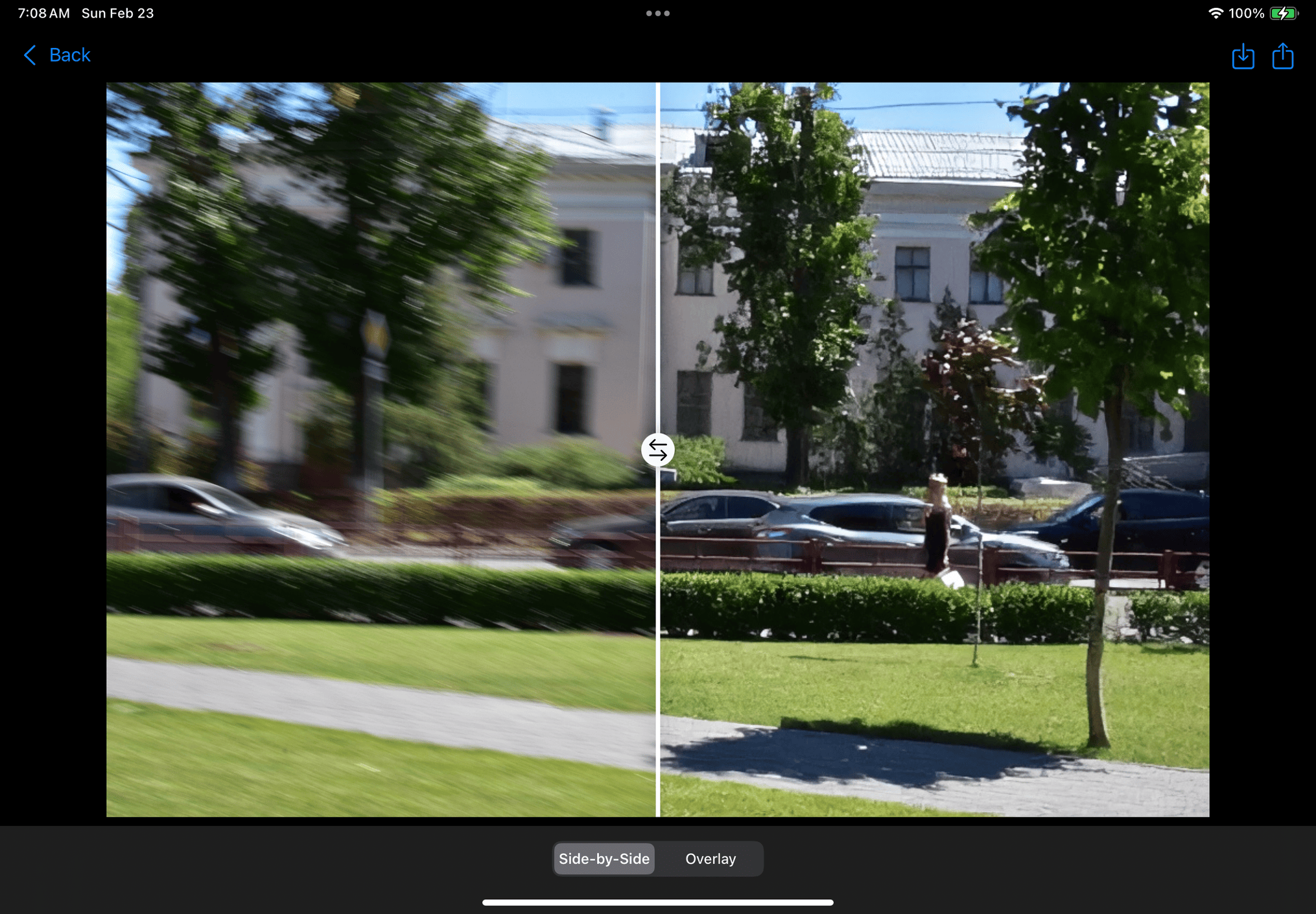
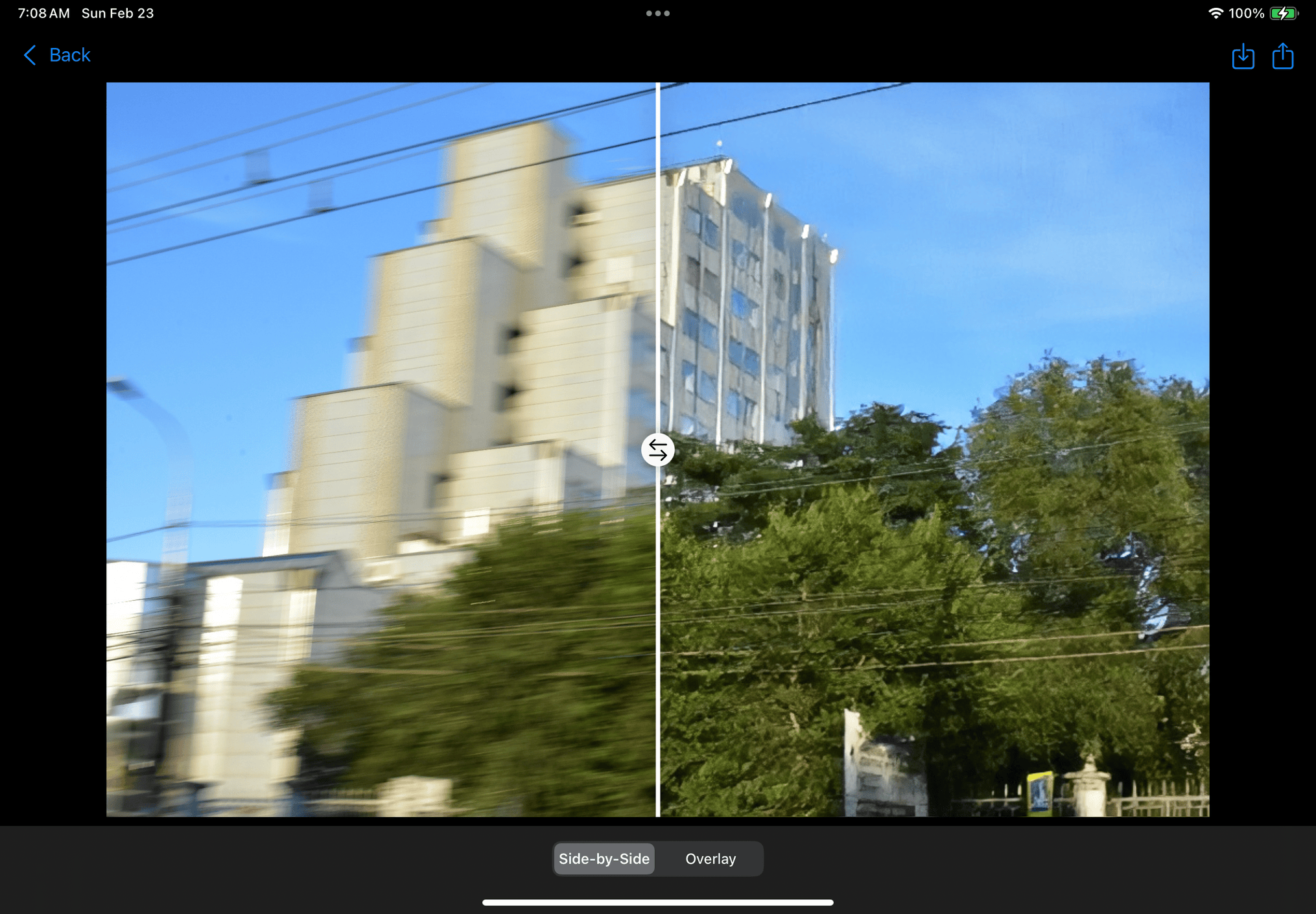
Deblurring building
-
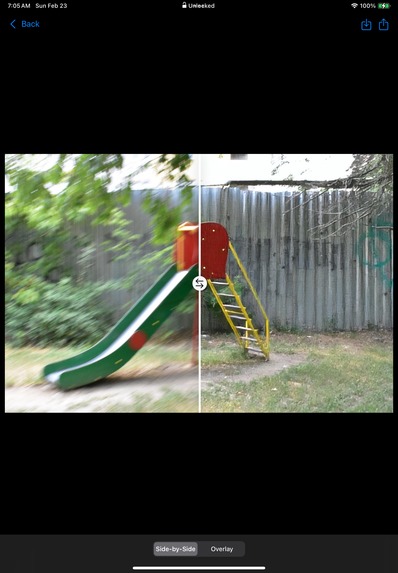
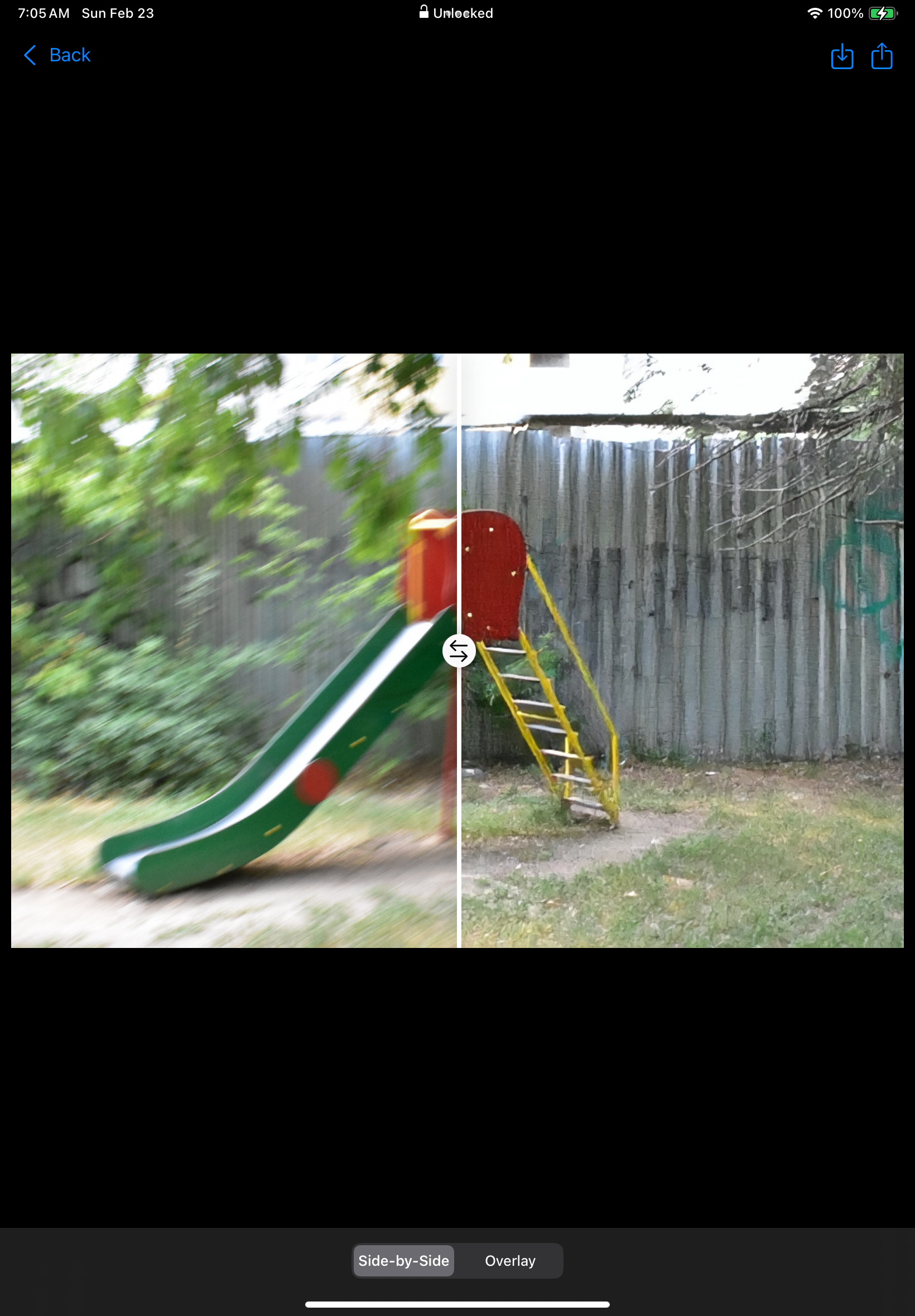
Deblurring slide
-
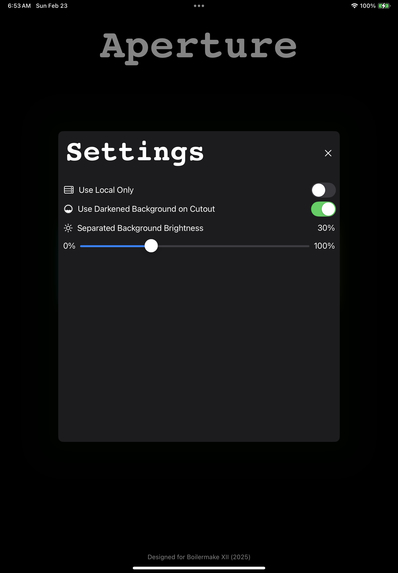
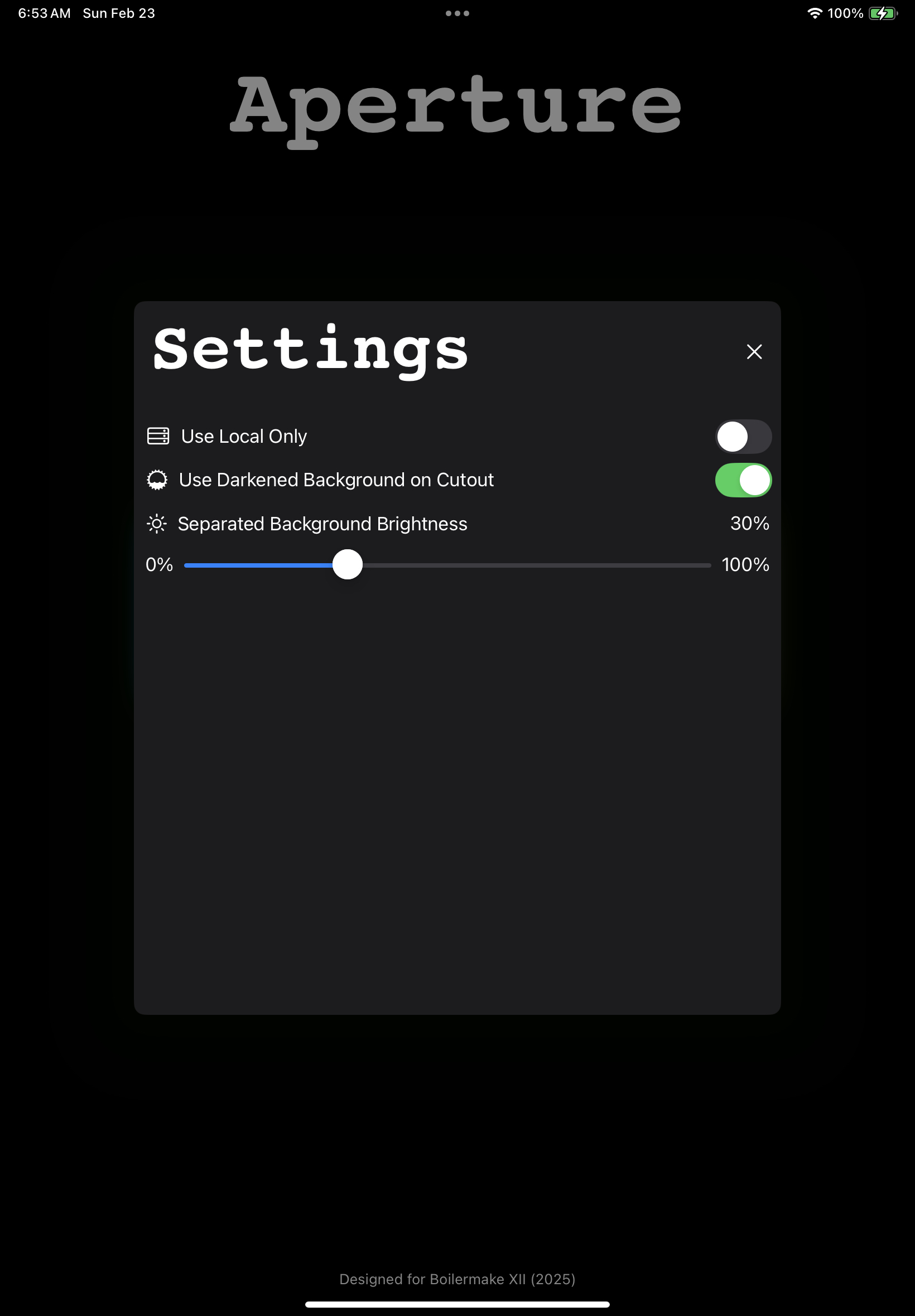
Settings screen
Inspiration
When have you tried to take a picture in a rush only to later find that it is all blurry or didn’t capture the right detail? Maybe a photo of your family or the countryside during a road trip? Often, people scrap these images, losing valuable memories. We found ourselves in this particular situation when we took brief photos of math work on whiteboards, only to find ourselves at midnight trying to review a jiberish blur. Desperately trying various online and embedded tools to restore our photos to an eligible state, we found ourselves empty handed and having to redo a large section of that work by hand again. As logical problem solvers (and slightly ambitious sophomores), we decided to solve that problem the only way we knew how: create our own application powered by state-of-the-art AI models: Aperture!
What it does
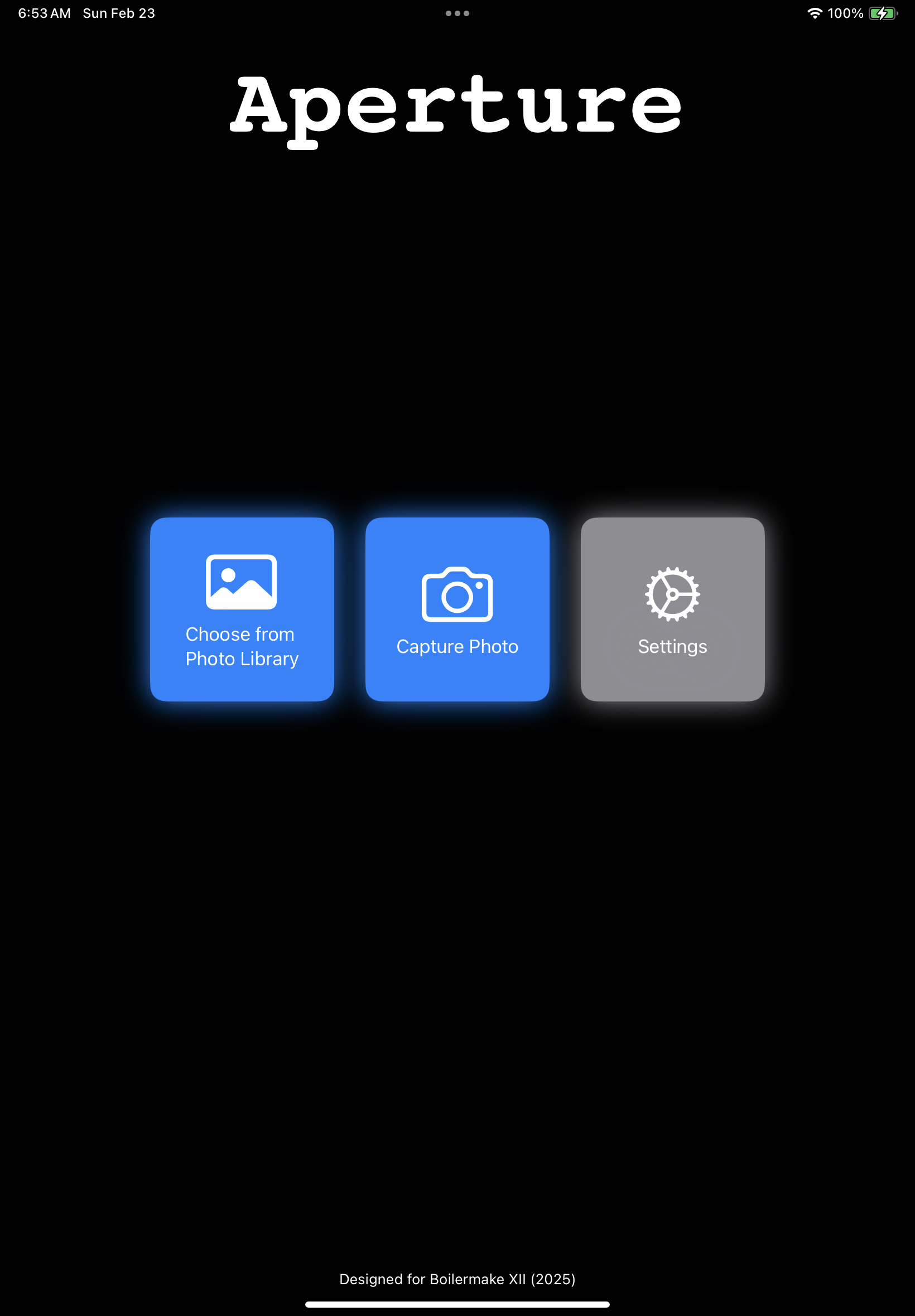
Aperture allows users to unblur and enhance images with cutting-edge generative learning models. We offer 2 main improvements: upsampling with a local wireless model, and deblurring with a hosted diffusion model. In both cases, the user can choose to improve the whole image, or improve partial segments with various options like subject selection, lasso selection, or region selection. Segments of the image will be brought to the forefront with the background being darkened by the amount that the user chooses in the Settings menu, or it can be a plain white background. Our local wireless model is great for quickly generating improved images on-the-fly or in scenarios where network access is limited such as during a road trip ensuring Aperture can be functional anytime, anywhere. For images that require more computationally intensive processing, our diffusion model is hosted on a flask server allowing us to utilize more resources than the user’s local device. The user is able to process images using either machine learning model depending on what best suits their needs.
How we built it
For the frontend, our iOS app was developed using SwiftUI with some of our core features (lasso, rectangle select) being built from scratch. Both the lasso and the rectangle selections use paths, allowing for easy implementation of cropping for any shape. For the image picker, we were able to use Apple’s photoPicker modifier for a simple but user-friendly UI. For the camera, Apple does not have a good developer-friendly SwiftUI implementation, so we decided to use an open source library called MijickCamera. On the editor and results pages, the images were embedded inside of a customized ScrollView, allowing for the user to resize and reposition them to get a better look. Carefully chosen animations were placed everywhere throughout the app, making it feel lively. One notable one is the gloss while the user waits for the AI to complete its tasks. This animation was more complicated and done using keyframes.
On the device, we used Apple’s CoreML Kit to run the upsampling model locally, to allow for fast and efficient image upscaling even without an internet connection. We took a popular machine learning upscaling model. Real-ESRGAN, and converted it into a .modelml file allowing for seamless integration with swift which both improved speed and reduced latency. The subject selection uses Apple’s VisionKit, allowing the subject to be removed from the background.
As for the backend, a Flask server handles user inputs in the form of images. The server handles pre-processing to prepare them to be deblurred by our improved model. We re-trained a diffusion model called ResShift with a focus on deblurring instead of its original task of super-resolution to generalize its abilities. This model is fed inputs via the Flask server on powerful A100 GPUs before being post-processed and returned to the user’s device.
Challenges we ran into
Since we didn’t have much experience with Flask, we faced challenges when it came to server-side optimization, request handling, and ensuring low-latency responses for real-time image processing.
Various approaches of deblurring and super-resolution were very complex in implementation and tended to focus on optimizing a few specific datasets, not being useful for an application like ours. We had to research and test a variety of models (from transformers to simple mathematical linear models) before being able to continue with our work.
The original deblurring model for ResShift had severe issues in both accomplishing its task and generalizing to other images. Training the model from scratch was simply not feasible, as to get to an acceptable SOTA level, we would have needed around 170h of training time. Likewise, we couldn’t just download existing datasets with millions of images as the model training required particular formatting in inputs. So we carefully designed a mixed dataset of images blurred artificially (with convolution kernels) and real blur (either from videos or images) to allow our model to generalize to the real world. This hand-crafted 25GB dataset allowed our model to generalize very well: for example, facial features were very grainy in our tests, but the new model had much smoother and realistic outputs.
On the frontend, we had difficulties getting the paths to work properly with cropping images. We first implemented rectangle selection, and we had difficulties with correcting the position and orientation while parsing the image. The position was offset by where the image was on the view, and we had to correct for that. We were able to overcome the challenge using the CGRect bounding box and cropping to that, but that method didn’t work for a lasso tool that did not conform to a rectangle. We ultimately wrote an algorithm for masking to the path rather than cropping, and that also fixed our other issues where the cropped overlays wouldn’t line up with the original image.
Accomplishments that we're proud of
Our biggest accomplishment was constructing a user-friendly, efficient iOS interface for robust deblurring of dynamic regions in user-inputted images. Users would provide their preferred images from their photo gallery or iPhone camera, sending them to a server-side AI pipeline capable of running fast inference.
Our observed limitation with previous work in image and video deblurring was the lack of generality and practicality of existing datasets to simulate real-world, blurred images. We aimed to generalize the blurring task to real-world scenarios that would carry over to our full-stack iOS app.
We partitioned the dataset with a train-validation-test-split of 0.7 / 0.2 / 0.1. The original deblurring model, which was a residual-shifting diffusion model, had a PSNR (peak signal-to-noise ratio) of 25.01 on a modification of ImageNet for blurred images, trained on 300,000 epochs. Therefore, we tested our new model on the collective test dataset, achieving a higher PSNR score of 29.3 on 2000 epochs, signifying higher image signals with respect to inherent blurriness and environmental noise derived from the images. Likewise, our LPIPS (Learned Perceptual Image Patch Similarity) score (lower is better) decreased from the original 0.231 to a mean score below ~0.1. During inference, a transition Gaussian distribution characterized the denoising of the lower quality (LQ) image priors, instead of starting from pure Gaussian noise as many modern diffusion models implement.
Following the successful training and evaluation of our deblurring diffusion model, we developed an intermediate server with Python’s Flask library to host it on the RCAC Gilbreth community cluster. Our pipeline was optimized for fast inference of the diffusion model and had a mean time of ~0.38 s. (wall-clock time) for image resolutions greater than 800 - 1000 pixels and ~0.83 s. For image resolutions greater than 6000 - 8000 pixels. The input images do not necessarily need to be square or have a set resolution for inference.
In addition to the AI-server side of Aperture, we were proud to create the iOS deblurring app. Extracting the subject from the image on the frontend was another big milestone in the project. We tried many different methods and each way worked differently, but we ultimately settled on generating masks. This allowed us to localize the position of the subject and handle it properly with the background. This was also done concurrently with discovering the use of masks via the lasso and rectangle selection tools.
What we learned
We’ve learned a lot about making user-focused interfaces on Swift. Instead of making a simple programmer test app, we made a smoothed out and animated application with user functionality and ease-of-use. We integrated our application in the iOS environment, allowing us to take advantage of subject selection from Apple Intelligence, file I/O with images, interactive scrolling features, and more.
Likewise, we increased our familiarity with Flask by creating solutions that required leveraging high-performance code to ensure that (1) GPU memory issues did not occur, (2) server requests did not time out, and (3) the model was deployed for instant, on-device inference.
Making abstract research actionable in the real world was a valuable experience: we learned to address existing limitations with deblurring and make growth in the field in a way that was realistic given the time constraints of the competition. We learned how to train sophisticated statistical ML algorithms from scratch, as opposed to calling plug-and-play API models: e.g. analyzing loss landscapes, understanding the effect of batch sizes and hyperparameters on generalization, how to adapt existing papers and repositories to our task, etc.
What's next for Aperture
Having developed an application with a great user experience for iOS devices, we aim on porting Aperture to android devices as well. This could take on the form of optimizing models for Google’s Tensor chips or implementing our tools within the ecosystem of GalaxyAI. In fact, we can foresee further integration of AI tools to improve image quality such as: improving lightning, color calibration, or sharpness. It could be foreseen that our tools will eventually be directly added into base camera applications and automatically process user pictures. Inspired by Nvidia’s DSSL technology, we may also look into expanding aperture to work with video data with more complex transformer-based models.


Log in or sign up for Devpost to join the conversation.