-
-
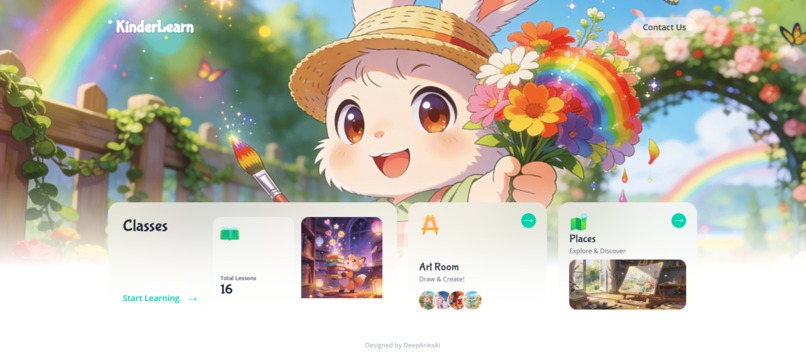
KinderLearn English: Fun missions for kindergarten words!
-
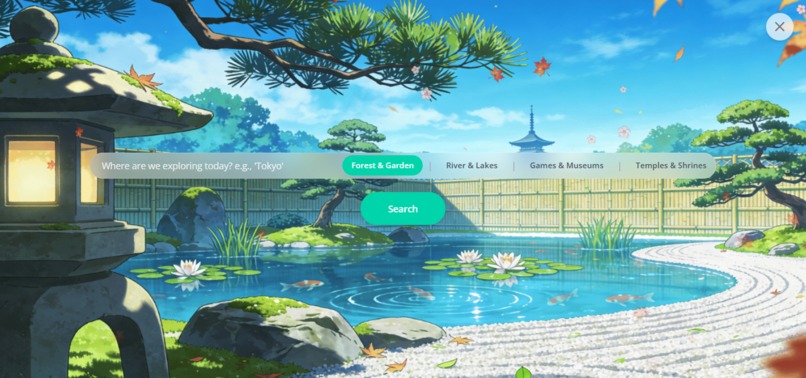
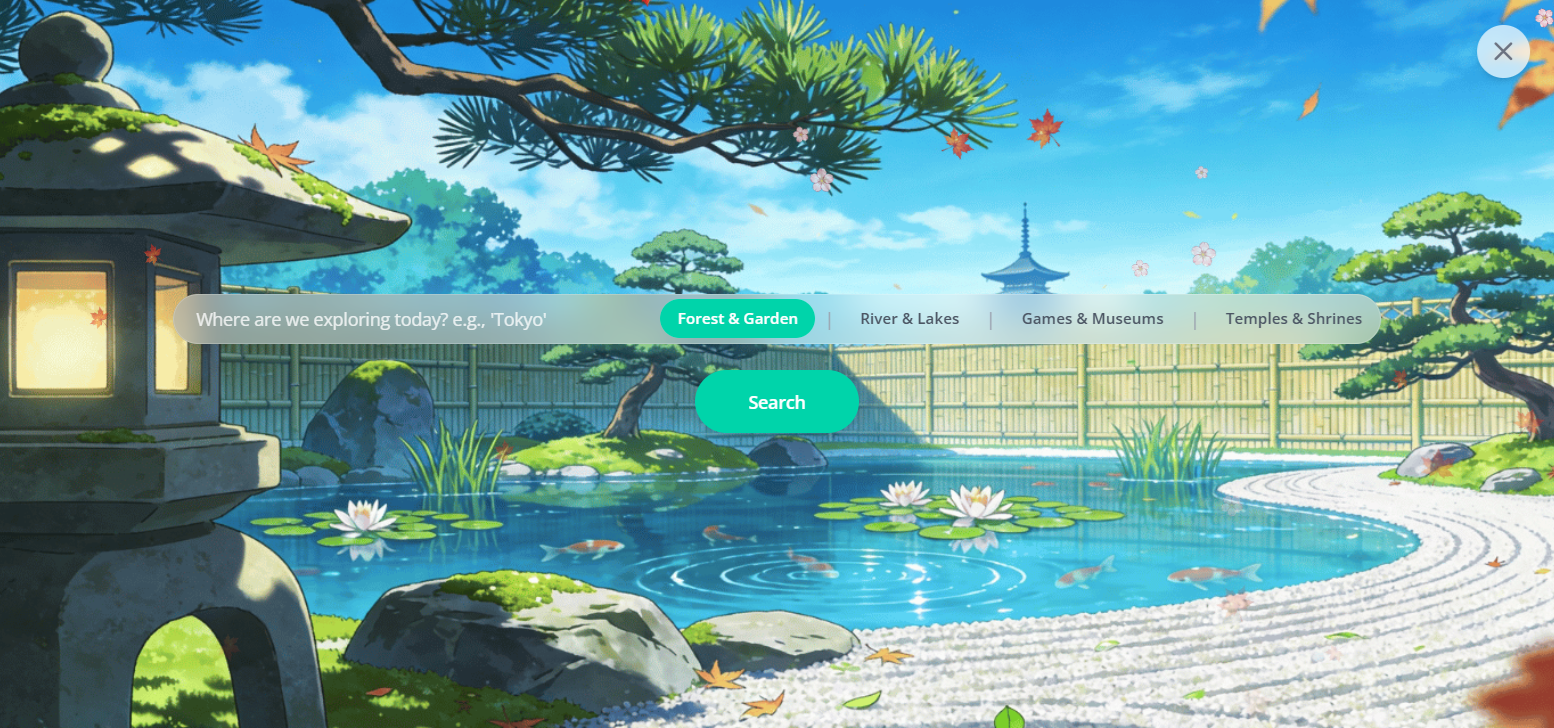
Search for interested parks or museums and get a unique, educational story about that location
-
Digital album showcasing all the stickers earned from completing lessons
-
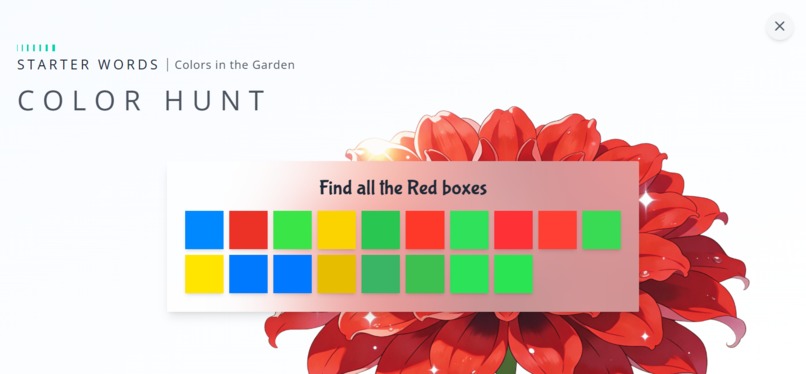
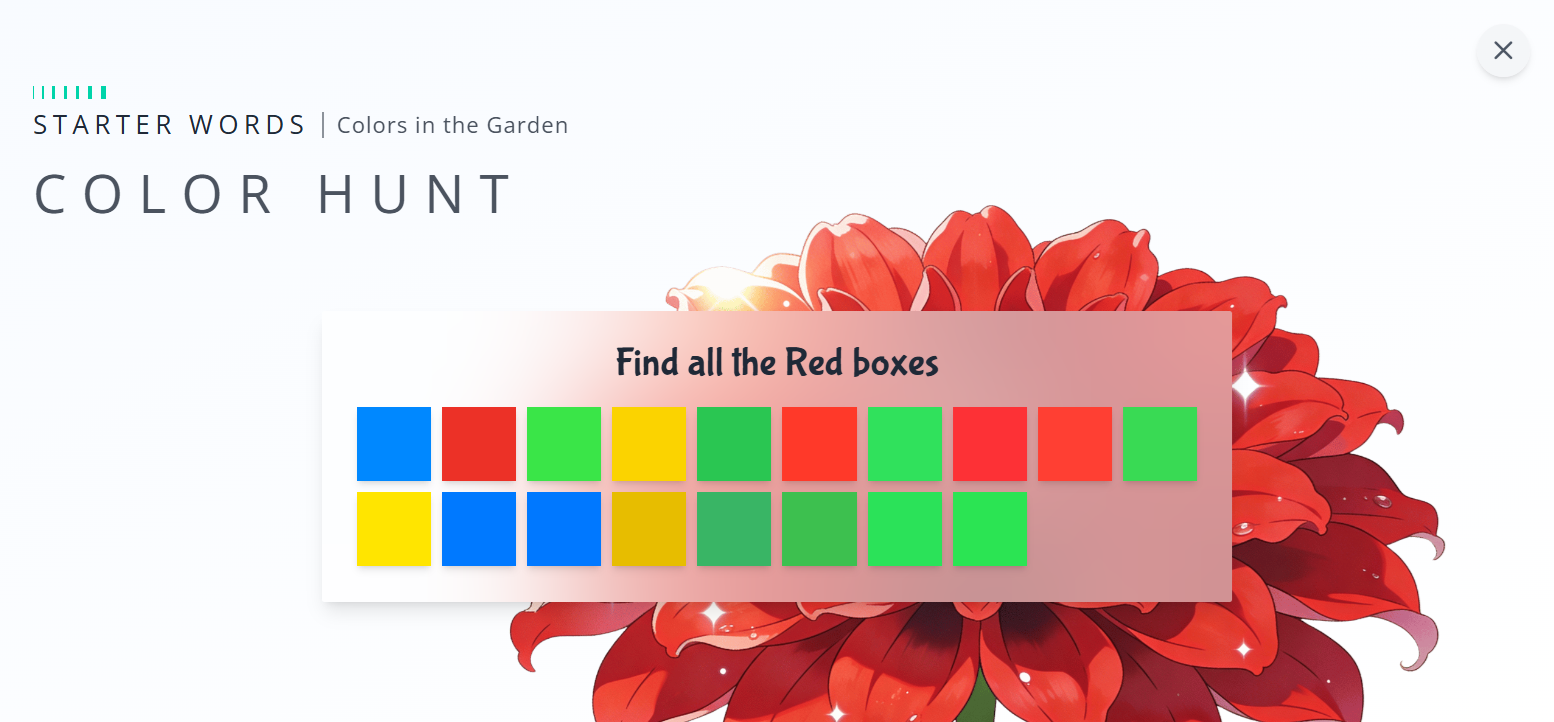
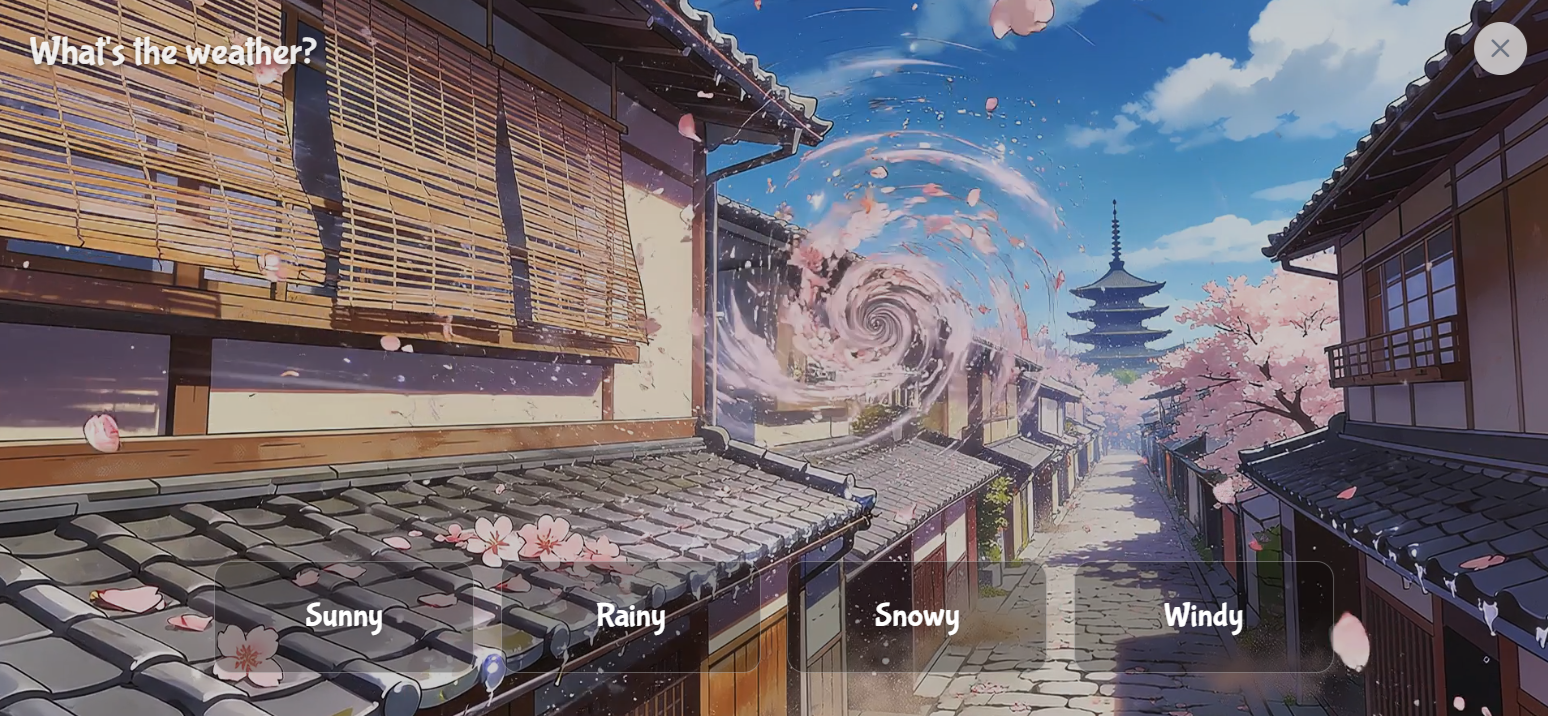
Interactive classroom where kids play mini-games like flashcards
-
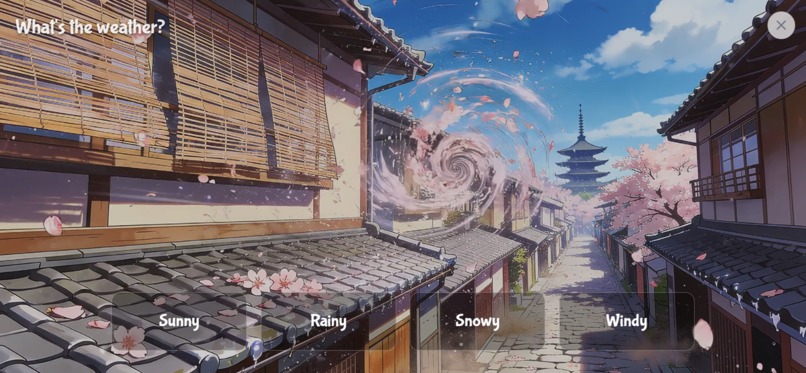
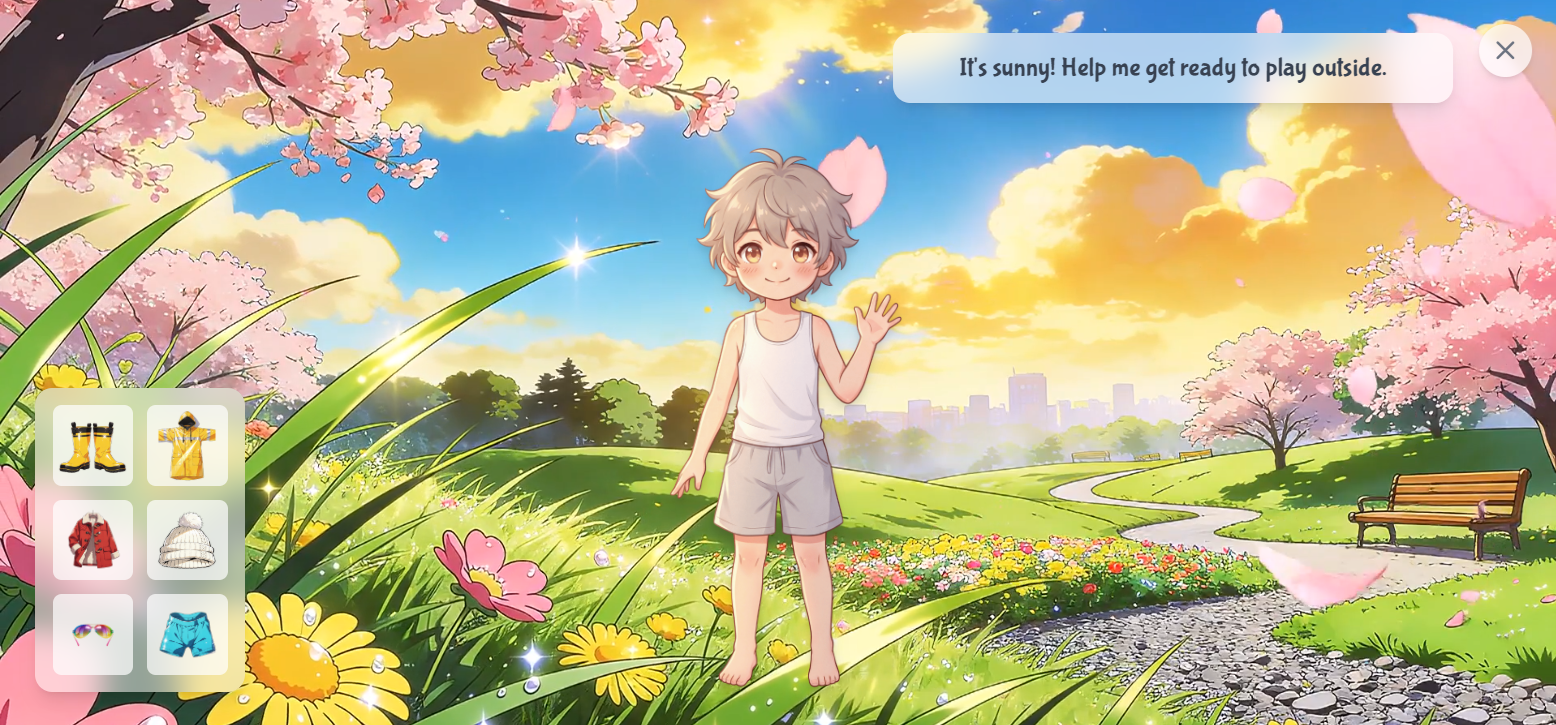
Games are designed to teach specific English words in a fun, engaging way
-
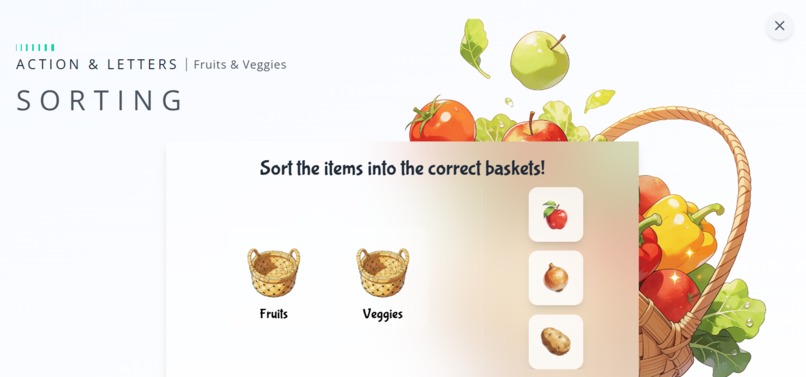
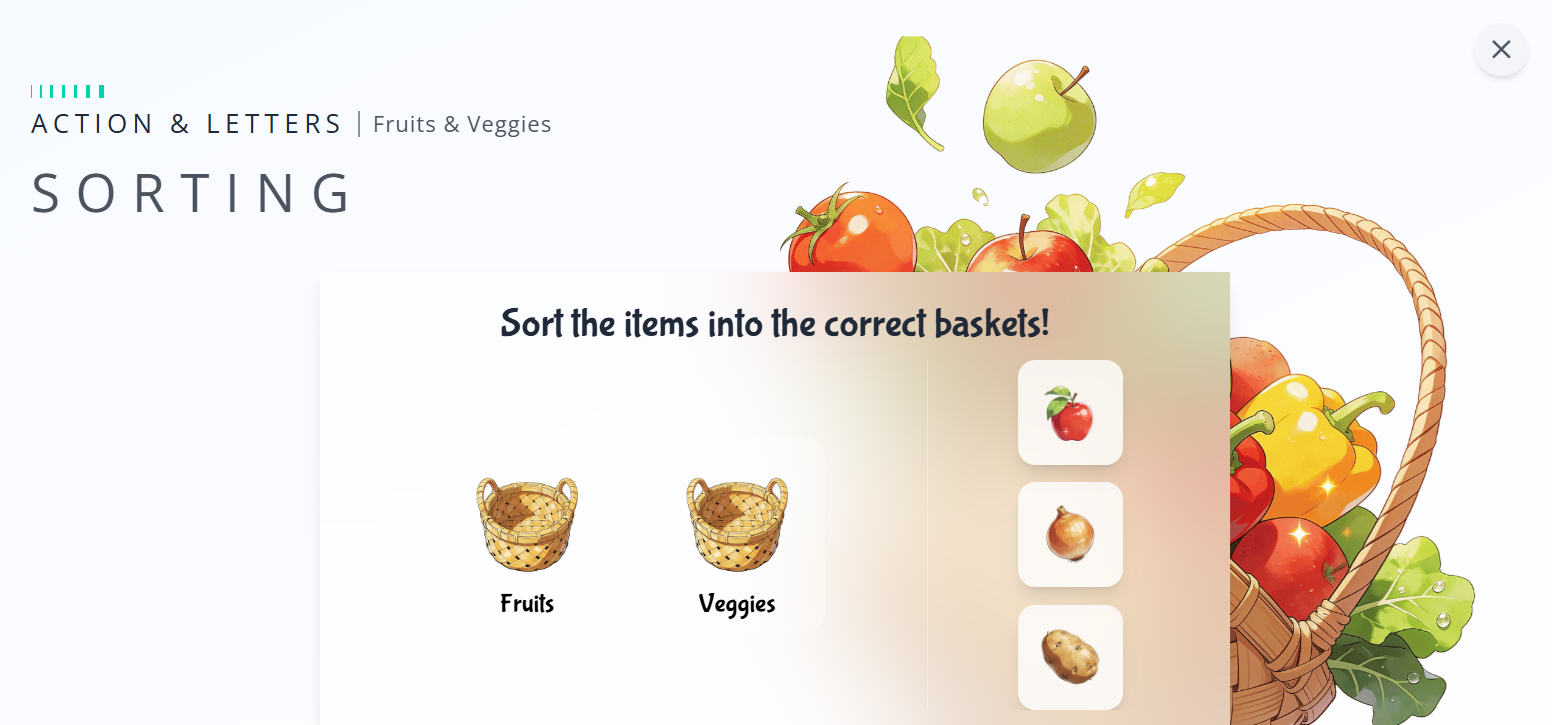
Interactive classroom where kids play mini-games like sorting
-
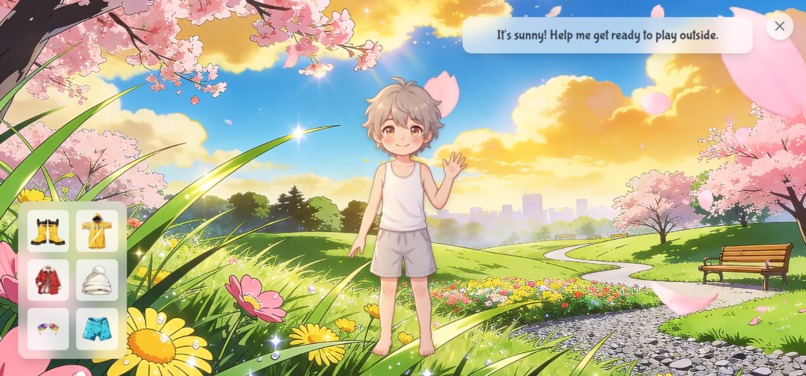
Few games are video-based to make more engaging lessons
-
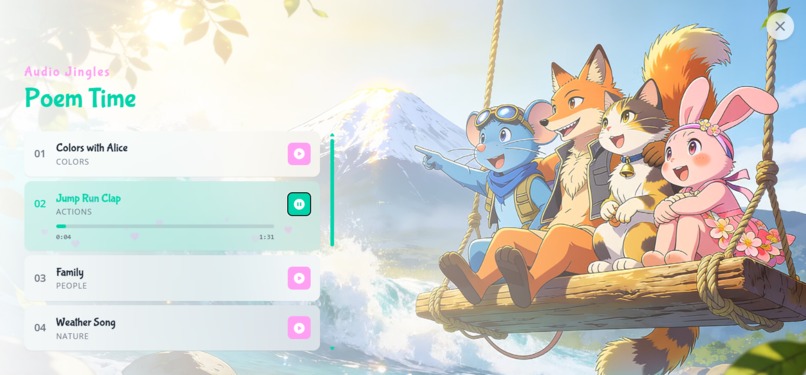
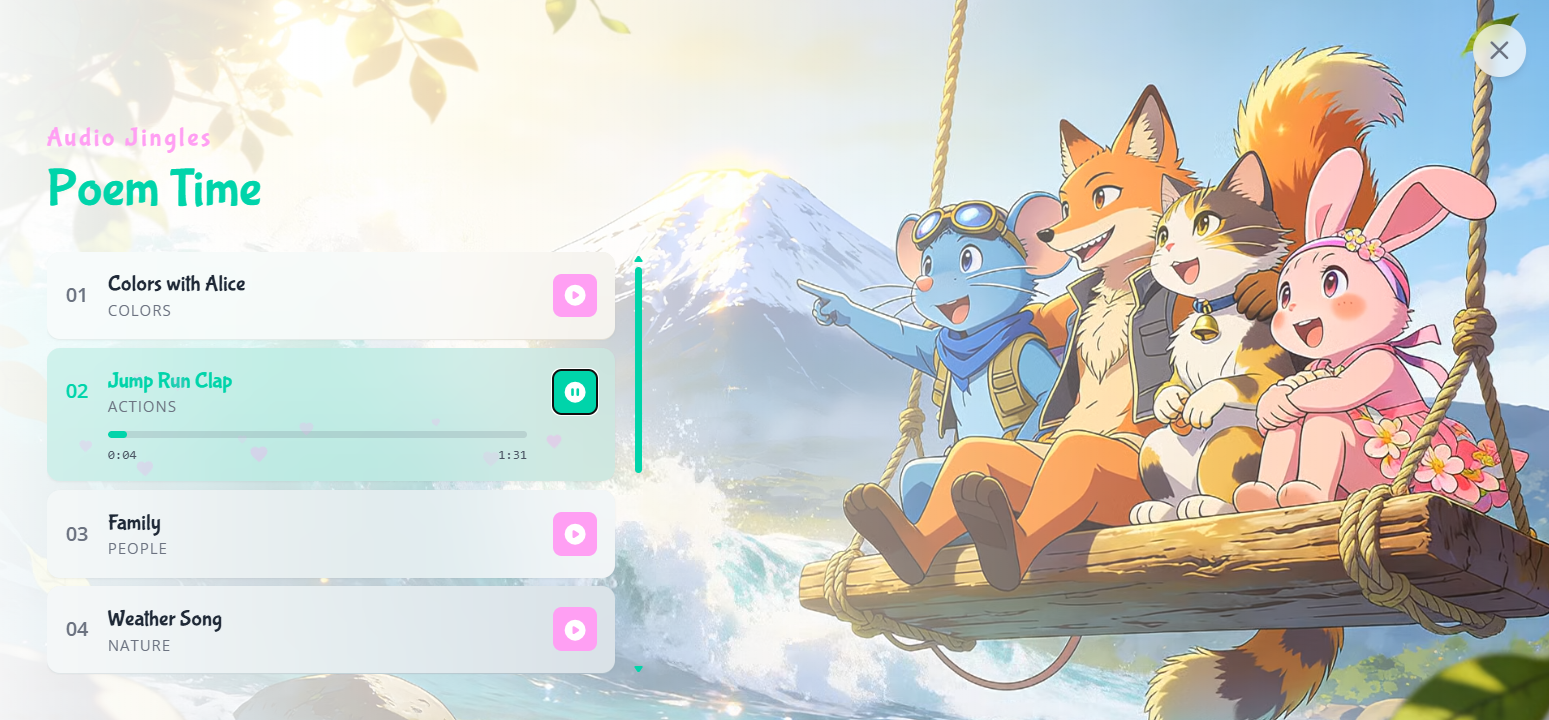
Kids can listen to poems that reinforce concepts learned in the lessons
-
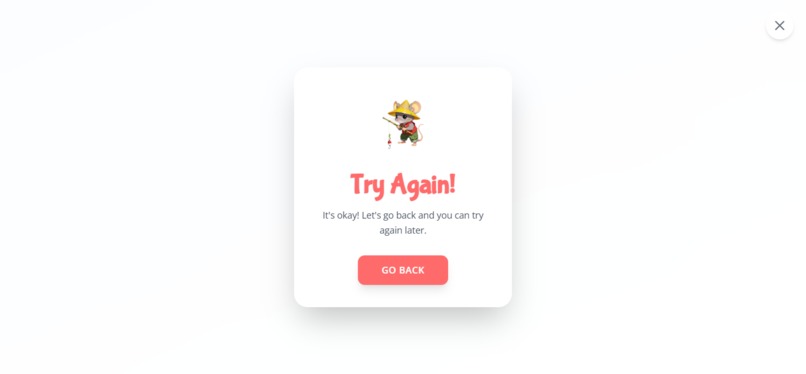
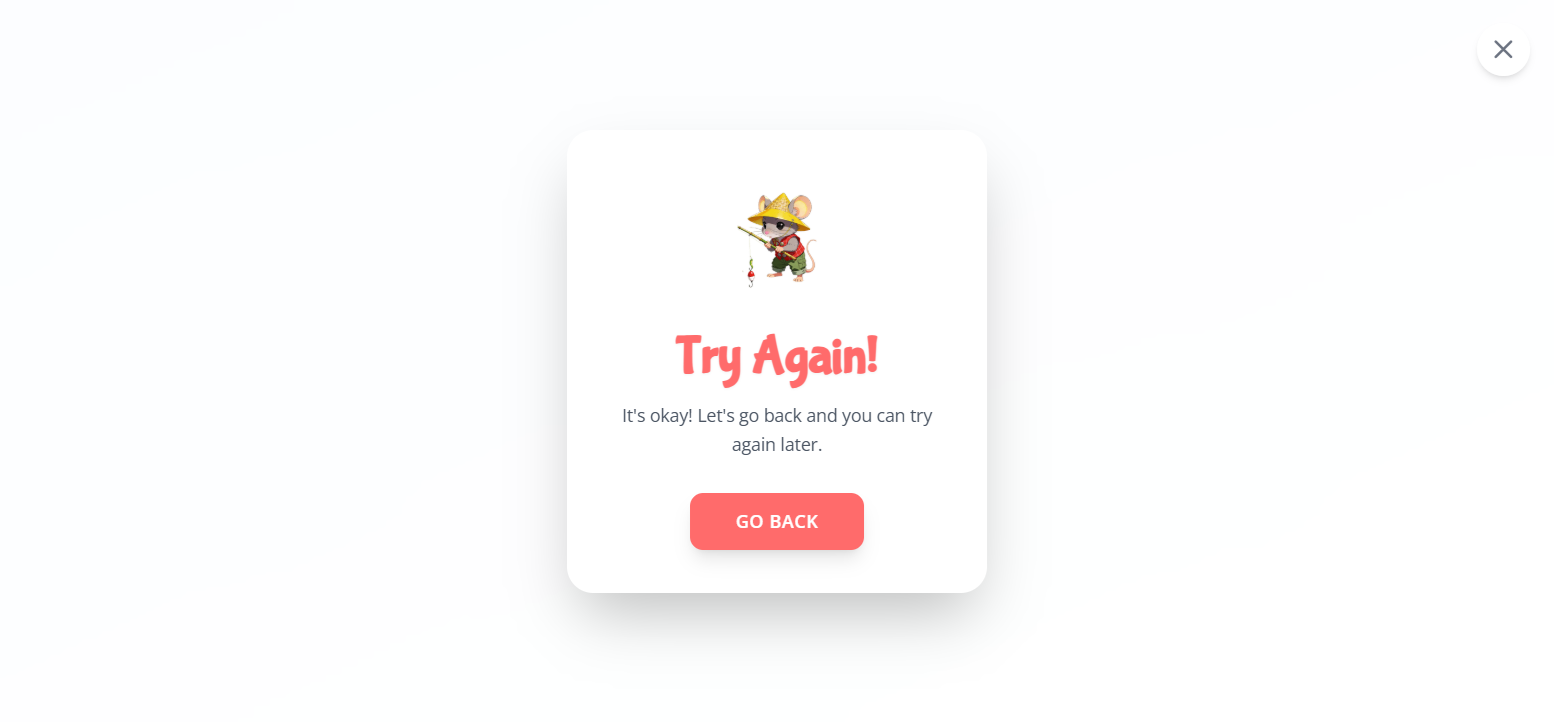
Each lesson has time limits, if time gets over, there will be Try Again Page
Inspiration:
I wanted to test all the possiblities of making a full-fledged Website with Vibe-coding only. So, I created this E-Learning app.
What it does:
It's an e-learning app that teaches English with gamified lessons. Kids create art, and stories with Gemini, making learning an adventure.
How I built it:
Built with Angular & Tailwind. The magic comes from Google's Gemini API, using Gemini 3 Flash Preview, Imagen for art generator, Veo for video, and grounded search for stories, chat option for kids to talk with their favourite character. I started with initial wireframe, describing about how I want my UI Design for this app. I was very specific about the Color, Typography and Core Layout. As we move ahead I defined Interaction and Gamification Elements. I have used CDN links for icons and illustrations used in the app to keep the load time low. Illustrations has been generated using Seedance and NanoBanana Pro. For generating videos I have used Veo3.1. For Sound Design and Poems I have used Eleven labs & Suno AI. After getting UI Design, I moved towards UX Strategy and UI Animation using GSAP plugins/effects.
Challenges I ran into:
My biggest challenge was integrating complex game logic and multi-step Gemini API calls without crashes. I solved this by using Angular signals, I clearly explained the errors happening in the app to the Chat bot (Google AI Studio) sometimes I used Annotate app option that was helpful in clearly explaining the issue.
Accomplishments that we're proud of:
The "Art Room" workflow, where a child's words become art, and a character they can chat with. It’s a truly magical and innovative feature. Places Explore Page also using Real-Time location feature helps students in getting their personlised stories.
What we learned:
How to optimize UI animations with GSAP, this is the most magical thing I learned while making this web application.
What's next for KinderLearn English:
I'll add more lessons, personalized learning paths. We also plan to expand this into more diversified and digitalised gaming classroom activites.
KeyFeatures of the app:
Splash Screen: A vibrant loading screen that pre-loads all app assets.
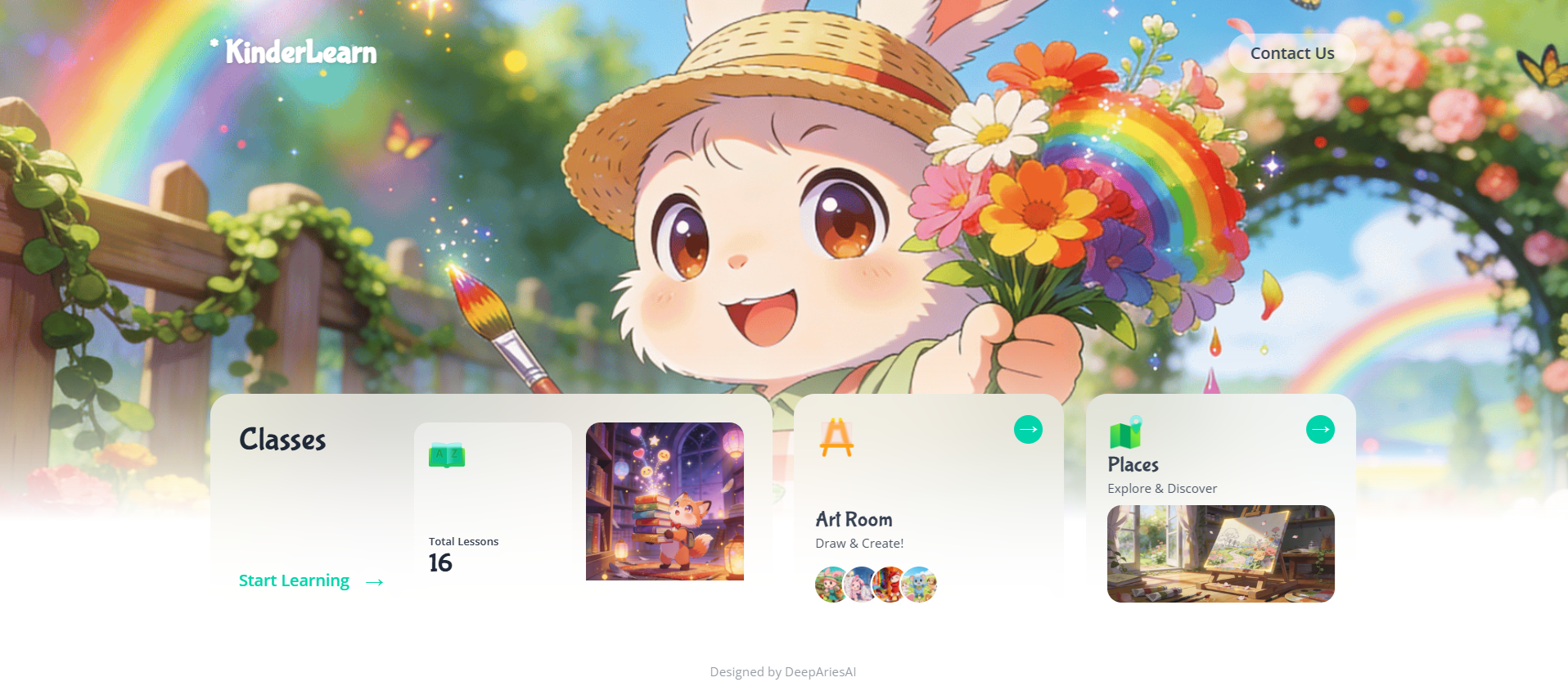
Intro Page: The main hub offering three core adventures: structured 'Classes', creative 'Art Room', and real-world 'Places Explorer'. Features a beautiful, interactive 3D parallax design.
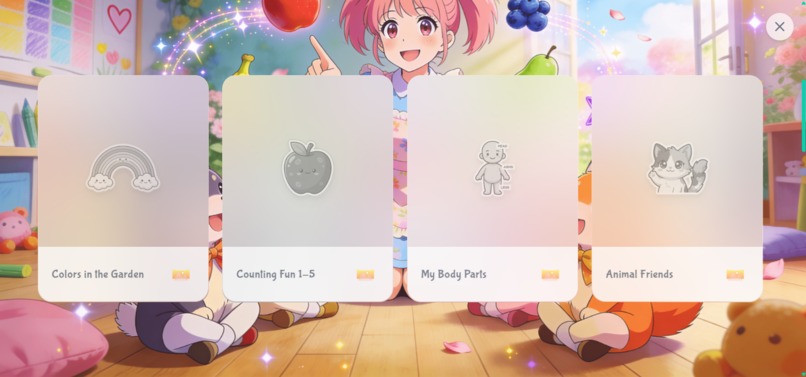
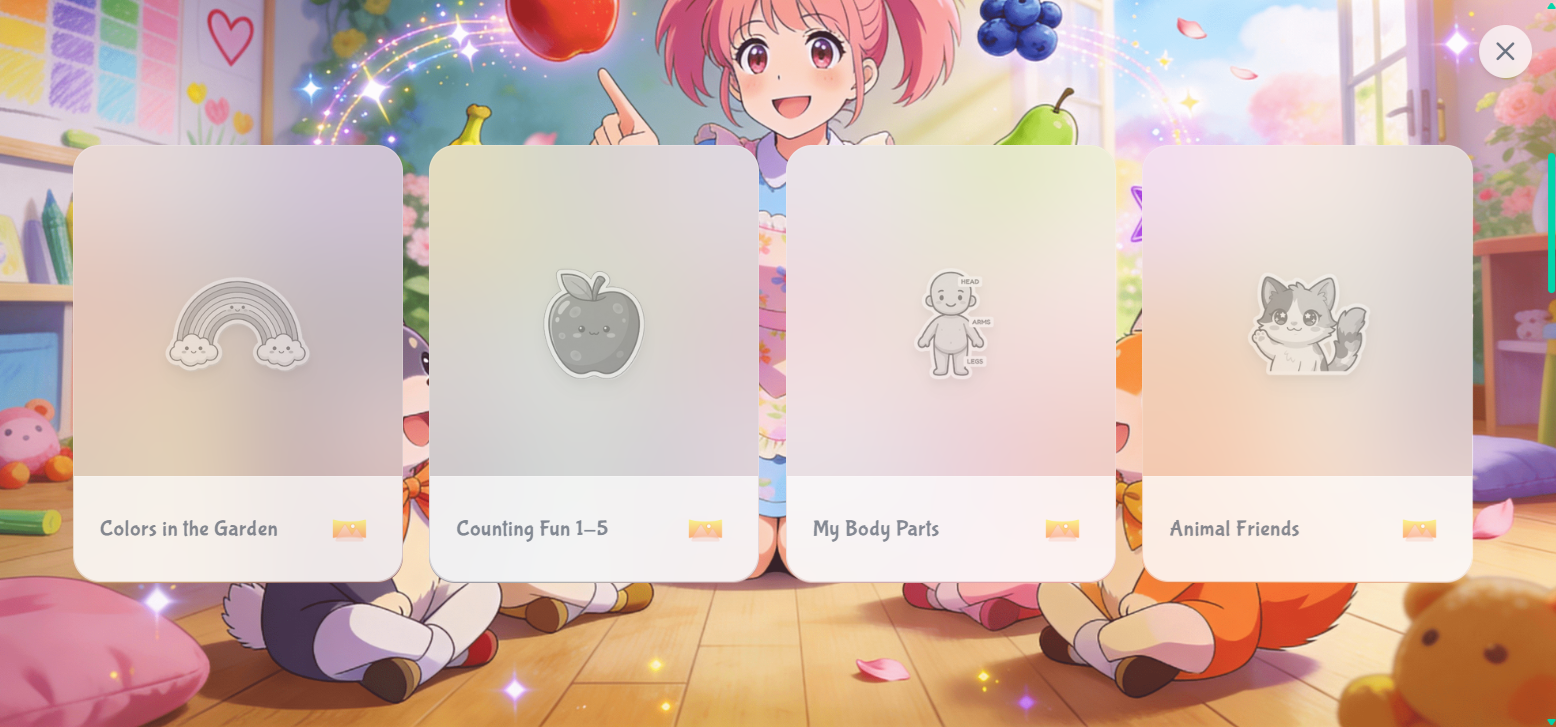
Dashboard: Browse and select from 16 gamified lessons organized by theme. Track progress with stars and see which fun stickers are unlocked for each topic inside Sticker Book.
Lesson View: The interactive classroom where kids play mini-games like flashcards, sorting, and tracing. Each game is designed to teach specific English words in a fun, engaging way.
Lesson Finished: A celebration screen that appears after a lesson is completed. Kids collect a unique sticker, get fun facts from an AI mascot, and choose to start the next lesson or go back.
Certificate: The final reward! After completing all lessons, kids can enter their name to generate a personalized, printable Certificate of Completion to celebrate their amazing achievement.
Audio Jingles: An in-app music player featuring a collection of original, educational poems and songs. Kids can listen to jingles that reinforce concepts learned in the lessons.
Sticker Book: A beautifully designed digital album showcasing all the stickers earned from completing lessons. Users can scroll through their collection and see which lessons they've mastered.
Sticker Scene: A creative canvas where collected stickers become prompts for Gemini. Kids arrange stickers and generate a brand-new, magical illustration and story based on their creation.
Places Explorer: Connects learning to the real world. Search for nearby parks or museums and get a unique, educational story about that location, dynamically generated by AI with Google Search.
Art Room: A magical studio powered by Gemini. Kids turn their words into stunning anime-style art, and then have a real-time conversation with their creation.
Idea Lab: A creative prompt generator for the Art Room. Spin the 'Magic Word Mixer' wheels to combine adjectives, nouns, and actions into a fun, unique idea for a new piece of art.
Specific Gemini features used in this app:
NanoBanana: create new illustrations on ArtRoom and Sticker Scene Page.
Google Map Data: provide real-time information about places.
Gemini Intelligence: generates a unique, educational story about a searched location.
AI powered Chatbot: Kids can chat with their favourite character they have created.
Generate speech: provide audio navigation for users, throughout the app.


Log in or sign up for Devpost to join the conversation.