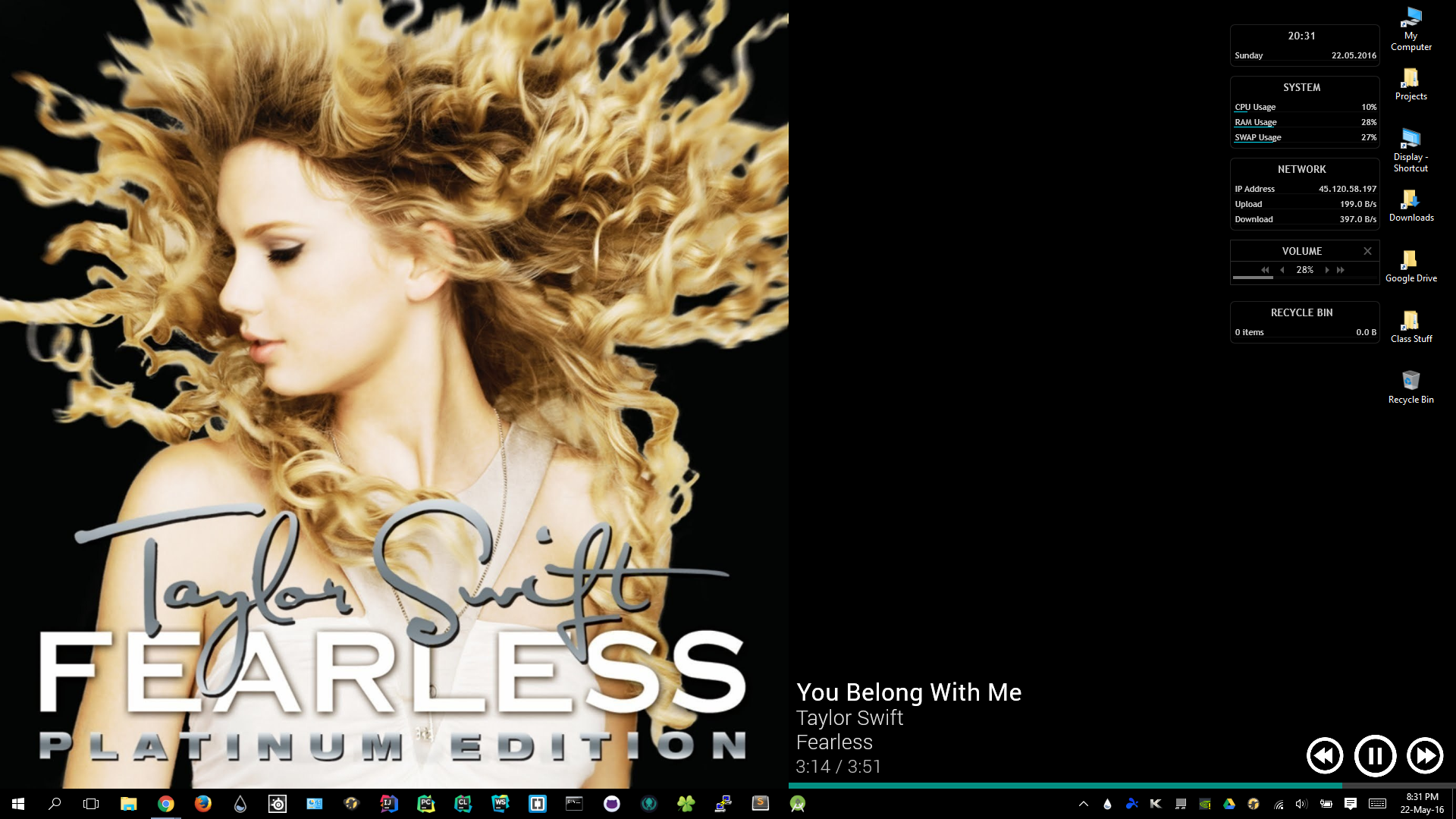
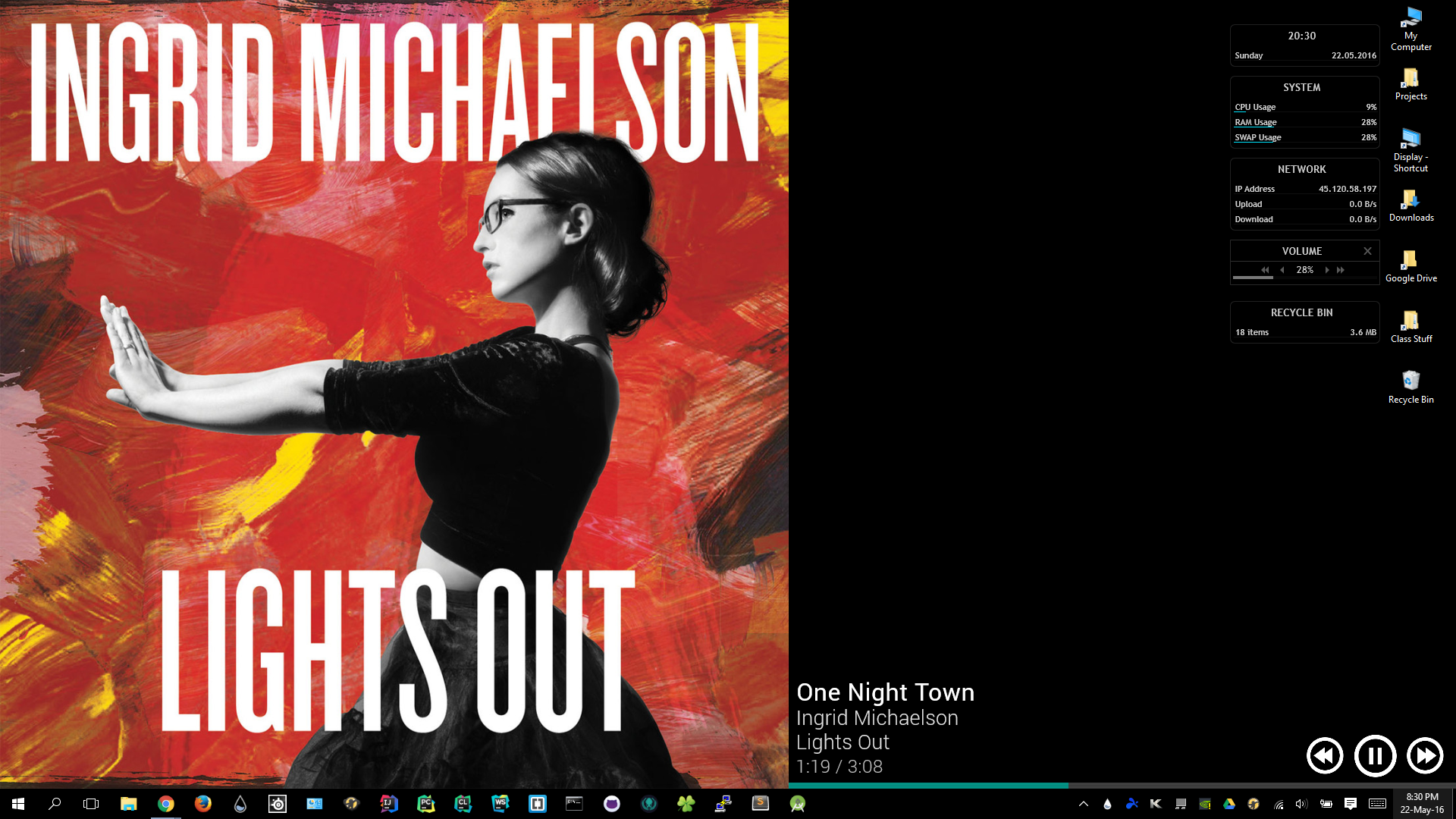
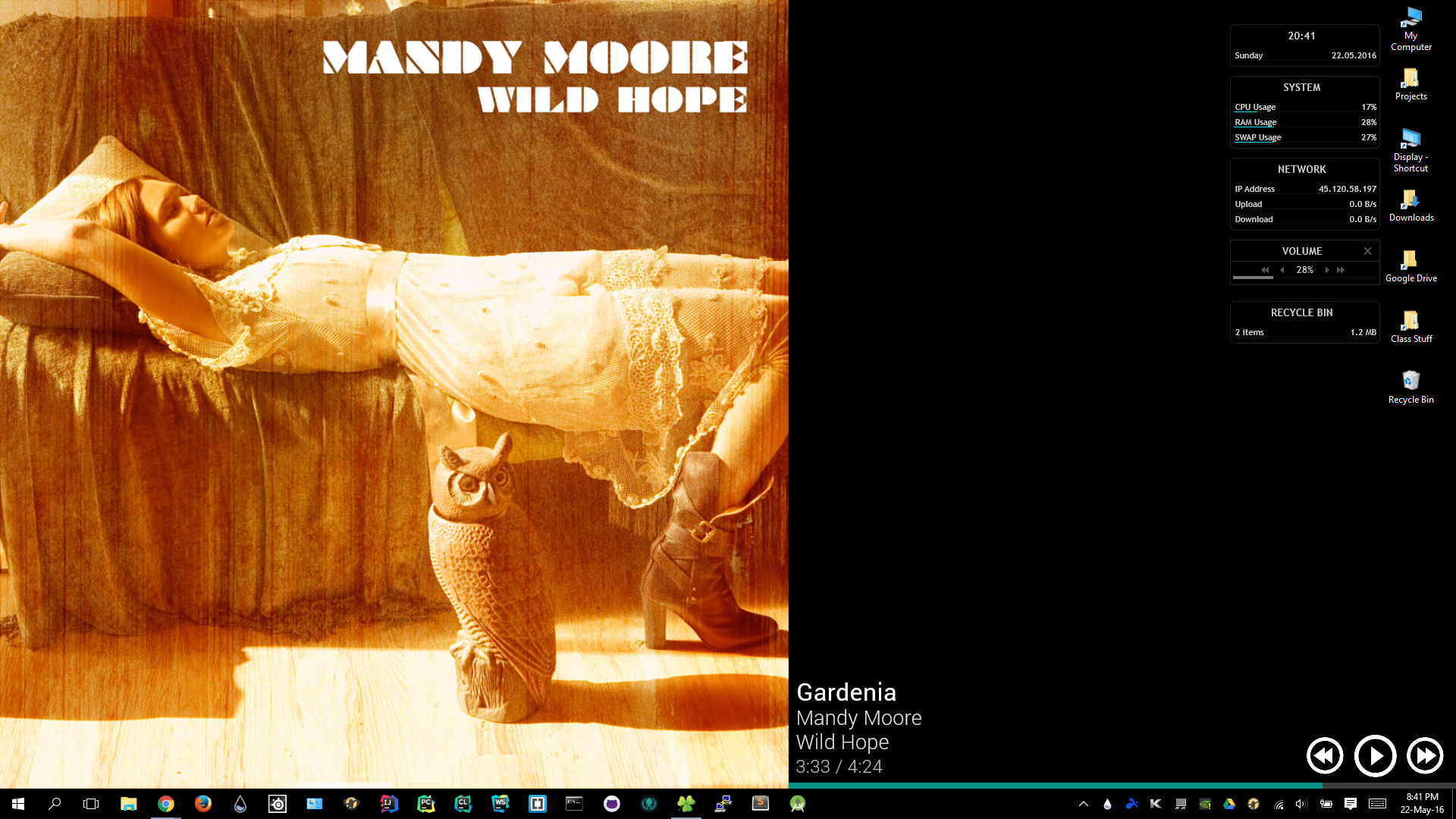
Simple Player
A suite of Rainmeter skins that function as music players for one's desktop.
Sources: Download Rainmeter for windows: http://rainmeter.net/
Material Player for Rainmeter: http://sanityvampire.deviantart.com/art/Material-Player-for-Rainmeter-521968689
Note: Simple Player is an extension of Material Player, with similar functionality, but more sizes and flexiblity
Google Material Design Resources: https://design.google.com/resources/
Note: Though not all of the icons are taken from Google's material design resources, some are modified versions of those provided by Google
By default, the skins are set for use with Mediamonkey: http://www.mediamonkey.com/
In order to view list of supported players, as well as learn how to change the skins' music player, one should go to Rainmeter's 'NowPlaying' plugin documentation: http://docs.rainmeter.net/manual/plugins/nowplaying
Folders: Note: Only one skin from each Folder is intended to be loaded at a time
@resources: Resource folder; does not contain any skins
Standard: Contains regular music players that are intended to remain on the user's desktop
Taskbar: Contains skins that are intended for use on the user's taskbar. These skins are intended for use with 1920x1080 displays and as such, they are 40 pixels high and 340 pixels wide These skins positions should be set to 'Stay topmost' so as to not get hidden behind the taskbar
Wallpaper Replacements: Contains skins that are intended to replace 1920x1080 wallpapers It is HIGHLY recommended that these skins are set to 'click through' with position 'on desktop'
Desktop Controls: Contains skins intended to be used alongside those found in 'Wallpaper Replacements' on 1920x1080 displays Position should be set to 'on desktop' These should NOT be set to 'click through' or the buttons will not work These should only be loaded after the wallpaper replacement skin, or they will not stay above the wallpaper replacement skin on the desktop
Built With
- rainmeter

Log in or sign up for Devpost to join the conversation.