DEMO INSTRUCTIONS
Please go to the share.appgyver.com link provided below. HIGHLY RECOMMENDED to download scanner application to demo app natively. Simulator not a great choice due to lack of a touchscreen, which really hurts the flow and navigation around the app. FareShare is compatible with iOS and Android Operating Systems.
Inspiration
Students are always looking to split cabs to and from airports and campus events to save money. Currently, the method of finding other students is posting ahead of time on various Facebook groups, and that is mostly limited to rides to airports. FareShare streamlines the matchmaking process, and allows students to save money in numerous ride sharing scenarios.
How it works
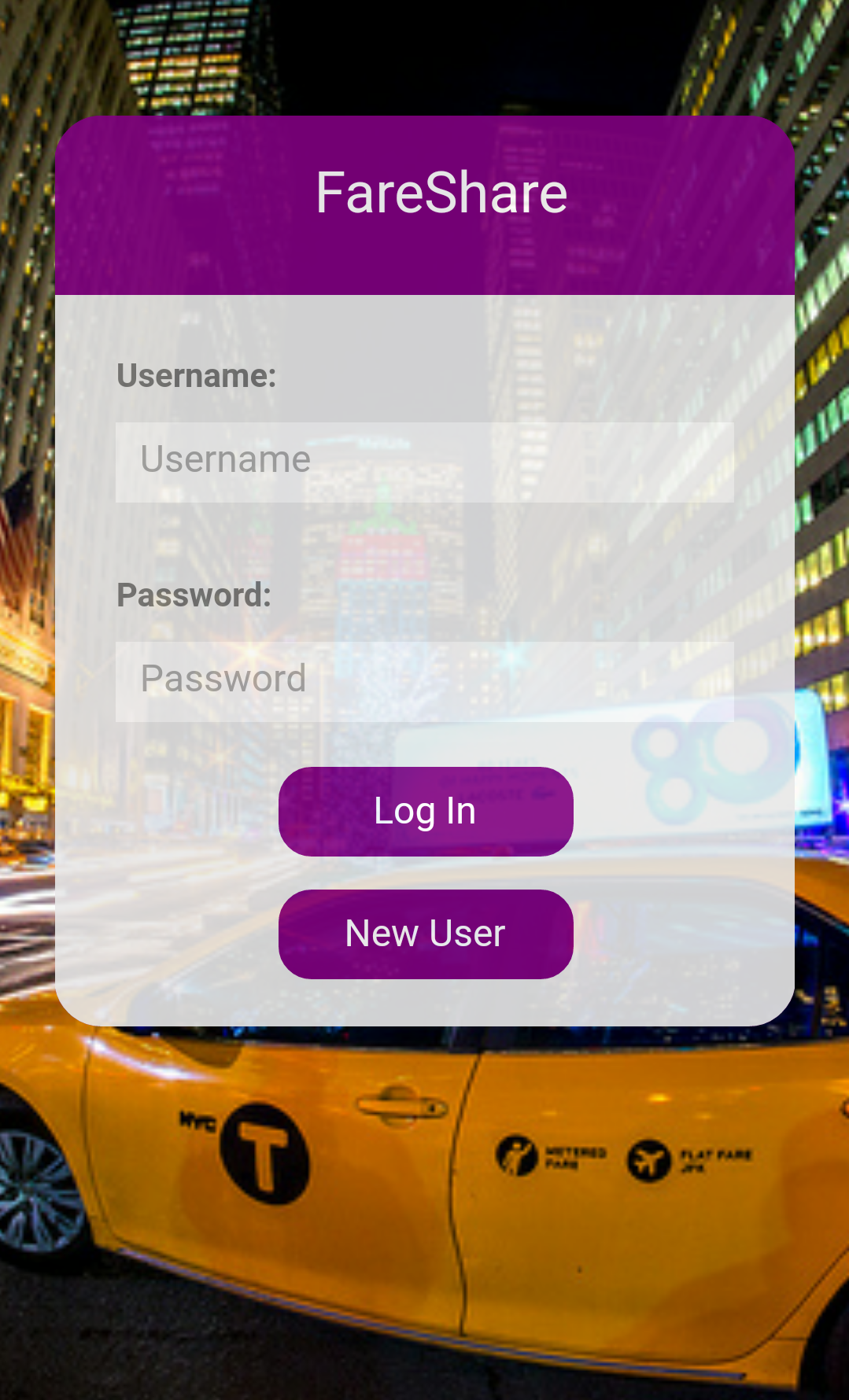
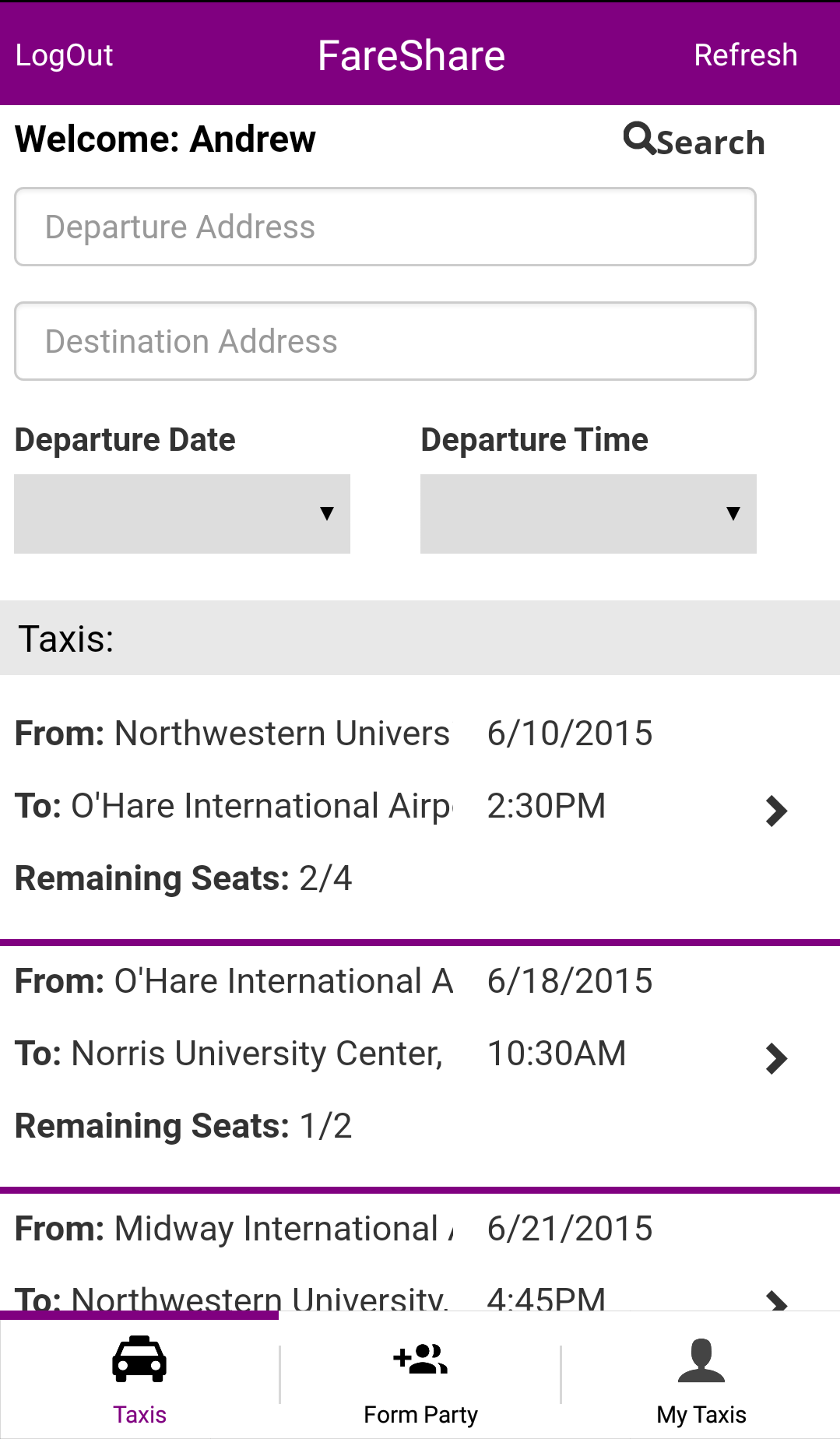
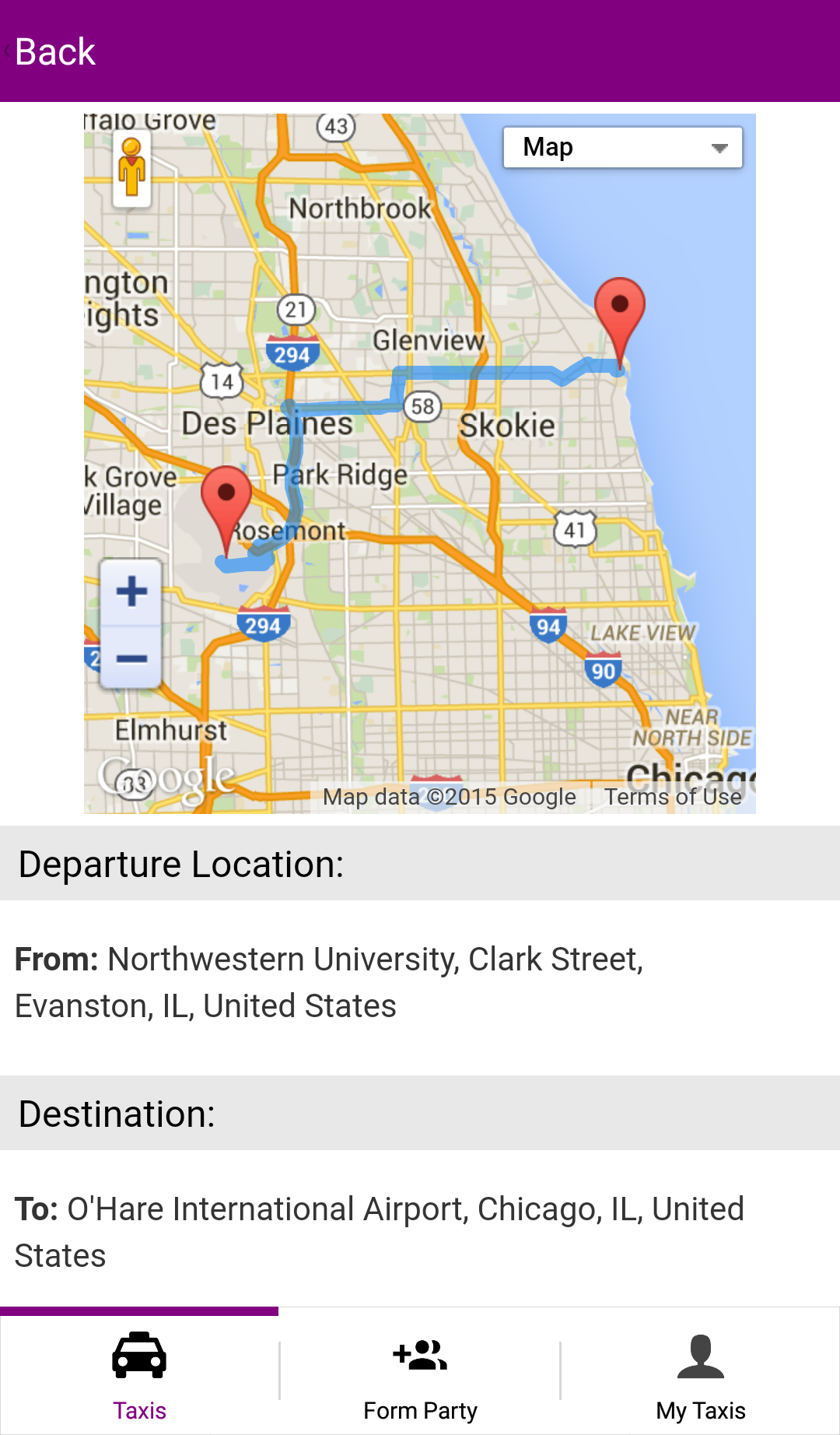
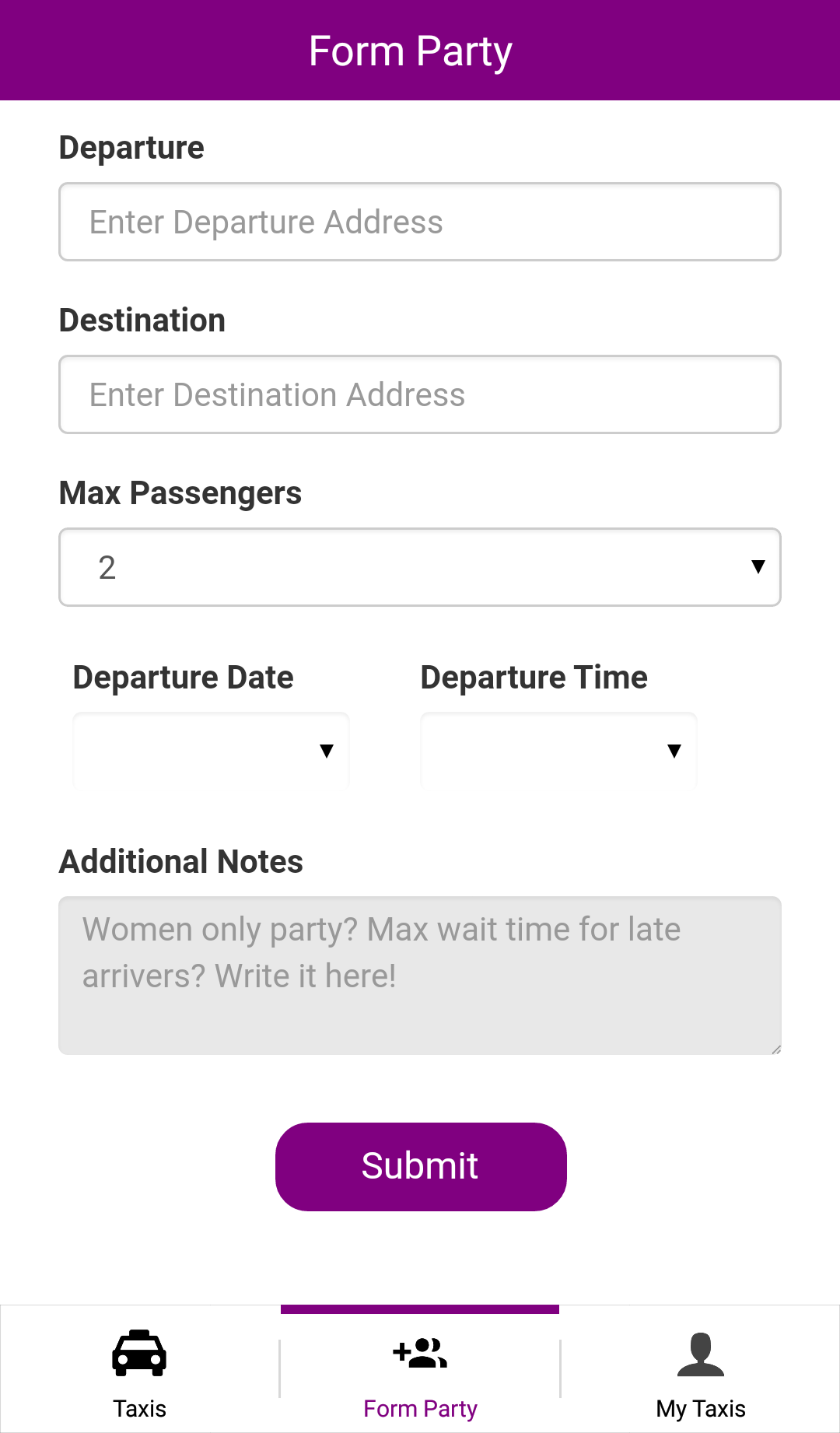
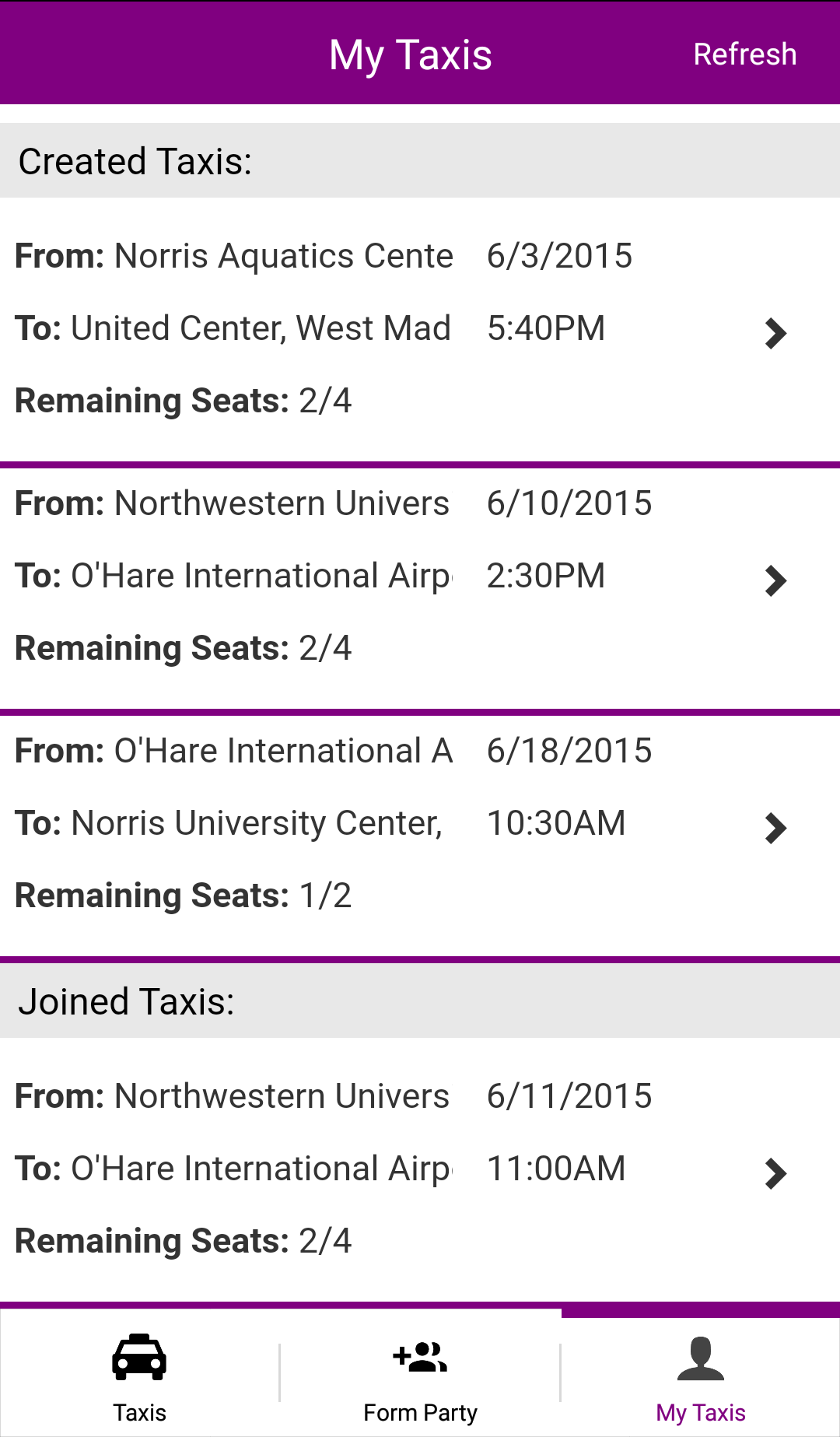
Create an account. Look for rides on the home screen that potentially fit your needs using the "search" function. If nothing matches what you're looking for, create your own party in the "Form Party" tab. After creating or joining a taxi, view your rides under the "My Taxi" tab.
Challenges we ran into
Asynchronous Javascript was so hard to debug! Lots of race conditions and edge cases to clear up, hopefully it runs smoothly for the demo :)
What we learned
This is our first hybrid application, so learning the Appgyver/Supersonic framework was very interesting. We're probably much better debuggers now too!
What's next for FareShare
FareShare has been through lots of testing and is currently compatible for both iOS and Android. The next step is to deploy FareShare to the App Store and Google Play Store for students to download. Features such as in-app communication, push notifications, and incorporation with the Uber API may be added in future iterations of the app. We are extremely excited to share FareShare with Northwestern's student body!
Built With
- android
- angular.js
- appgyver
- css
- google-maps
- html5
- ios
- javascript
- parse
- supersonic


Log in or sign up for Devpost to join the conversation.